How to build a print on demand website you actually own (2026 guide)
Search “print on demand website” and you will find Printful, Printify, Amazon Merch, and a dozen roundups ranking platforms. Every result assumes the same thing: you want to sign up for someone else’s system. That assumption costs you more than you realize. A print on demand website is not a platform you join. It is a store you build and own. This guide covers what that looks like, what it costs, and how automation has changed the math on whether it makes sense for your business.
What most people mean when they search “print on demand website” (and why it limits them)

The top results for “print on demand website” are platform homepages. Printful shows you 1,300 products and a free signup. Printify shows you a similar pitch. Amazon Merch on Demand shows you a royalty page. One list article rounds up “the 14 best POD sites.” Every single result treats your question as a request to find a platform.
That framing is not wrong, exactly. Most people searching this term do want to find a place to upload designs and start selling. But it hides a more useful question: what is the difference between using a print on demand platform and building a print on demand website you actually control?
The answer shapes your revenue, your margin, your customer data, and your long-term options. Platforms are easy to join and slow to grow on. An owned store is harder to set up but gives you something that compounds.
When you sell on a platform’s marketplace, the platform owns the customer relationship. They have the email address. They surface your product alongside competitors. They can change fee structures, delist products, or shut down. When you sell through your own store, you own the relationship. Every order lands in your email list. Every SEO win lives on your domain.
Most POD sellers never confront this distinction until they have been on a platform for 12 months and realize they have not built anything they can take with them.
The two models: use a POD platform or build and own your store

There are two distinct ways to build a print on demand business. Understanding both will help you pick the right path for where you are today.
Model 1: Platform-hosted POD
You create a Shopify store or list on a marketplace, connect Printful or Printify as your fulfillment backend, and sell through that hosted environment. Shopify provides your storefront. The print partner handles production and shipping. You pay Shopify’s monthly subscription, transaction fees, and app costs on top of the base product cost.
This model is fast to launch. You can have products live in a day. The trade-off is cost and control. At $10,000 per month in POD revenue, Shopify’s fees alone can run $500 to $800 before your print partner charges. Those numbers get worse as you scale.
Model 2: Self-hosted owned store
You host WordPress yourself, install WooCommerce, and connect Printful or Printify via their official plugins. Your domain, your database, your customer list. The print partner still handles production and shipping. Your overhead is hosting costs, not platform fees.
This model requires more setup time upfront. It also requires you to handle SEO and traffic yourself rather than leveraging a marketplace’s built-in audience. But the economics over 12 to 24 months are substantially better. The real numbers on WooCommerce versus Shopify for POD sellers show a clear advantage once you cross about $3,000 per month in revenue.
There is no universally correct model. The right one depends on your volume, your technical comfort, and your time horizon. This guide focuses on Model 2 for sellers who want to build something they own.
What your own print on demand website looks like: WooCommerce + Printful or Printify
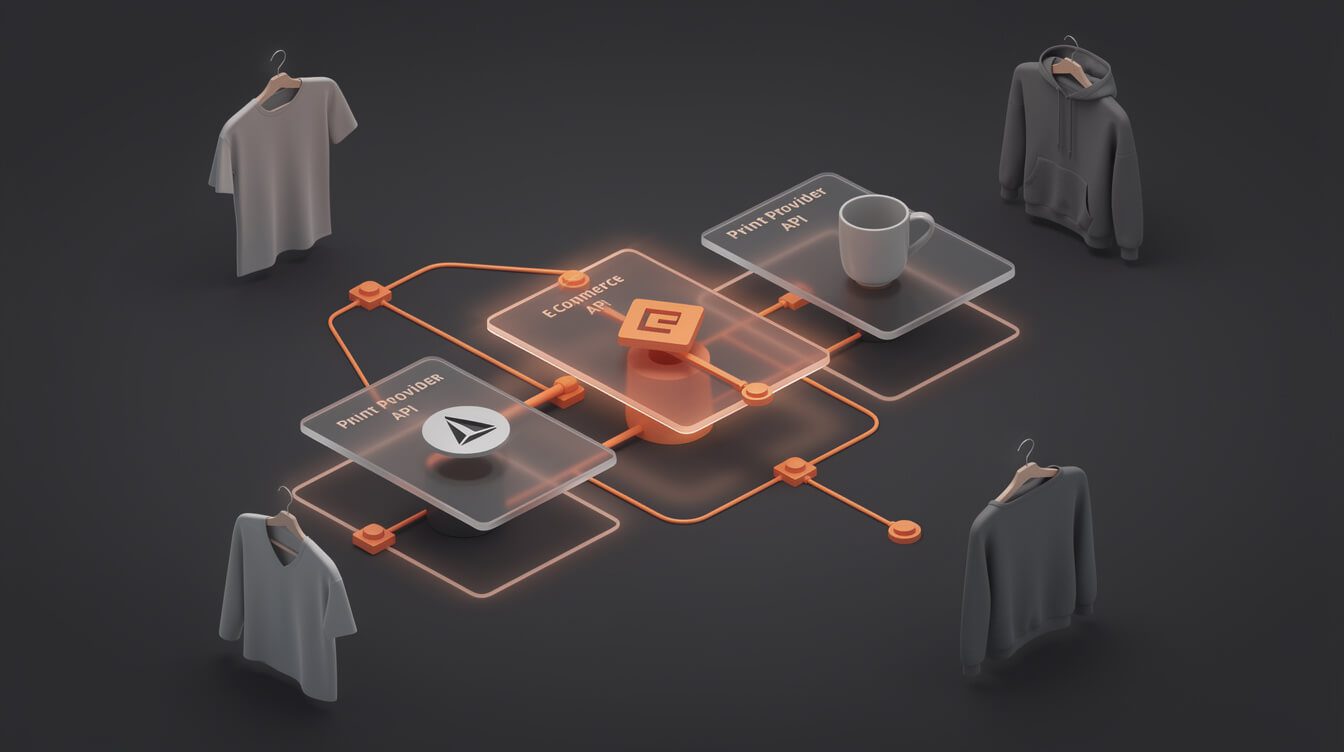
The technical stack for an owned print on demand website has three layers: your store, your payment processing, and your print fulfillment backend. Here is how they fit together.
Layer 1: WordPress and WooCommerce (your store)
WordPress is free and runs approximately 43% of the web. WooCommerce is also free and adds product catalog, cart, checkout, and order management on top of WordPress. Together they give you a full e-commerce system with no monthly platform fee. You pay for hosting only.
A managed WordPress host like SiteGround, Cloudways, or WP Engine costs $15 to $50 per month depending on traffic. That is your fixed cost floor. Compare that to Shopify at $79 to $399 per month before transaction fees.
Layer 2: Payment processing
Stripe and PayPal connect to WooCommerce via free plugins. Both charge 2.9% plus $0.30 per transaction, with no additional platform override. Shopify charges the same processing rate plus its own transaction fee (0.5% to 2% depending on your Shopify plan) on top. That Shopify override is pure cost with no offsetting value.
Layer 3: Print fulfillment (Printful or Printify)
Both Printful and Printify have official WooCommerce plugins. You install the plugin, connect your account, and your store is linked. When a customer places an order, WooCommerce passes the order details to your print partner automatically. They print, pack, and ship directly to your customer. You never touch the product.
The integration is straightforward. Printful’s WooCommerce plugin syncs products in both directions: products you create in Printful appear in WooCommerce, and orders placed in WooCommerce sync to Printful for fulfillment. Printify works similarly, with their own variant of the same architecture.
How an order flows
Customer visits your store. Adds a hoodie to cart. Checks out via Stripe. WooCommerce records the order. Printful receives the order via API. Printful prints the hoodie and ships it with your branding. WooCommerce updates the order status when tracking is available. You never touch the product. Your customer receives it within the stated production window.
The economics: what you keep per sale on a platform vs. your own store

Smash print-on-demand. Join the engine room.
One short email a week. Real numbers, real teardowns, the unfiltered economics behind every move.

The economics are where the owned store model wins decisively. Let us work through a concrete example.
A $30 hoodie sold on Shopify with Printful
- Retail price: $30.00
- Printful base cost: $14.50
- Gross margin before platform fees: $15.50
- Shopify Basic plan cost (amortized per order at 100 orders/month): $0.29
- Shopify transaction fee (0.5% on Basic plan if using Shopify Payments): $0.15
- Payment processing (2.9% + $0.30): $1.17
- Net per sale: roughly $13.89
That looks reasonable until you start scaling and hit Shopify’s app fees. Most sellers add 3 to 5 apps for reviews, email, upsells, and analytics. Those apps run $15 to $60 per month each. At five apps averaging $30, you are spending $150 per month before your first order.
The same $30 hoodie on WooCommerce with Printful
- Retail price: $30.00
- Printful base cost: $14.50
- Gross margin before fees: $15.50
- Hosting cost (amortized per order at 100 orders/month): $0.20
- Payment processing (2.9% + $0.30, Stripe): $1.17
- Net per sale: roughly $14.13
The per-order difference is small. The fixed cost difference is significant. WooCommerce plus hosting runs $15 to $25 per month. Shopify plus apps runs $150 to $300 per month for a mature store. At 100 orders per month, that difference compounds to $1,500 to $3,000 per year in costs that do not touch your actual products.
The Shopify math gets worse as you scale. At $20,000 per month in POD revenue, the Shopify platform tax can exceed $2,500 per month. WooCommerce costs stay flat because they are infrastructure, not a percentage of your revenue.
The case for an owned print on demand website is economic before it is philosophical. If you intend to build a real business, the owned store model keeps more of your revenue per sale, permanently.
If you are currently selling on Etsy, the calculus is similar. Understanding what Etsy’s fees actually cost you and when it makes sense to migrate to WooCommerce is worth working through before you invest more in building out an Etsy presence.
What it takes to build a print on demand website from scratch
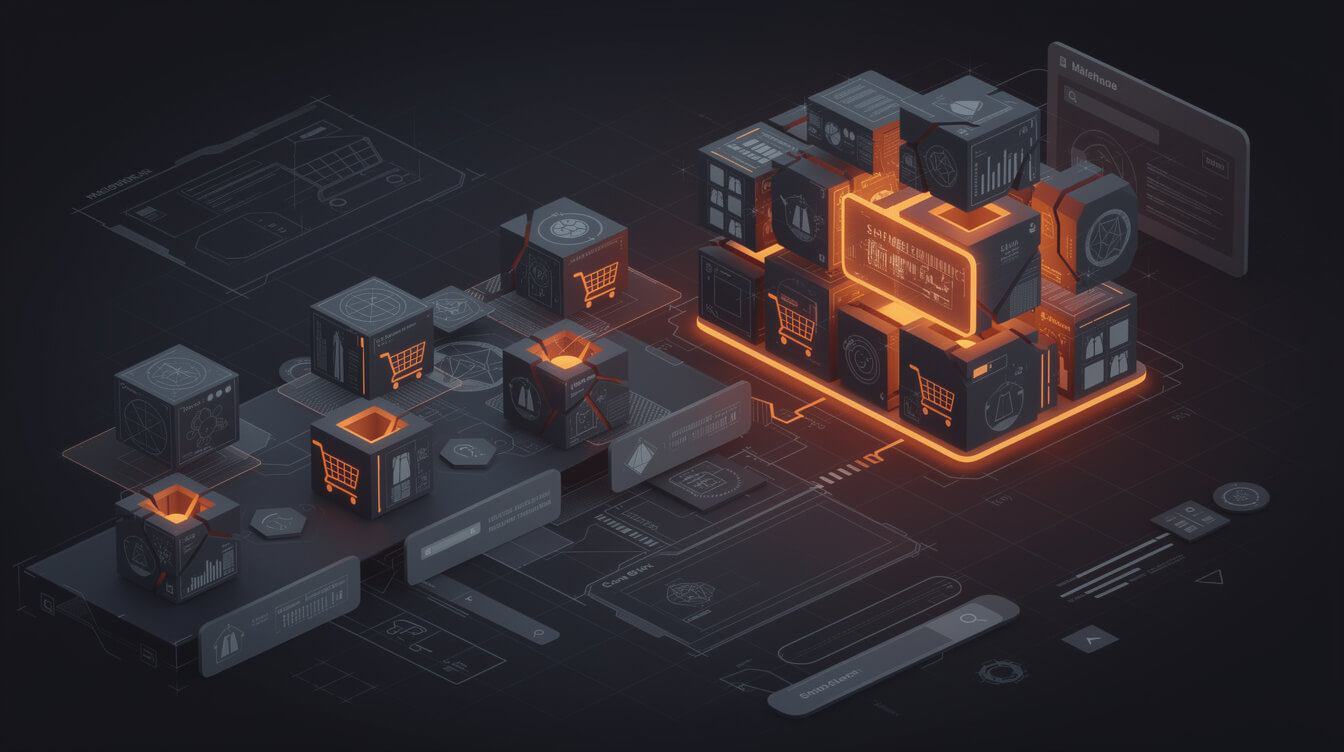
Here is what goes into standing up a WooCommerce POD store. None of this is technically difficult. It is all documented and well-supported. The work is mainly in setup and product creation.
Domain and hosting
Register a domain through Namecheap or Google Domains. Cost: $10 to $15 per year. Choose a managed WordPress host. Cloudways (starting at $14/month), SiteGround (starting at $19/month), and WP Engine (starting at $25/month) are all reliable choices. Install WordPress through your host’s one-click installer. This is a 30-minute task.
WooCommerce setup
Install WooCommerce from the WordPress plugin directory. Run through the setup wizard: currency, shipping, payment methods. Connect Stripe via the WooCommerce Stripe plugin. Choose a theme. Kadence (free) or Astra (free) both work well for WooCommerce stores without requiring paid subscriptions. Setup time: 2 to 4 hours.
Printful or Printify integration
Install the Printful or Printify WooCommerce plugin. Connect your account via API key. The plugin walks you through the connection. Once connected, products you create in your print partner’s dashboard sync to WooCommerce automatically. Integration time: 30 to 60 minutes.
Product creation
This is where the real time investment lives. Each product needs a design, a mockup, a title, a description, SEO metadata, and correct sizing options. Doing this manually for 20 products takes a full day. Doing it for 100 products takes a week. The unit economics of a POD business depend on product depth, which means this is not a one-time task.
For sellers adding products from an existing business with a merch revenue stream, product creation is manageable. For sellers building a standalone POD store, throughput is the core constraint.
SEO and traffic
Your owned store will not have the Etsy or Amazon audience ready-made. Traffic comes from Google (organic SEO), Pinterest, direct social, and email. Installing RankMath (free) gives you solid SEO tooling without a monthly subscription. Expect 3 to 6 months before organic traffic begins to move if you are publishing regularly.
Why automation changes the build-vs-buy equation at scale

The argument against building your own POD website used to be simple: too much manual work for too little payoff at low volumes. That argument has weakened significantly as automation tools have matured.
The manual workflow for one POD product looks like this: research a niche, generate a design concept, create the design in Canva or Photoshop, upload to Printful, generate mockups, write a title, write a description, fill in SEO fields, set pricing, publish. On a good day, one experienced person can do 8 to 10 products this way.
At that rate, building a 100-product catalog takes 2 weeks of focused effort. Most people do not have that window. So stores stay small, products stay generic, and the owned store advantage never compounds.
Automation breaks that bottleneck. MEGA handles the entire research-to-product pipeline end-to-end: niche research, AI image generation, sizing, cropping, mockup creation, title writing, SEO description, and full product listing on both Printful and WooCommerce. The time from niche idea to live product listing is under seven minutes. At that throughput, building a 100-product catalog is a single afternoon, not two weeks.
That shift changes the build-vs-buy math. If manually creating products takes 30 hours and you value your time at $50/hour, that is $1,500 in opportunity cost before your first sale. Automation brings that to under $50 in tool costs. The owned store setup cost becomes trivial relative to the margin advantage it delivers over 12 months.
The checklist: is building your own POD website right for you?
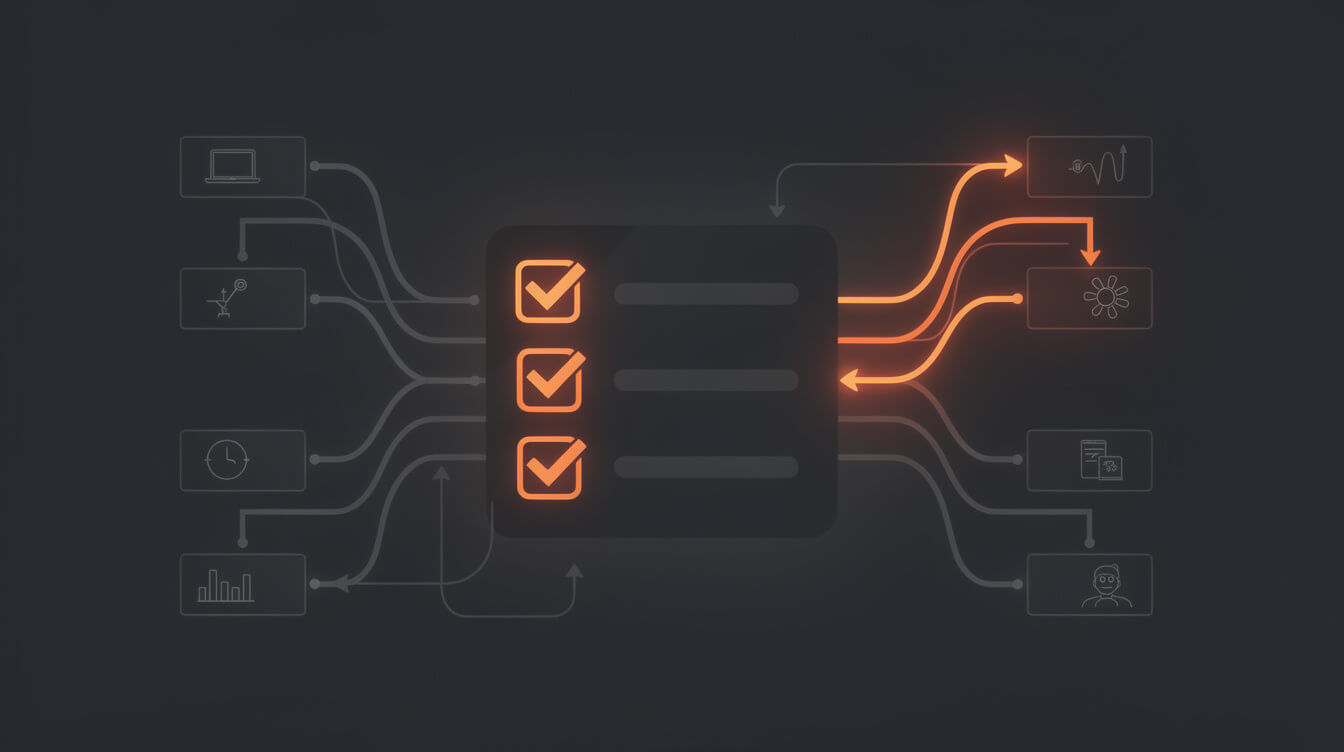
Not every seller should build their own POD website today. Here is an honest framework for where you are in your business.
Build your own store if:
- You are selling 20 or more orders per month on any platform. At this volume, the platform tax becomes meaningful and WooCommerce’s fixed costs look cheap.
- You have a defined niche with repeat purchase potential. Owned stores compound through email lists and returning customers. Niche audiences build faster.
- You want to own your customer data. Every email captured through your own WooCommerce store is yours. On Etsy or a hosted marketplace, it is not.
- You are willing to invest 6 to 8 hours in setup. The one-time investment pays back quickly if you are generating consistent volume.
- You are using or considering automation tools. Automation amplifies the owned store advantage by removing the manual product creation bottleneck.
Wait before building if:
- You have fewer than 10 sales per month. Validate your niche on a platform first. The feedback loop is faster and the setup cost is zero.
- You have not yet identified a niche. Building a generic POD store without a defined audience is expensive in time. Platforms let you test before you commit.
- You have no bandwidth for SEO or content marketing. An owned store without traffic is an empty store. Traffic does not appear automatically when you leave Etsy.
Frequently asked questions
Can I run WooCommerce and a marketplace at the same time? Yes. Many sellers use Etsy or Amazon to test new designs, then migrate their best performers to WooCommerce once the product is validated. The two channels are not mutually exclusive.
Do I need technical skills to set up WooCommerce? No. The setup involves installing plugins through a web interface, not writing code. If you can use Squarespace or Wix, you can set up WooCommerce.
Will Printful work with WooCommerce? Yes. Both Printful and Printify have official WooCommerce plugins with active support teams. The integration is one of the most documented setups in the WooCommerce ecosystem.
How long before my own store gets traffic? Organic SEO takes 3 to 6 months to build, assuming you are publishing content regularly. Pinterest and direct social can drive traffic faster. Email from your first customers starts compounding immediately if you collect it at checkout.
The case for building your own print on demand website is clearest when you treat it as an infrastructure decision rather than a feature decision. Platforms are optimized for fast starts. Owned stores are optimized for sustainable margin and long-term control. The right question is not “which is better” but “which matches my stage and goals right now.” If you are past the testing phase and selling consistently, the owned store model is almost certainly the better long-term bet. The setup cost is low, the fee savings compound every month, and automation has removed the main operational argument for staying on a platform.

Implement AI. 30x your throughput. Get a 30-min call with the founder.
Drop your details and book a free 30-minute discovery call. Personalized advice on your POD stack, your margin, and where AI fits. No pitch, no fluff.