Printify Pop-Up Store: what it is, what it can’t do, and when to move to your own store
If you have spent any time in print-on-demand communities, you have seen Printify Pop-Up Store mentioned as the fastest way to start selling. It takes about 20 minutes to set up. It costs nothing. You can have a live storefront before your coffee goes cold. For a specific type of seller at a specific stage, printify pop-up stores solve a real problem. But there is a ceiling built into the model that Printify does not put in the headline, and understanding that ceiling determines whether Pop-Up Store is the right tool or a trap.
This post covers what Pop-Up Store actually is under the hood, who it genuinely serves, the ownership and SEO problems that come with it, and the concrete signals that tell you it is time to move to a store you actually own.
What Printify Pop-Up Store actually is (and what Printify doesn’t tell you)
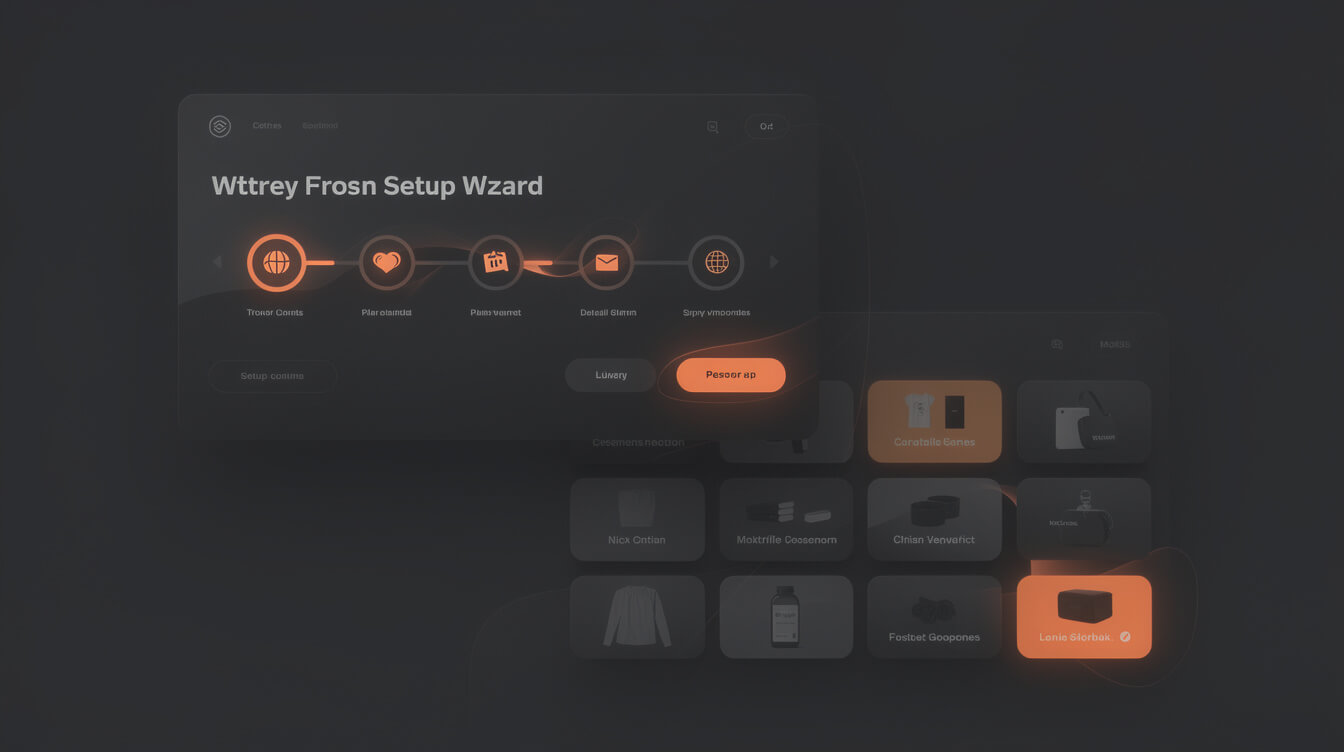
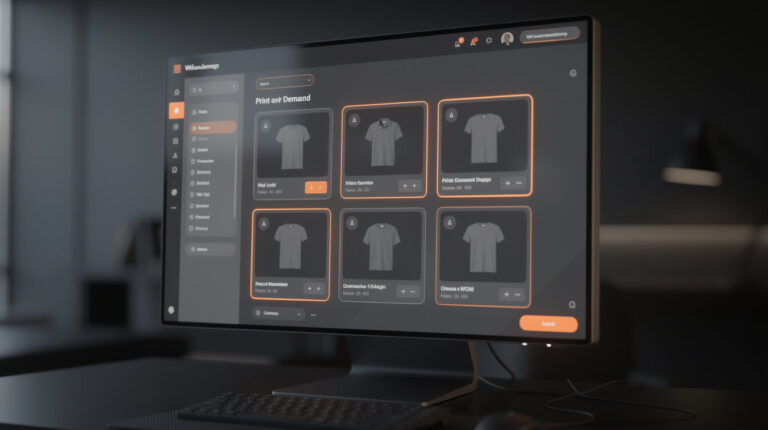
Printify Pop-Up Store is a hosted storefront that lives on a yourname.printify.me subdomain. You log into your Printify account, pick products from your catalog, set prices, and the store is live. There is no hosting to buy, no WordPress to install, no payment gateway to configure.
Here is the part that gets less attention: Printify processes the payments. When a customer buys from your Pop-Up Store, they pay Printify. Printify handles fulfillment, ships the order, manages returns, and provides customer support for that transaction. Your share of the revenue gets transferred to you after the sale clears.
That structure matters more than it sounds. You are not running a store. You are running a product listing inside Printify’s infrastructure, and Printify is the merchant of record.
A few technical details worth knowing:
- URL format:
[store-name].printify.me. A custom domain option exists but routes through Printify’s system regardless. - Eligibility: Available to accounts in supported countries. Printify reserves the right to restrict or suspend stores that violate its policies.
- Inventory: Products must be created in Printify first. Pop-Up Store is a display layer on top of your existing Printify products.
- Fees: No monthly fee and no transaction fee from Printify. You set your markup; Printify takes the base product cost.
None of this is hidden. But the downstream consequences of that payment-handling arrangement are rarely spelled out in beginner guides. We will get to those in the next section.
Who it’s built for: the legitimate use case for beginners

Let us give Pop-Up Store its fair credit. There is a real use case, and dismissing it entirely misses the point.
Pop-Up Store is the right tool when you are in the idea-validation phase. You have a niche concept. You want to know if anyone will pay for it. You do not want to spend $200 on hosting, domain, and WooCommerce setup before you have made a single sale.
The legitimate use case looks like this:
- You have 5 to 10 product designs for a specific niche.
- You want to post the link on Reddit, in a Facebook group, or to your existing social following.
- You want to see if money moves before you invest more time.
- You have zero technical background and no budget for tooling.
In that context, Pop-Up Store is genuinely useful. It removes every barrier to a first sale. The setup friction is near zero. The cost is zero. If you make 10 sales, you have validated the niche. If you make zero, you have learned something important for no cost beyond your time.
The problem is not that Pop-Up Store exists. The problem is staying on it past the validation stage. A launch tool makes a poor foundation for a long-term business, and the limitations compound over time.
The customer ownership problem: why printify.me hurts your long-term business

Here is the structural problem that no editorial piece covers directly.
When someone buys from your yourname.printify.me store, Printify captures that customer. Not you. The order confirmation goes to Printify’s email template. The support ticket goes to Printify’s support team. The return is handled by Printify’s process. Your relationship with that buyer begins and ends with their single purchase.
You never get their email address as part of the transaction. You have no way to follow up, no way to bring them back for a second purchase, no retargeting pixel for your next campaign.
This is not a minor inconvenience. It is the core economics of e-commerce.
Consider the math: a POD t-shirt sells for $28 with a $9 margin. One purchase gives you $9. But a customer who buys once and receives a post-purchase email sequence, a loyalty offer, and visibility into your next product drop makes an average of 2.4 purchases over 12 months across most e-commerce verticals. That is $21.60 in lifetime margin versus $9. The difference is whether you own the customer relationship or Printify does.
On Pop-Up Store, you own nothing. Every sale is a cold transaction with a stranger. There is no list to email, no pixel to retarget, no analytics to tell you who your buyer actually is.
This is why the advice in r/Printful and r/Printify communities consistently says the Pop-Up Store game requires hundreds of designs. When each sale is a one-time transaction with no follow-up, volume is the only lever. The economics of owned infrastructure flip this entirely: fewer designs, deeper relationships, higher lifetime value per customer.
Pop-Up Store limits: SEO, analytics, and the email capture dead-end

Smash print-on-demand. Join the engine room.
One short email a week. Real numbers, real teardowns, the unfiltered economics behind every move.

Beyond the customer ownership ceiling, Pop-Up Store has three technical limitations that cap how large you can grow.
SEO ceiling. Your store lives at yourname.printify.me. Any domain authority you build, any backlinks you earn, any organic optimization you do for that URL benefits Printify’s domain, not yours. If you ever migrate to your own domain, you start from zero in Google’s eyes. You cannot rank for branded search terms on your own domain because you do not have one. Every piece of content you create to drive organic traffic builds equity for Printify, not for you.
If you connect a custom domain on Pop-Up Store, the domain still resolves through Printify’s hosting infrastructure. You have a cleaner URL, but the underlying limitation remains.
Analytics lockout. There is no Google Analytics integration on Pop-Up Store. No Meta Pixel. No TikTok Pixel. You cannot see where your traffic comes from, which products get the most views, what the conversion rate is, or which campaigns are working. You are flying blind.
For a seller spending real time on social content to drive traffic, this is not just inconvenient. It makes systematic improvement impossible. You cannot optimize what you cannot measure, and you cannot build on what you cannot see.
Email capture dead-end. Even if you add a third-party pop-up tool on a custom domain, the checkout happens inside Printify’s infrastructure. Emails collected at checkout go to Printify. You have no opt-in form placement, no lead magnet opportunity, no post-purchase email sequence. Your list stays empty regardless of how much traffic you send. Some sellers report that recent platform changes have further restricted what Pop-Up Store allows, including limitations on customization and payout timing changes.
When to migrate: the revenue and traffic signals that mean you’re ready

The migration decision has clear signals. You do not need to guess.
Signal 1: 20 or more sales on Pop-Up Store. You have proof of concept. Someone who is not your friend or family has paid real money for your product. This is meaningful data, and it justifies building real infrastructure around it.
Signal 2: One product with repeat buyer potential. Not every POD product earns repeat customers. Apparel with a strong identity statement, designs tied to ongoing fandoms, or seasonal items with annual rebuy behavior are the ones worth building a customer relationship around. If you have one of those, the email list value multiplies significantly over 12 months.
Signal 3: You are spending real time on social to drive traffic. If you are creating content on TikTok, posting on Instagram, or building a Reddit presence around your niche, every one of those impressions is driving traffic to a store that cannot capture it. The email capture problem is now costing you measurably and the cost grows with every hour you put into content creation.
Signal 4: Monthly revenue over $500. At this level, the math of owned infrastructure is clear. A modest email list of 200 subscribers at $1 per subscriber per month in incremental revenue is $200/month. WooCommerce hosting costs $15 to $30 per month. The return closes in 30 days.
The migration itself is not as daunting as it sounds. Your Printify catalog does not go anywhere. The WooCommerce + Printify plugin connects your existing products to your new owned store. You are not rebuilding from scratch; you are adding an ownership layer on top of the fulfillment relationship you already have with Printify.
If you want to accelerate the setup, MEGA automates the research-to-product pipeline for WooCommerce stores: niche research, AI image generation, product titles, SEO metadata, and WooCommerce listing in under 7 minutes per product. The manual Canva workflow for a catalog of 50 products takes weeks. The automated pipeline takes an afternoon.
Printify Pop-Up Store vs WooCommerce + Printify: the real numbers
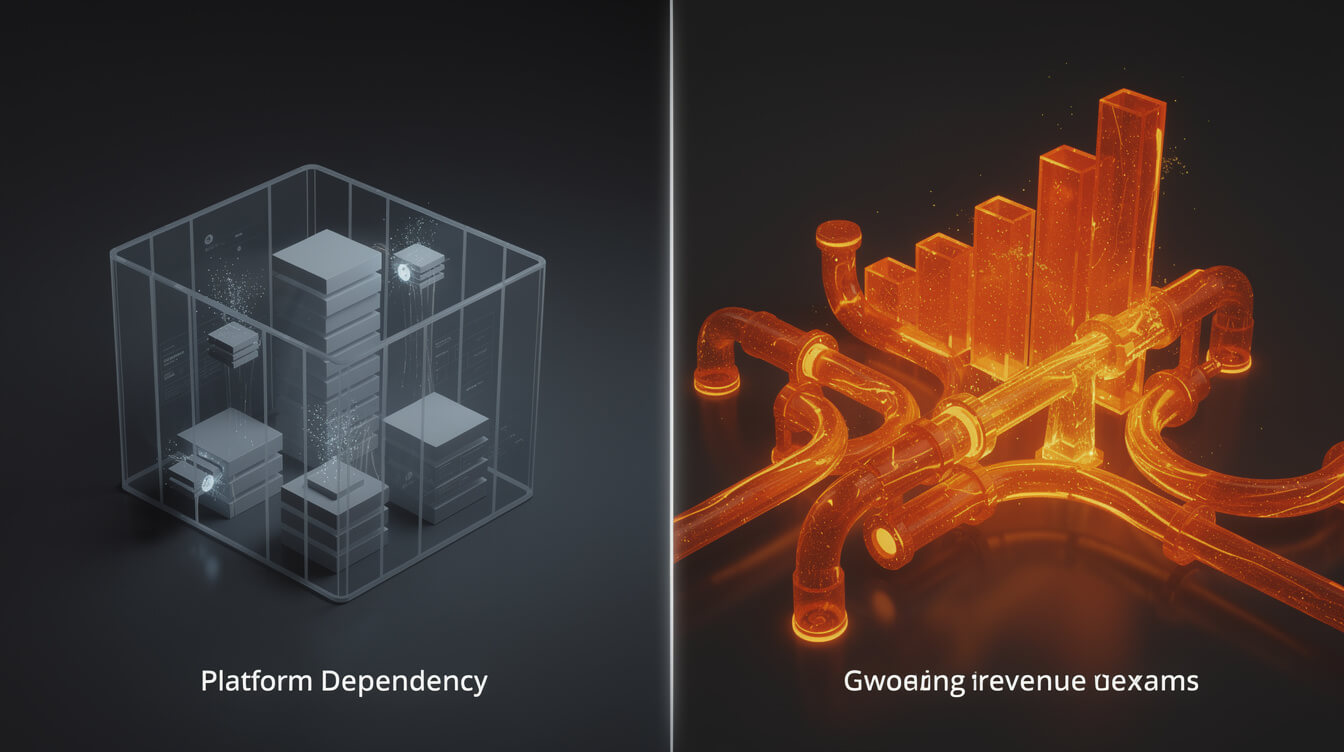
Let us run a concrete 12-month comparison for a seller doing $1,500 per month in revenue. That is approximately 50 t-shirts per month at a $28 average order value.
Pop-Up Store, 12-month scenario:
- Total revenue: $18,000
- Printify base product cost (approx 55% of revenue): $9,900
- Platform fees: $0
- Gross margin: $8,100
- Email list built: 0 subscribers
- SEO equity: 0 (printify.me domain, not yours)
- Customer data owned: 0 records
- Platform risk: high (policy changes affect your store immediately)
WooCommerce + Printify, 12-month scenario:
- Total revenue: $18,000 (same products, same pricing)
- Printify base product cost: $9,900 (same)
- WooCommerce hosting and domain: $360 annual (about $30/month)
- Gross margin: $7,740
- Email list after 12 months: 300 to 600 subscribers (2 to 4% email capture rate is standard)
- Email list incremental revenue by month 12: $300 to $600/month (conservative $1/subscriber/month)
- Repeat purchase rate uplift from email: 20 to 30% above baseline
- SEO organic traffic: building from month 3 to 6 onward as domain age increases
- Platform risk: low (you own the infrastructure)
The $360 hosting cost closes in the first month once email capture is running. By month 6, the email list compound effect has already exceeded the infrastructure investment. By month 12, the owned-store seller has a repeatable acquisition and retention machine. The Pop-Up Store seller is starting from zero with each campaign.
This is the same argument that applies to the Shopify question, by the way. Moving from Pop-Up Store to Shopify trades one platform dependency for another. Shopify adds a 1% platform override fee on every transaction, $29 to $79 per month before apps, and your customer data still lives inside Shopify’s walled garden. The full breakdown of those numbers is in our post on WooCommerce vs Shopify for POD sellers.
WooCommerce on your own hosting is the only model that keeps 100% of your customer data in your own database and costs a fraction of the alternatives. That is the owned infrastructure argument in one sentence.
Move from Pop-Up Store to owned infrastructure. MEGA builds your product pipeline.
MEGA automates the full research-to-product pipeline: niche research, AI image generation, WooCommerce listing, and Printify sync. The manual Canva workflow takes 6 hours per product. MEGA takes under 7 minutes.
How to make the switch without losing momentum

The migration from Pop-Up Store to WooCommerce is additive, not destructive. You do not delete your Pop-Up Store and rebuild from scratch. You build parallel infrastructure, migrate your best products, and then switch where you point your traffic once the owned store is live.
Here is the practical sequence:
- Set up WooCommerce hosting. A shared hosting plan with a one-click WooCommerce install runs $15 to $25 per month. Register your domain. This is the foundation everything else builds on. Our guide on how to build a print on demand website you actually own covers the hosting and setup sequence in detail.
- Install the Printify for WooCommerce plugin. It is free. It connects your existing Printify catalog to your WooCommerce store. Your products are already built; you are giving them a new storefront.
- Migrate your top 5 to 10 products first. Do not migrate everything at once. Pick the products that have actually sold on Pop-Up Store and port those first. For each product you need a title, description, SEO-optimized content, and product images. For a small catalog this is a weekend project. For 50 or more products, a pipeline like MEGA compresses the time significantly.
- Add a basic email capture on day one. A simple pop-up with a 10% first-order discount is enough. Mailchimp’s free tier handles the first 500 subscribers. From that moment forward, every order builds your list instead of disappearing into Printify’s database.
- Update your social links. Swap the
yourname.printify.meURL in your bio for your new domain. Traffic now flows to infrastructure you own. Your Pop-Up Store can stay live during the transition as a safety net. - Install Google Analytics (GA4). The free GA4 plugin takes 10 minutes. You now have visibility into traffic sources, product page behavior, and conversion rate. You have data to make decisions with, which is something Pop-Up Store never gave you.
The total time investment for a 10-product migration is one to two weekends. The payoff is every future sale building equity, list subscribers, and SEO authority in your own asset rather than disappearing into a platform you do not control.
For sellers who have read our Printify review for WooCommerce sellers, the integration side is well-documented there. The plugin is solid. The migration is the straightforward part. The decision to do it is the harder step for most sellers, and hopefully this post has made that decision clearer.

Implement AI. 30x your throughput. Get a 30-min call with the founder.
Drop your details and book a free 30-minute discovery call. Personalized advice on your POD stack, your margin, and where AI fits. No pitch, no fluff.