AI t-shirt design in 2026: the full POD seller workflow from prompt to live listing
The term “t shirt design ai” brings up pages of consumer design tools. Every result is aimed at someone who wants to generate one fun image for a personal shirt order. For POD sellers, that framing misses the actual problem by a significant margin. Building a print-on-demand catalog at scale means managing file formats that meet Printful or Printify upload specifications, writing prompts that produce print-ready results rather than visually impressive but unusable images, and moving that design into a live WooCommerce listing efficiently. This guide covers the seller-side workflow that AI tool marketing pages never write about: the technical requirements, the prompt engineering approach, the batch strategy, the full pipeline from prompt to published listing, and the real cost math for running AI design at scale.
What “AI t-shirt design” actually means for POD sellers
Consumer tools define AI t-shirt design as: open an app, type a description, download the result, upload to a print shop. That process works for a one-off personal order. It falls apart the moment you are running a store with 50, 100, or 500 active SKUs.
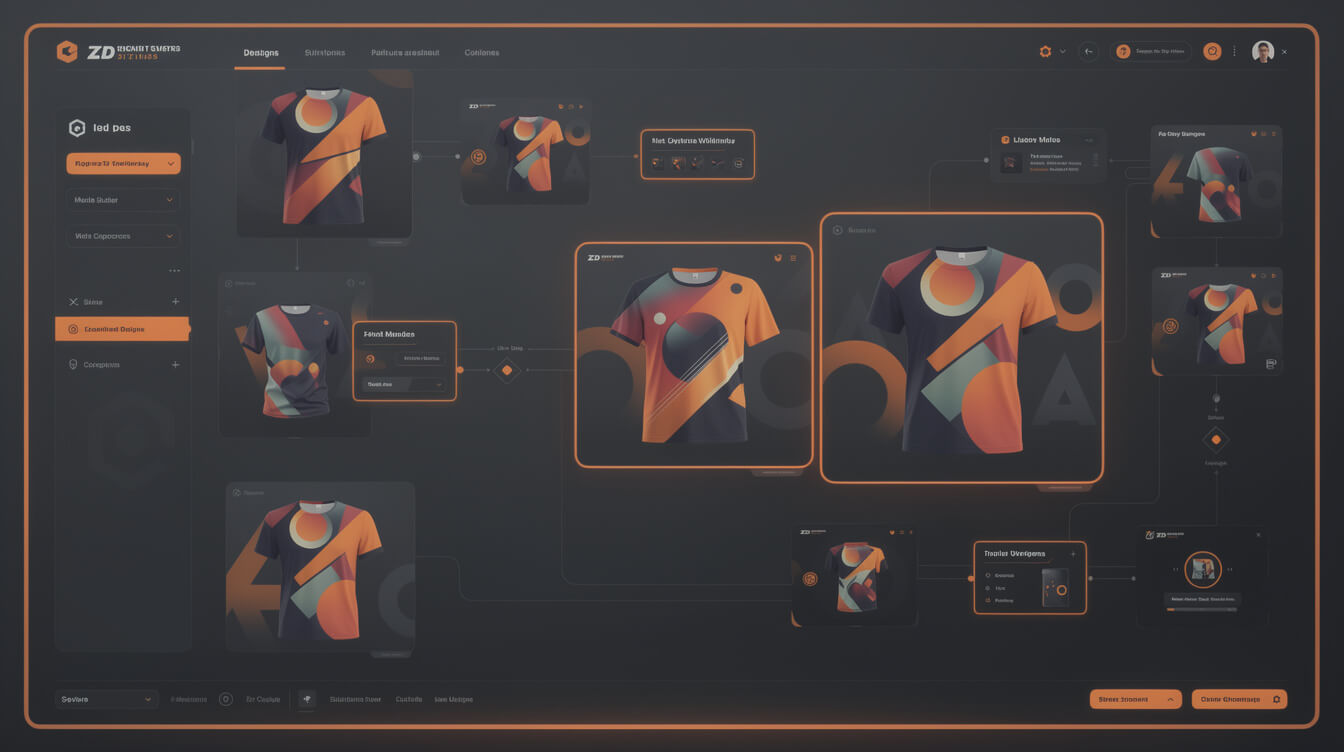
For a POD seller, AI t-shirt design is a production workflow with four distinct stages. First, prompt creation: writing a brief that reliably produces print-usable output rather than artistically interesting but technically flawed images. Second, file processing: converting AI output into the exact format a print provider accepts, which means PNG with transparency, at least 300 DPI equivalent, with isolated foreground elements and no compression artifacts on hard edges. Third, catalog integration: moving that processed file into a product listing with title, description, mockup, and price without manually repeating those steps for each design. Fourth, pipeline automation: chaining those three stages so the output of one feeds directly into the next without human handoffs.
None of the top-ranking tools for t shirt design ai address stages two, three, or four. They address stage one and stop. The commercial opportunity for POD sellers is entirely in the other three stages, and that is where this guide focuses.
The distinction matters because it changes which tools you prioritize. A consumer-grade tool can produce stage-one output. Moving that output through a production pipeline that ends in a live listing requires either manual work at every handoff, or a purpose-built automation layer. For context on how that automation layer connects to your store infrastructure, see our guide to building a print-on-demand website you actually own, which covers the WooCommerce foundation this pipeline runs on.
The file format problem: why most AI images fail at the print stage
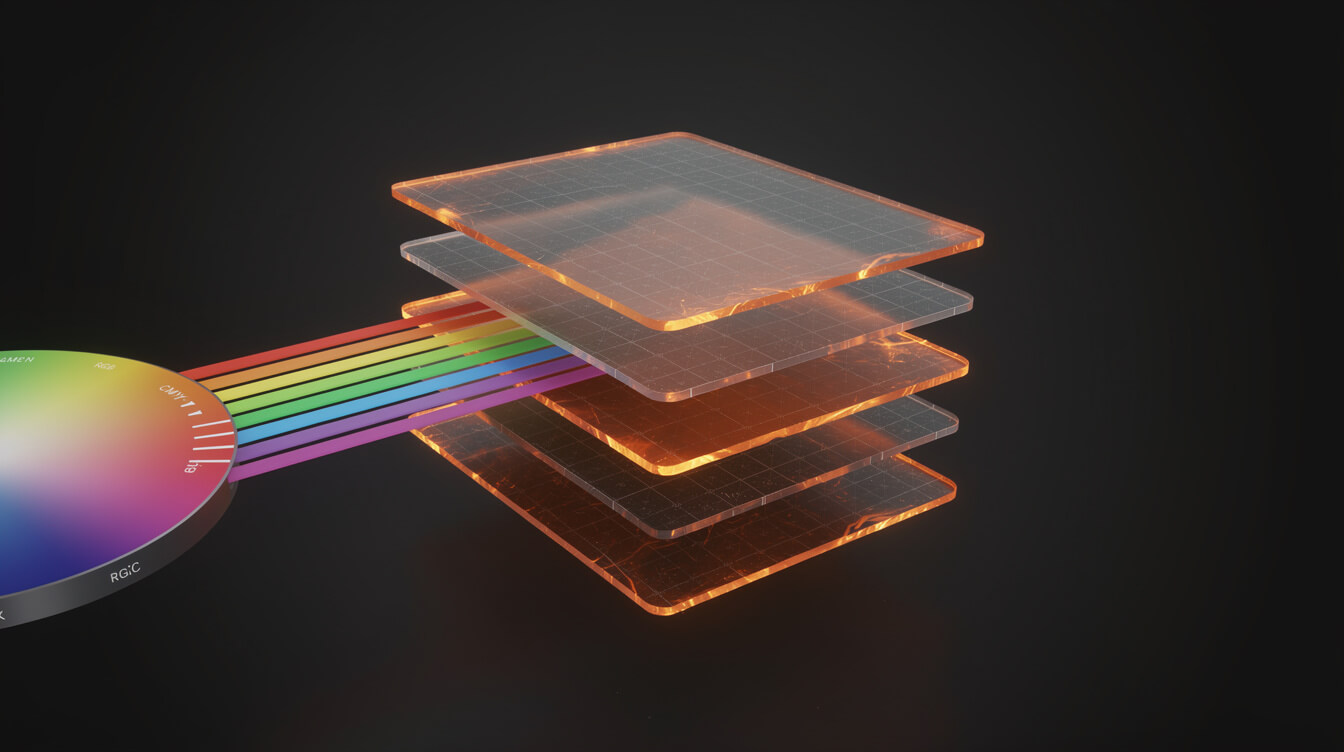
Most AI-generated images fail when submitted to Printful or Printify. The failure modes are predictable, and understanding them before generating a single image saves hours of rework.
Resolution and DPI. AI image generators output images at screen resolution by default. A standard Flux or Midjourney output at 1024×1024 pixels looks sharp on a monitor but prints at roughly 72-96 PPI. Printful’s minimum for a standard t-shirt print area is 150 DPI, with 300 DPI preferred. An AI image generated at 1024 pixels fills roughly 3.4 inches at 300 DPI. That is a pocket-sized print, not a chest graphic. The practical fix is to generate at the highest available resolution and upscale using a dedicated tool like Topaz Gigapixel or Real-ESRGAN before submission. Some AI platforms offer native upscaling. Factor this into your per-design workflow from the start.
Background transparency. A t-shirt design in most cases needs a transparent background so the garment color shows through. AI generators produce flat images with solid backgrounds. Converting a complex illustration to a PNG with a clean transparent background is straightforward when the foreground element has hard edges and high contrast against the background. It becomes time-consuming when the AI has produced soft edges, blended shadows, or a subject that merges visually with the background. The prompt engineering section below covers how to brief AI for hard-edge outputs that make background removal clean and fast.
Color mode. Screen displays use RGB color. Professional printers typically use CMYK. AI generators output RGB. Most direct-to-garment print providers, including Printful and Printify, accept RGB and handle the conversion internally, so this is not a blocker for standard DTG printing. It becomes relevant if you move into screen printing or sublimation for specific products. For the majority of POD t-shirt workflows on WooCommerce with Printful or Printify, RGB PNG is the correct format.
Compression artifacts. High-compression JPEG artifacts destroy fine detail in illustrations and text-adjacent areas. Never submit a JPEG for a print design. Always output PNG. This sounds obvious but consumer AI tools default to JPEG downloads in many cases. Set your export format explicitly.
The practical checklist before submitting any AI design:
- File format: PNG
- Background: transparent (or white if the design is intended for white shirts only)
- Resolution: at minimum 150 DPI at print size, preferably 300 DPI
- Color mode: RGB (standard for DTG print providers)
- File size: most providers cap at 200MB; most AI images compress well below this
Prompt engineering for print: how to brief AI for usable results

The difference between a prompt that produces a print-ready design and one that produces an artistically interesting but unusable image is usually 20 words of technical specification. Here is the framework.
Start with the style directive. Consumer prompts start with the subject. Seller prompts start with the output format. Open your prompt with a style classification that sets the model’s visual framing: “vector illustration style,” “flat graphic design,” “line art,” “bold screen-print aesthetic,” or “sticker art.” These phrases bias the model toward high-contrast, edge-defined outputs rather than photorealistic gradients and soft shadows that are difficult to separate from a background.
Specify the background explicitly. “White background” or “black background” or “isolated on plain background” tells the model to separate your subject from its environment. “No background” is less reliable but worth adding as a secondary instruction. The combination of a flat style directive and an explicit background instruction produces images where background removal takes seconds in Photoshop or even a simple online tool.
Control complexity. Print-on-demand designs that sell tend to be visually clear at small sizes. Complex illustrations with fine detail work on art prints but become muddy on a chest-printed t-shirt viewed from across a room. Prompt for “bold,” “high contrast,” “simple composition,” or “minimal detail” depending on the design style. Test at thumbnail size: if you cannot read the composition at 100 pixels wide, the print will not read well on the garment.
Example prompt structure for a t-shirt graphic:
[Style: vector illustration] [Subject: wolf howling at moon] [Composition: bold, high contrast, centered] [Background: white] [Color palette: black, grey, single accent color] [Output: suitable for t-shirt print, no gradients, clean edges]
Run that through Flux 2 Pro or Midjourney and you get an image with defined edges, a separable background, and a composition that scales to print size without losing legibility. That is the starting point for a usable design.
Iterate on style before iterating on subject. Find the style prompt that consistently produces print-usable output for your niche, then swap in different subjects. This is the batch efficiency principle. Once you have a working style template, generating 20 designs in a sitting is a matter of subject variation rather than starting the prompt from scratch each time.
Batch generation: building a 50-design catalog without burning your budget

Smash print-on-demand. Join the engine room.
One short email a week. Real numbers, real teardowns, the unfiltered economics behind every move.
The economics of a POD catalog depend on throughput. More designs in the store means more discovery surface, more niches tested, and more data on what converts. The manual-Canva workflow caps throughput at whatever a human can produce in a session. AI-assisted batch generation removes that ceiling, but only if the workflow is structured for production rather than one-off experimentation.
The subject list is the production input. Before generating a single image, build a list of subjects. For a dog-lovers niche, that list might be 20 breeds, each in three compositional variants: portrait, silhouette, action pose. That is 60 design concepts on a spreadsheet. Your prompt template is the constant. The subject line changes. This structure turns AI generation into a repeatable production run rather than a creative session.
Budget for iterations. Not every generated image will be print-ready on the first pass. At $0.08 per image on Flux 2 Pro, a 100-design catalog costs approximately $8-16 in generation fees, assuming 1-2 iterations per design. Budget 2 iterations as your baseline. Design-to-print conversion costs (upscaling, background removal) add roughly $0-5 per design depending on automation level. Total design production cost for a 100-design catalog: $30-50 in tooling, plus your time.
Batch background removal. Tools like remove.bg, Photoroom, and Adobe Firefly’s background removal handle batches of images via API. If you are generating 50 or more designs, integrate batch removal into the workflow rather than processing each image individually. This step alone cuts catalog production time by 60-70% compared to manual processing in Photoshop.
Version control for designs. Store your prompt list alongside the generated files. When a design variant performs well in sales, you want to generate related variants quickly. A spreadsheet with columns for Subject, Prompt, Generated File Path, Background Removed, Uploaded to Provider, and WP Product ID gives you a production record that scales with the catalog.
The full pipeline: AI design to live WooCommerce listing in under 7 minutes
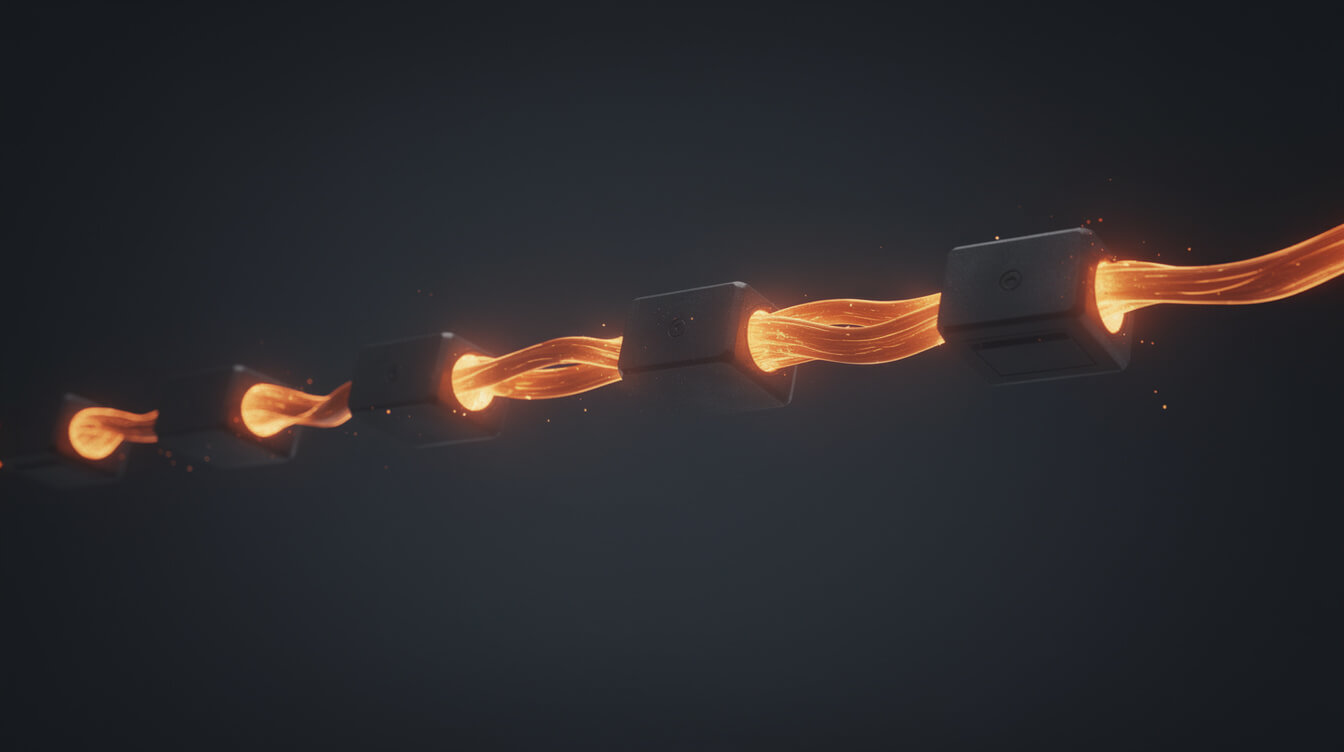
Here is how the full pipeline runs from prompt to published product, optimized for WooCommerce with Printful or Printify as the print provider.
Step 1: Generate the design (60 seconds). Run your prompt template with the target subject through your AI tool. Flux 2 Pro returns a result in 30-60 seconds. Download as PNG.
Step 2: Process the file (60-90 seconds). Upscale if needed using your upscaling tool. Run background removal via API or tool. Save as PNG with transparent background. Total processing time with tooling: under 90 seconds if the generation was clean.
Step 3: Upload to print provider (30-60 seconds). Upload the processed PNG to Printful or Printify. Both platforms generate mockups automatically. Select the base product, confirm print placement and scaling, and save the product variant set. For a guide to how Printify’s platform handles this workflow and its scaling limits, see our Printify review.
Step 4: Create the WooCommerce listing (90-120 seconds). If you use the Printful WooCommerce plugin or Printify’s WooCommerce integration, product creation can sync automatically. If not, create the product manually with the provider’s mockup image, write the title and description, set the price at your margin target, and publish.
Total time with a clean workflow: 4-6 minutes per design. With automation at Steps 3 and 4, that drops to under 3 minutes. MEGA automates this entire design-to-listing pipeline, handling image generation, compression, upload to Printful or Printify, and WooCommerce product creation in a single run. Try MEGA to see what a 30x throughput increase looks like against a manual workflow. For context on how this compares across print providers, see our print-on-demand companies comparison.
Cost per design at scale: real numbers for a 100-product catalog
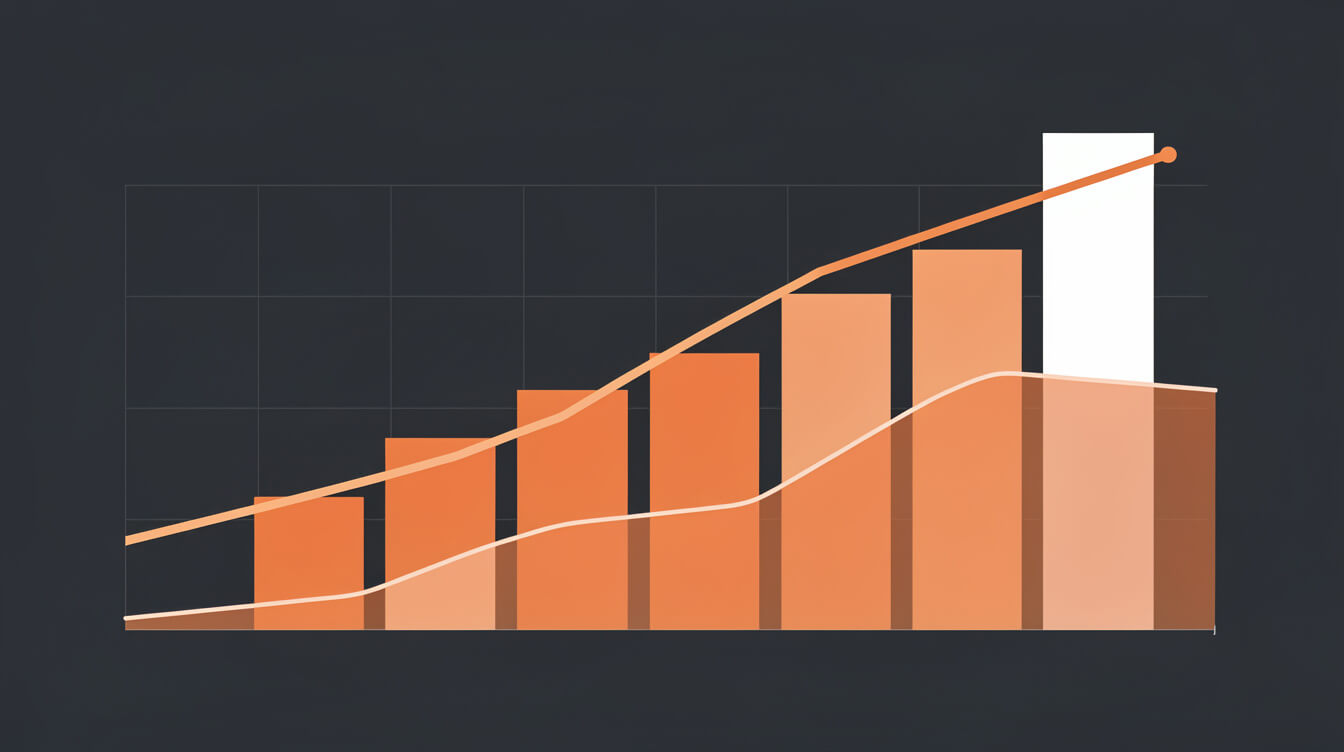
The economics of AI-assisted t-shirt design improve significantly at scale. Here are the actual numbers for building a 100-product catalog.
Generation costs:
- Flux 2 Pro via Replicate: $0.08 per image. At 1.5 average iterations per design, 100 designs costs $12 in generation fees.
- Midjourney Pro: $60 per month subscription, unlimited generations at standard quality. At 100 designs per month, cost per design is $0.60 in subscription allocation. At 500 designs per month, $0.12 per design.
- DALL-E 3 via API: approximately $0.04-0.08 per image at standard quality, similar to Flux per-image pricing.
Processing costs:
- Upscaling: Topaz Gigapixel AI is a one-time license at approximately $99. Real-ESRGAN via open-source tools is free. Per-design cost after initial investment: near zero.
- Background removal: remove.bg charges approximately $0.25 per image on pay-as-you-go. 100 designs costs $25. At batch API pricing, rates decrease. Monthly subscription plans at Photoroom and similar tools reduce per-image cost at volume.
Total design production cost for 100 designs:
- Flux 2 Pro generation: $12
- Background removal at pay-as-you-go: $25
- Listing creation (manual, at 6 minutes each): 10 hours of your time
- Listing creation (automated pipeline): approximately 30-60 minutes of setup, minimal ongoing cost
Out-of-pocket tooling for 100 designs: $37-50. The variable that scales worst with manual workflows is time. At 6 minutes per design, 100 products is a full working day. An automated pipeline reduces that to under an hour. At scale, the automation investment returns its cost within the first catalog run.
For context on the broader economics of running a POD store on WooCommerce versus paying the Shopify 1% platform override, see our guide to print on demand for existing businesses, which walks through the margin math at $5k, $10k, and $20k monthly revenue.
Which AI tools are worth it for POD sellers (and which ones are consumer toys)
Not all AI image generators are equivalent for POD t-shirt design workflows. Here is the seller-relevant assessment.
Flux 2 Pro (Black Forest Labs via Replicate). The strongest option for seller workflows at per-image pricing. Output quality at 2 megapixel resolution produces usable base images for print at standard t-shirt sizes. Pay-as-you-go pricing means cost scales directly with production volume, with no subscription lock-in. API access enables automation pipeline integration. Best for: sellers building automated pipelines, batch generation at defined cost per design, and integration with tools like MEGA.
Midjourney. Strong stylistic output with consistent aesthetic quality. The subscription model is cost-effective at high volume. The workflow is Discord-based, which creates friction for automation integration. The prompt syntax differs from other tools and has a learning curve specific to Midjourney’s interpretation engine. Best for: sellers who prioritize aesthetic quality and are willing to handle API integration complexity, or who produce designs manually at scale and benefit from the subscription cost structure.
Adobe Firefly. Integrated into the Adobe Creative Cloud workflow. Commercially safe training data means generated images are cleared for commercial use without the legal ambiguity that exists around other models’ training datasets. Output quality is competitive. Subscription pricing for Creative Cloud is high relative to pure generation needs. Best for: sellers already in the Adobe ecosystem who want integrated background removal and upscaling in one tool.
DALL-E 3 via ChatGPT Plus or API. Accessible and capable for specific styles. Tends toward illustrated and photorealistic output rather than graphic design aesthetics. Less reliable for producing the flat vector and screen-print styles that work best for t-shirt catalogs. Prompt following is strong but the stylistic defaults skew toward consumer output. Best for: sellers testing AI design without API integration, or supplementing other tools for specific style variations.
Consumer tools: Kittl, Canva AI, Krea.ai. These are the top SERP results for t shirt design ai. They are genuinely useful for non-technical users producing single designs for personal orders or small batches. They lack API access for automation, batch processing for catalog production, and transparent per-image pricing. For a seller building a catalog pipeline, they address a different problem than the one you have.
The decision framework for POD sellers: If you are generating fewer than 20 designs per month and processing them manually, any tool works. If you are generating 50 or more designs per month and connecting them to a WooCommerce listing workflow, choose a tool with API access and per-image pricing transparency. Flux 2 Pro on Replicate is the most direct path to an automatable, cost-transparent pipeline. For a detailed look at how Printful’s platform integrates with a WooCommerce AI design workflow, see our Printful review 2026.
Putting it together
AI t-shirt design as a consumer activity and as a seller production workflow are two different problems. Consumer tools solve the first one. Sellers need the second one solved: files that meet print specifications, prompts that produce usable output consistently, batch workflows that scale without linear time investment, and a pipeline that connects design generation to live product listings efficiently.
The file format checklist is the starting point: PNG with transparency, minimum 150 DPI at print size, RGB color mode. Prompt engineering for print means starting with style directives, explicit backgrounds, and high-contrast composition instructions. Batch generation becomes economical at volume when you separate the subject list from the style template and process backgrounds in bulk. The full pipeline from prompt to live WooCommerce listing runs under 7 minutes with the right tooling, and under 3 minutes with full automation.
At 100 designs, out-of-pocket tooling costs run $37-50. The cost variable that scales worst with manual workflows is your time, and that is the one automation addresses most directly. The sellers who build a repeatable AI design pipeline this year will have a catalog throughput advantage that compounds over time as their store grows.

Implement AI. 30x your throughput. Get a 30-min call with the founder.
Drop your details and book a free 30-minute discovery call. Personalized advice on your POD stack, your margin, and where AI fits. No pitch, no fluff.