
Custom photo book for POD sellers: the 24-page limit, $17.31 landed, and the templated books that actually sell
A custom photo book is one of the best-paying gift searches of the year. It averages 18,100 searches a month and climbs to about 40,500 in both November and December. Every result on Google’s first page is written for the buyer, though: consumer makers like Paper Culture, Nations Photo Lab, and Photobook Press, plus review roundups that compare Shutterfly, Snapfish, and Popsa. All of them assume the same thing. The buyer uploads 60 phone photos into a drag-and-drop editor, and the software does the rest.
A print-on-demand seller cannot offer that editor. Printify and Printful photo books are fixed at 24 pages, and on WooCommerce neither provider automates personalization. This post covers what POD can actually print, the landed cost on both providers (verified on October 29, 2026), why the DIY upload model is a trap, and the templated book model that sells without hand-laying 24 pages per order. If you are looking for self-publishing a novel or a workbook, that is a different product with different economics, covered in our print on demand books guide and our Lulu breakdown.
What a custom photo book means to a buyer, and what POD can print
When a buyer types “custom photo book” into Google, they picture a consumer service. They expect to choose a size, pick a cover material, drag in their own photos, add pages until the trip or the year fits, and maybe pay extra for layflat binding so a panorama crosses the spread without a crease. Nations Photo Lab starts at $40.50 with a 10-spread minimum and charges $2 for each extra page. Paper Culture lists a book at $39.99 and runs it on sale at $20. Those businesses are built around a page-count slider and an editor.
POD photo books are a different object. Here is what the two main providers print as of October 29, 2026:
- Fixed page count. Every Printify and Printful photo book has 24 interior pages. There is no option to add pages, and there is no slider.
- Limited sizes. Printful’s hardcover comes in 8×8 and 11×8.5 inches. Printify lists 4 sizes on its hardcover, from 8×8 to 11×8.5. Both softcovers are 8×8 only.
- Paper. Printful’s hardcover uses 24 uncoated pages with a full-bleed, no-gutter layout and a 98-point chipboard case. Printify’s hardcover interior is 100 lb uncoated text paper, and its softcover is 100 lb semi-gloss.
- No layflat. Neither provider lists layflat binding, so panoramas across the center fold will lose some of the image.
- Page-by-page uploads. Printify’s own spec line reads: “Upload images page by page. Unfilled pages will print blank.” The cover plus 24 pages gives you 25 print areas to fill.
- US only. Printful’s photo books are available in the US region only. Printify’s two cheap options are US providers too.
That list rules out the consumer model before you write a single listing. A buyer cannot bring 60 photos and a page slider to a 24-page fixed book. A POD custom photo book has to be sold as a finished or nearly finished product, with the seller doing the design work once.
Why the uncoated paper is a feature
Uncoated interior pages are slightly less vivid than glossy photo paper, but they take a pen. That matters for guest books, milestone books, and recipe books, where the buyer writes on the page after it arrives. The same spec that makes POD weaker for pure photo albums makes it stronger for fill-in keepsakes. Hold that thought for the templated model section.
Printify vs Printful photo books: specs and landed cost
We pulled live prices on October 29, 2026, from the Printful catalog API and from Printify’s product pages. Landed cost is base price plus first-item US shipping plus the $0.40 per-order holiday surcharge that runs from October 15, 2026, to January 17, 2027.
| Book | Base | US shipping | Landed (with $0.40) | Production |
|---|---|---|---|---|
| Printify Hardcover 2737 (Printify Choice) | $11.42 | $5.49 | $17.31 | About 2.0 days |
| Printify Hardcover 2737 with Premium | $8.42 | $5.49 | $14.31 | About 2.0 days |
| Printify Softcover 2733 (Printify Choice) | $8.08 | $5.49 | $13.97 | About 1.8 days |
| Printify Softcover 2733 with Premium | $5.95 | $5.49 | $11.84 | About 1.8 days |
| Printful Hardcover 1564, 8×8 | $11.45 | $6.19 | $18.04 | Varies |
| Printful Hardcover 1564, 11×8.5 | $12.60 | $6.19 | $19.19 | Varies |
| Printful Softcover 1563, 8×8 | $8.11 | $6.19 | $14.70 | Varies |
Three things stand out.
The base prices are nearly identical
Printify Choice lists the hardcover at $11.42, and the District Photo listing on Printify is $11.45, the same as Printful’s 8×8. The softcover is $8.08 on Printify Choice against $8.11 at Printful. The real gap is shipping: $5.49 on Printify against $6.19 on Printful, a $0.70 difference per book. A third Printify provider, Harrier, lists the hardcover at $12.32 with $41.59 in shipping, which rules it out for normal orders.
Premium pays at 13 books a month
Printify Premium costs $39 a month and cuts the hardcover base by $3.00. Divide $39 by $3.00 and you break even at 13 hardcovers a month. If photo books are one product in a broader catalog, the Premium decision belongs to the whole catalog, not to this one SKU. If you plan to push books hard in November and December, 13 a month is a low bar.
Printful wins on second books
Printful’s photo book shipping is $6.19 for the first book and $2.40 for each additional one. Two 8×8 hardcovers in one order land at $31.89, or $15.95 each. That is cheaper per book than a single Printify hardcover on the free plan. Grandparent sets and “one for each sibling” orders are common with family books, so if your listings encourage multiples, Printful’s rate card helps.
Both providers carry related formats worth knowing for the templated model. Printful sells a 6×6 Board Book (1556) with 20 thick chipboard pages for $16.83 and an 8.5×11 Coloring Book (1558) with 24 sheets for $8.16. Both are US only.
Why the DIY photo upload model breaks for POD sellers

The obvious listing is “Upload your photos, we make your custom photo book.” It looks like the consumer services on page one. It is also the fastest way to lose money on this product. Four problems compound.
You become the layout editor
Neither provider gives your buyer a photo book editor on WooCommerce. Printify’s help center lists automated personalization for Etsy, Shopify, TikTok, and its own Pop-Up store, and “other channels,” including WooCommerce, get manual personalization only. Printful’s official personalization covers Etsy and Shopify. That means every uploaded photo set lands in your inbox, and you place 25 images by hand in the provider’s mockup tool.
Put a number on it. Say sorting, cropping, and placing one page takes 2 minutes. A cover plus 24 pages is 50 minutes per order. At $25 an hour, that is $20.83 of labor on a hardcover that keeps $16.37 after fees at $34.99. The order loses money before the first reprint.
Phone photos fail at print size
An 8×8 page at 300 DPI needs 2,400 by 2,400 pixels. An 11×8.5 page needs 3,300 by 2,550 pixels before bleed. Most phone photos meet that, but screenshots, cropped social media downloads, and photos forwarded through messaging apps often do not. Buyers rarely know which is which. Each blurry book that arrives is a refund conversation, and POD providers do not reprint for low-resolution customer files.
Proofing doubles the touch count
A finished photo book is personal enough that you have to show the buyer a proof before printing. That is a second round of email per order, plus edits. In December, when buyers answer slowly, proofs eat into the shipping window.
Shutterfly sets the price anchor
A buyer who wants to design their own book compares you with Shutterfly, Snapfish, and Mixbook, which frequently run deep sitewide promotions. A blank DIY book from a POD store cannot beat a consumer service on price, editor, or page count. A finished, designed book is not comparable to anything on Shutterfly, so it escapes the price war.
The fix is to stop selling the empty book and start selling the content.
The templated custom photo book model: 6 books that sell without per-order layout

Smash print-on-demand. Join the engine room.
One short email a week. Real numbers, real teardowns, the unfiltered economics behind every move.
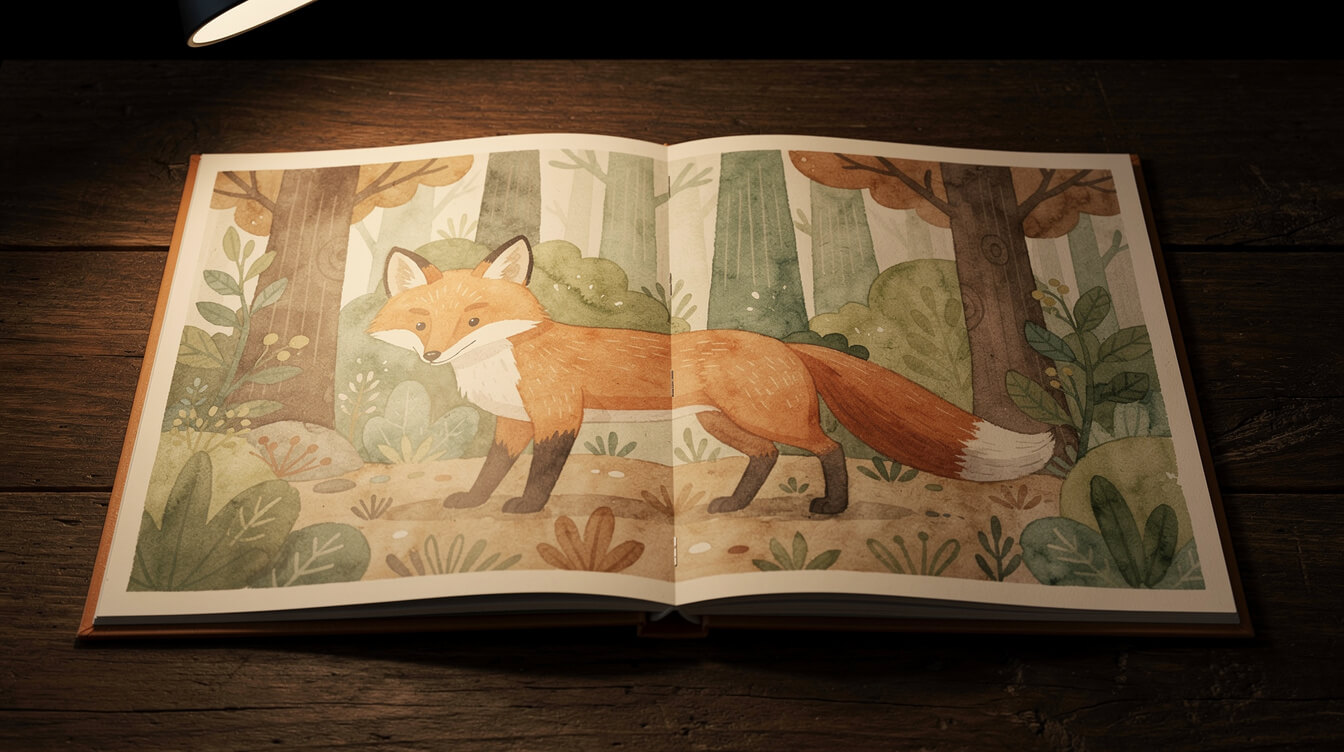
A templated book is designed once by you. Every page is finished. The buyer personalizes between zero and three fields, usually a name, a date, or one photo, and you swap those fields into a saved template. Per-order work drops from 50 minutes to about 5. Here are six formats that fit the 24-page limit.
| Book type | Personalization fields | Suggested format | Suggested price |
|---|---|---|---|
| Niche coffee-table art book | 0 | Hardcover 11×8.5 | $34.99 to $44.99 |
| Kids’ name storybook | 1 to 2 (name, age) | Softcover 8×8 or hardcover 8×8 | $24.99 to $34.99 |
| Pet memorial book | 3 (name, dates, 1 photo) | Hardcover 8×8 | $39.99 |
| Family recipe keepsake | 1 to 2 (family name, dedication) | Hardcover 8×8 | $34.99 |
| Wedding guest book | 2 (names, date) | Hardcover 11×8.5 | $39.99 to $44.99 |
| Year-in-review or milestone fill-in | 2 (name, year) | Hardcover 8×8 | $34.99 |
1. Niche coffee-table art books
This is the only format with zero personalization, which makes it the easiest to scale. Pick a niche you already sell into, such as cats in Japanese woodblock style, vintage national park posters, or retro pickleball illustrations, and fill 24 pages with a cohesive art set. The buyer gets a finished gift that does not exist anywhere else. You can list one book per niche and sync it like any other product.
2. Kids’ name storybooks
Write a short illustrated story once, and leave the child’s name as the only variable on the cover and in the text. Use the softcover for the $24.99 price point or the hardcover for gifting. For toddlers, Printful’s $16.83 board book holds up to chewing. Its 20 pages suit an even shorter story.
3. Pet memorial books
Design 24 pages of soft illustrated layouts with one photo slot on the cover and space for the pet’s name and dates. One photo is a manageable proof and upload check. Pet loss buyers are less price-sensitive than most, and they search all year rather than just in Q4.
4. Family recipe keepsakes
Print 24 illustrated recipe templates with lined areas for ingredients and method. The uncoated pages take ink, so the family writes in grandma’s recipes by hand. Personalize the cover with the family name. This ties directly into the gift hubs for personalized gifts for mom and housewarming gifts.
5. Wedding guest books
Design a cover with the couple’s names and date, then 24 interior pages with light illustrated borders and prompts for guests. The 11×8.5 landscape hardcover fits a reception table. Wedding buyers order months ahead, so this format smooths out the December spike.
6. Year-in-review and milestone fill-ins
“Our first year,” “Baby’s first year,” and “Our family 2026” books work as guided journals. Print the prompts and frames, then let the buyer tape in prints or write memories. Personalize the name and year on the cover. Every January the year field changes, and the template keeps selling.
Every one of these formats needs 24 pages of on-niche design work up front. That is exactly the job MEGA was built for. MEGA generates a full on-niche design set in one run, so the 25 print areas are a pipeline task instead of a weekend of Canva.
Pricing a custom photo book against Shutterfly

A templated book is priced against gift alternatives, not against Shutterfly’s editor. Still, the consumer anchor matters because buyers will see Paper Culture at $20 on sale and Nations Photo Lab at $40.50 in the same search. Here is what you keep at each price point on a Printify hardcover, after the $17.31 landed cost and a standard card fee of 2.9% plus $0.30:
| Retail price | Free plan profit | Free plan margin | Premium profit | Premium margin |
|---|---|---|---|---|
| $24.99 | $6.66 | 26.7% | $9.66 | 38.7% |
| $29.99 | $11.51 | 38.4% | $14.51 | 48.4% |
| $34.99 | $16.37 | 46.8% | $19.37 | 55.4% |
| $39.99 | $21.22 | 53.1% | $24.22 | 60.6% |
| $44.99 | $26.08 | 58.0% | $29.08 | 64.6% |
Where $34.99 works
At $34.99 the free-plan hardcover keeps $16.37, which is 46.8%. That price sits under Nations Photo Lab’s entry point and well above a promo-priced blank book, which is the right place for a finished design. The coffee-table art book, the recipe keepsake, and the milestone book all fit here.
Where $34.99 does not work
A hardcover at $24.99 keeps $6.66, and one support ticket wipes it out. If you want the $24.99 price point for a kids’ storybook, use the softcover. Printify’s softcover lands at $13.97 and keeps $10.00 after fees at $24.99, a 40.0% margin. The Printful softcover lands at $14.70 and keeps $9.27.
Where to go higher
Pet memorial books and wedding guest books carry emotional weight and a deadline. Both hold $39.99 to $44.99 easily, and that is where the margin climbs past 53%. Price on the occasion, not on the paper.
One more cost to account for: Shopify’s 1% override takes $0.35 from every $34.99 book on top of the card fee. Across 300 Q4 books, that is $105 for the privilege of a platform. On an owned WooCommerce store, that money stays in the margin column.
Building a custom photo book listing on WooCommerce
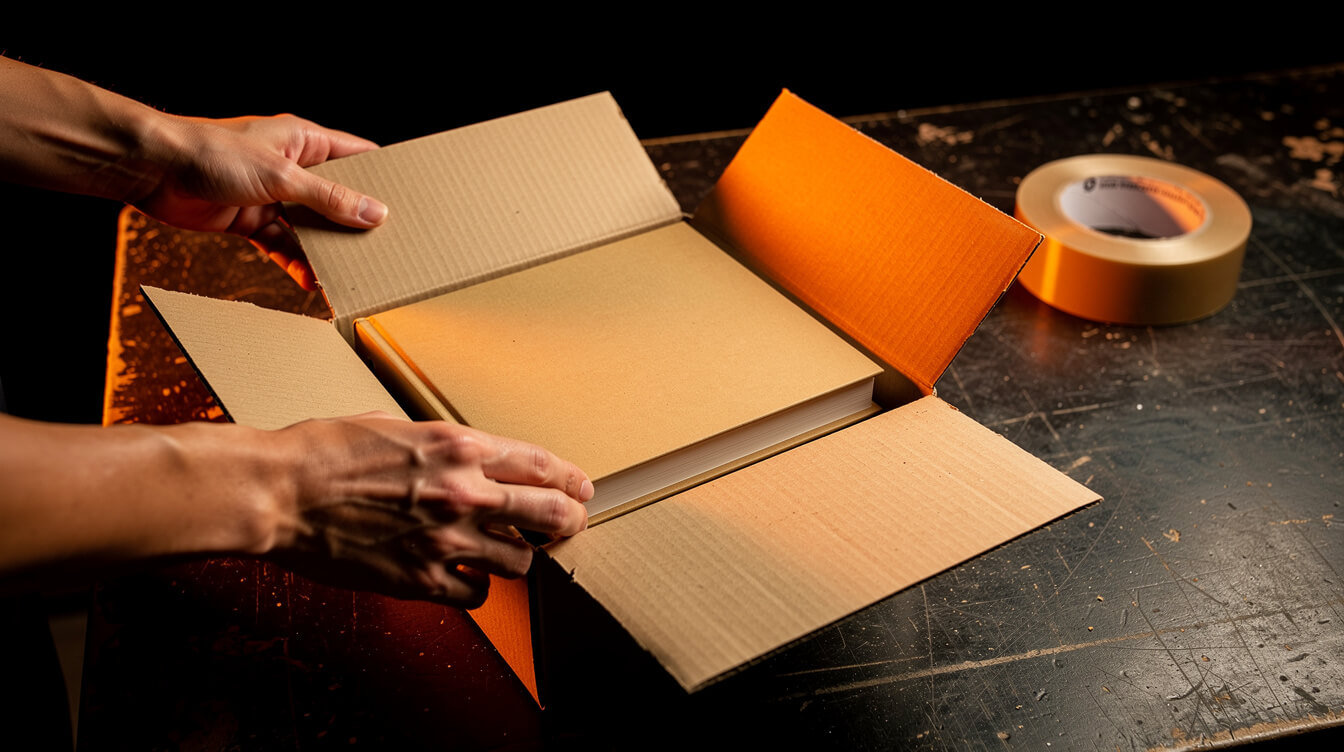
WooCommerce handles templated books well, as long as you accept that personalization is a manual step and design around it. Here is the setup.
Step 1: Collect the fields with an add-on plugin
WooCommerce’s Product Add-Ons extension costs $79 a year and adds text fields, dropdowns, and file upload fields to a product page. Use a text field with a character limit for the name, a date field for occasions, and a file upload field only on books with a photo slot. We used the same pattern for engraved jewelry in our custom name necklace guide.
Step 2: Stop orders from auto-submitting
On Printful, turn on manual confirmation for imported orders so personalized books wait for you instead of printing the template as is. On Printify, the same manual approach applies, because automated personalization does not cover WooCommerce. Keep the non-personalized art books synced and automatic. Only the books with fields need the manual gate.
Step 3: Check every upload before you accept it
State the minimum on the product page: “Upload a photo at least 2,400 pixels wide.” Then check the file’s dimensions when the order arrives. If it falls short, email the buyer the same day and ask for the original file. Never print a file you already know will look soft.
Step 4: Send a one-image proof
For templated books, the proof is just the cover or the one personalized page, not 25 spreads. Make it a single image in the order email, with a 24-hour reply window. If the buyer does not reply, print it. State that policy on the product page so the clock does not stall in December.
Step 5: Write the listing for the gift, not the paper
Title it with the occasion and the keyword, for example “Custom photo book for pet memorials, hardcover 8×8.” Lead the description with what the recipient sees when they open it, then the specs: 24 pages, size, cover type, US shipping only. Use the mockups that show a finished spread, not a blank cover.

24 pages of on-niche art, generated in one run
A templated photo book is a design problem: 25 print areas that all have to match the niche. MEGA turns one niche idea into finished designs, mockups, titles, SEO, and listings on your owned WooCommerce store in under 7 minutes per product, 30x faster than the manual Canva workflow.
Q4 timing: the 40,500-search peak and the order-by dates

Searches for a custom photo book run at about 40,500 a month in both November and December, more than double the 18,100 average. Photo books are also a December gift that buyers leave late, because they think of the book after the family photos come in. That makes the order-by date the most important line on the listing.
Production is fast, shipping is the constraint
Printify lists about 2.0 days of production on the hardcover and 1.8 days on the softcover. Production is not the bottleneck. Carrier volume in mid-December is. Printful’s published 2026 holiday cutoffs for items made in the US are December 11 for standard shipping and December 16 for express. Photo books ship from the US only, so those are the dates that apply on Printful. Printify had not posted its 2026 cutoffs as of October 29. Plan around early December and update your listings when the dates appear.
A build calendar that works
- By November 10: templates designed, listings live, and mockups indexed. A page that goes live on December 1 sits on page five for the peak.
- November 10 to December 5: full-speed selling. Show the order-by date in the product title area and the cart.
- December 6 to 11: standard shipping on Printful still works, so lead with “order by December 11.”
- December 12 to 16: express only. Add express as a paid option and say so plainly.
- After December 16: switch to a printable gift reveal card and January delivery, or sell store gift cards.
For the cutoffs on every other Q4 product, use our print on demand holiday products hub. If you want to bundle the book with paper goods, the custom christmas cards guide and the custom advent calendar guide cover the other two paper products buyers reach for in December. For the full buyer-side collection, see our personalized gifts for christmas post, which uses an 8×8 photo book as its “something to read” slot.
Custom photo book FAQ and final thoughts

Can I add more than 24 pages to a POD photo book?
No. Printify and Printful both fix the photo book at 24 interior pages plus the cover. Unfilled pages print blank. If your concept needs more pages, it is a self-published book, not a photo book, and you need a provider like Lulu.
Is there a minimum order?
No. Both providers print a single book per order. Printful charges $2.40 for each additional book in the same order, so multi-copy family orders are cheaper per book.
Can buyers upload their own photos?
Yes, through a file upload field on WooCommerce, but you place the photos by hand because neither provider automates personalization on WooCommerce. Keep it to one to three photo slots per book, and check that each file is at least 2,400 pixels wide for an 8×8 page.
Is layflat binding available?
Not on either provider as of October 29, 2026. Keep important details away from the center fold, and design two-page spreads with that in mind.
Can I sell a children’s book this way?
Yes. A name storybook on the 8×8 softcover or hardcover is one of the strongest templated formats. For toddlers, Printful’s 6×6 board book has 20 thick pages for $16.83. Use original characters and art only. Licensed characters are off limits.
Final thoughts
A custom photo book is a strong Q4 product for a POD seller, but only if you sell what the consumer services cannot: a finished book. The 24-page limit and the lack of WooCommerce automation kill the DIY upload model. A templated book turns both into non-issues, because the design work happens once and each order needs a name, a date, or one photo. Price the hardcover at $34.99 or more, use the softcover for $24.99, and get every listing live by November 10. Run it on your owned WooCommerce store instead of paying the Shopify tax on every book. This post was researched, drafted, and illustrated with the same MEGA pipeline we sell, which is the same pipeline that can fill your 25 print areas.

Implement AI. 30x your throughput. Get a 30-min call with the founder.
Drop your details and book a free 30-minute discovery call. Personalized advice on your POD stack, your margin, and where AI fits. No pitch, no fluff.