Custom canvas prints for POD sellers: which providers offer them, what the unit cost looks like, and the AI art opportunity
If you search “custom canvas print” right now, every result you find is a service selling canvas prints to you — not a guide for sellers who want to offer them. EasyCanvasPrints, CanvasOnDemand, Walgreens Photo — they all want you as the end buyer. That gap is what this article closes. Custom canvas print fulfillment through print-on-demand is a legitimate, no-minimum, high-AOV product category that most POD sellers overlook entirely, partly because the SERP never explains it from the seller’s side.
This guide covers which POD providers carry canvas prints, how giclée printing works, what fulfillment costs at each size, how the WooCommerce vs Shopify fee math plays out at a $45-80 average order value, and which niche verticals consistently convert. By the end, you will know exactly whether canvas prints belong in your store.
The difference between ordering a canvas print and selling them via POD
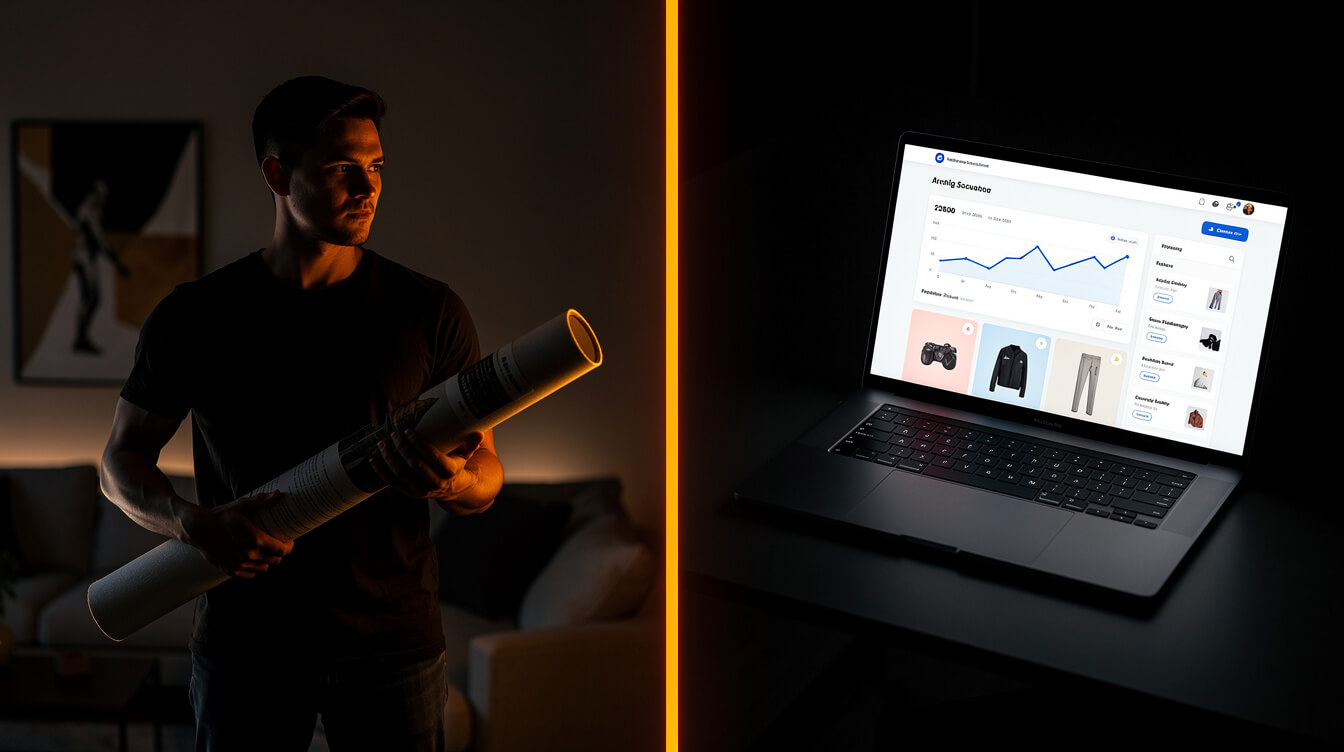
The top five Google results for this keyword are all B2C consumer experiences: you upload a photo, pick a size, and they ship a print to your house. That is a completely different business model than what a POD seller needs.
A POD seller needs to know: can I list canvas prints in my WooCommerce store, connect them to a fulfillment partner like Printful, and have orders drop-shipped directly to my customers without me holding inventory? The answer is yes, but you will not learn that from EasyCanvasPrints or Walgreens Photo.
The distinction matters because these are two separate supply chains:
- B2C consumer photo printing: The service holds blank canvas stock, prints on demand for the end buyer, ships direct. You are the customer. You own nothing from a business standpoint.
- POD seller via fulfillment partner: Printful (or a Printify partner) holds blank canvas stock, prints when your customer orders, ships under your brand, and you collect the retail markup. You are the merchant. The fulfillment partner is invisible to your customer.
The fulfillment-partner model is exactly what makes canvas prints a viable high-AOV addition to a no-inventory POD store. The catch is that not every POD platform carries canvas prints, and the ones that do have meaningfully different catalog depth, quality standards, and pricing. That is what section two covers.
One more thing worth naming: the CPC on this keyword is $9.24. That is high. It signals that people searching this term are ready to spend money. The commercial intent behind “custom canvas print” searches is strong, whether the searcher is a consumer or a seller doing competitive research. Your product pages and SEO structure should reflect that buying intent at every touchpoint.
Which POD providers offer canvas prints in their catalog: Printful vs Printify vs Gooten
Not all POD platforms carry canvas prints. Here is what each major provider actually offers:
Printful
Printful is the most straightforward option. They carry canvas prints produced via giclée printing on 100% polyester canvas (satin texture). Two frame depth options exist: Gallery (0.44-inch stretcher bar) and Museum (1.5-inch stretcher bar). Available sizes range from 8×8 inches up to 24×36 inches, with most popular sizes landing at 8×10, 12×16, 16×20, 18×24, and 24×36. Printful prints in-house at their US and EU facilities, which means faster fulfillment times and tighter quality control than marketplace-style platforms.
The edges are mirror-wrapped (your image is automatically extended to cover the wrap), or you can leave the sides white. Printful also supports hanging hardware on larger sizes. Setup is a direct WooCommerce plugin integration — no CSV imports, no manual SKU matching.
Printify
Printify does not directly manufacture canvas prints; they aggregate from a network of print partners. Canvas print availability depends on which partner is selected. Print Logistic and Printify’s premium partner network carry canvas in similar size ranges to Printful. Quality varies by partner, which is a real operational risk: customer complaints about canvas quality from one partner do not transfer expectations to another. If you go the Printify route, order samples from each partner before listing at scale.
Gooten
Gooten carries canvas prints and serves sellers who want more SKU flexibility or are already using Gooten for other product categories. Their canvas catalog is smaller than Printful’s, and their pricing tends to be competitive on larger sizes. API-driven integration makes Gooten more suitable for technically sophisticated sellers building custom storefronts.
For most WooCommerce sellers starting with canvas prints, Printful is the recommended starting point: direct integration, predictable quality, and the widest size catalog of the three.
Giclée printing on canvas: why the print method matters for color accuracy and longevity
Every premium canvas print — from art galleries to Printful’s fulfillment center — uses giclée printing. Understanding why this matters will make you a better seller.
The word “giclée” (from the French verb meaning “to spray”) describes a specific inkjet process where archival-grade inks are sprayed onto the canvas substrate through precision print heads. What makes giclée different from standard inkjet printing is the combination of:
- Ink type: Pigment-based inks rather than dye-based. Pigment inks resist UV fading for 100+ years under proper display conditions. Dye-based inks fade in a decade.
- Resolution: Giclée machines operate at 1200-2880 DPI, producing tonal gradients that are indistinguishable from traditional fine art printing to the naked eye.
- Substrate interaction: The polyester canvas surface is coated to optimize ink adhesion and color gamut — canvas textures interact differently with ink than flat photo paper, and the coating accounts for this.
For your customers, this means a canvas print purchased from your store will look as good in ten years as it does on delivery. That is a genuine quality claim — not marketing language — that you can build into your product descriptions.
One practical implication: because giclée printing is optimized for detail and color accuracy, the minimum recommended file resolution for canvas prints is 150 DPI at the final print size. A 24×36 canvas needs an image file that is at least 3,600 x 5,400 pixels at 150 DPI. AI-generated images from tools like Replicate’s Flux models typically output at resolutions suitable for medium to large canvas sizes — one more reason the AI art niche fits naturally into this product category.
This is also where the MEGA pipeline becomes relevant: when you generate product images using AI and need them at print-ready resolution, a proper generation pipeline (not a 512px thumbnail from a free tool) is the only path to canvas-ready output. MEGA automates this pipeline, from niche research to print-ready image generation to Printful listing creation.
Unit cost math: what canvas prints actually cost to fulfill at 8×10, 16×20, and 24×36

Smash print-on-demand. Join the engine room.
One short email a week. Real numbers, real teardowns, the unfiltered economics behind every move.
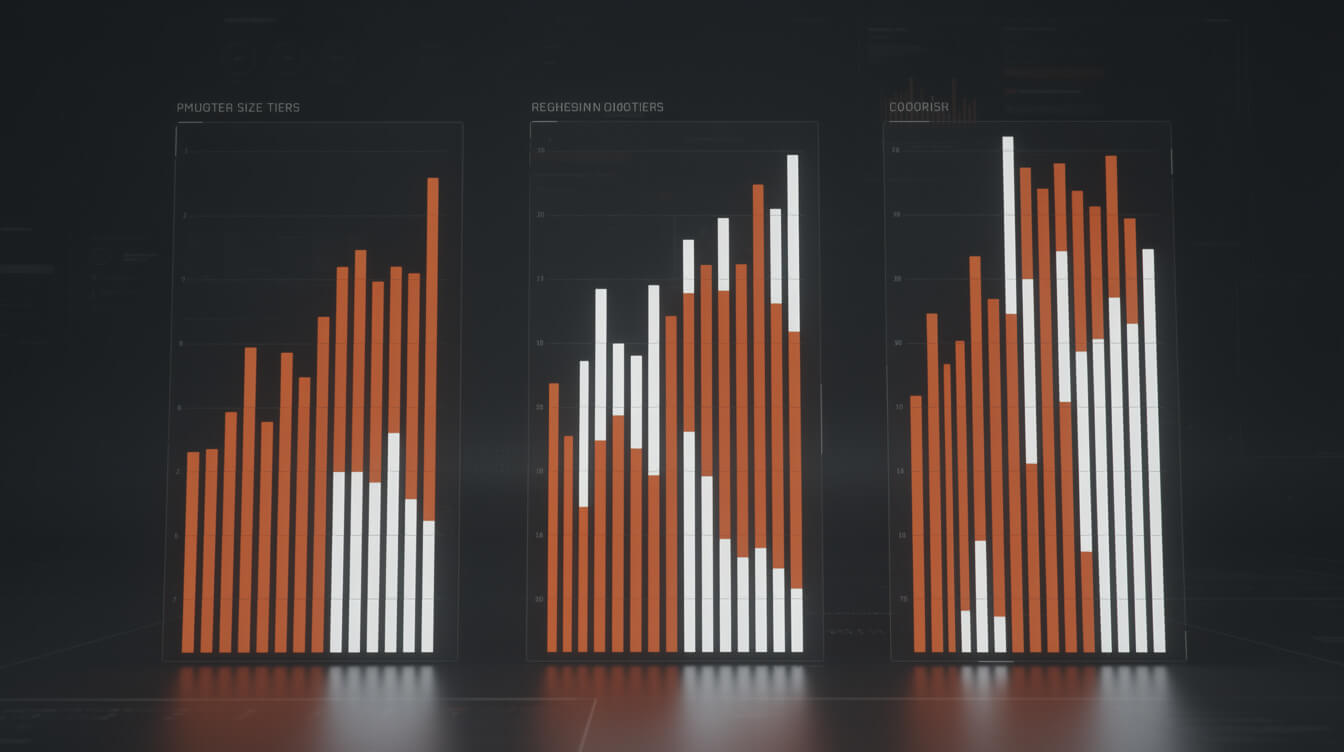
Here is what Printful charges to fulfill canvas prints, and what the margin looks like at realistic retail prices. Note that Printful pricing changes; these figures are accurate as of mid-2026. Always confirm current pricing in your Printful dashboard before setting retail prices.
| Size | Printful cost (est.) | Suggested retail | Gross margin | Margin % |
|---|---|---|---|---|
| 8×10 in | ~$18 | $49 | ~$31 | ~63% |
| 12×16 in | ~$27 | $69 | ~$42 | ~61% |
| 16×20 in | ~$32 | $79 | ~$47 | ~59% |
| 18×24 in | ~$45 | $99 | ~$54 | ~55% |
| 24×36 in | ~$60 | $120 | ~$60 | ~50% |
A few observations from these numbers:
Margin scales up as size increases. The gross dollar margin on a 24×36 is roughly double that of an 8×10, even though the margin percentage compresses slightly. If your store is optimization-focused, pushing buyers toward larger sizes (via image quality, room visualization, or upsell prompts) is the highest-leverage lever.
Canvas prints sit in a comfortable AOV range for POD. The $49-120 range is meaningful — above the “impulse buy” threshold where Shopify’s 1% fee hurts the worst, but not so high that buyers need significant convincing. Compare this to custom mug printing at $15-25 AOV or custom drinkware at $30-45 AOV. Canvas prints sit at the top end of the POD home decor category.
Shipping is a line item you control. Printful charges $5-8 for standard shipping on canvas prints. You can absorb this into the retail price (free shipping is a conversion lever) or charge it separately. Free shipping on $69+ is a common sweet spot that improves conversion without destroying margin.
Like custom ornaments or custom photo blankets, canvas prints perform best when you position them as gifts rather than commodity purchases. The gift framing justifies the retail price and reduces price sensitivity.
The Shopify 1% calculation at a $45-80 canvas print AOV (and when WooCommerce wins at scale)

Shopify charges a 1% transaction fee on every sale made through a third-party payment processor (i.e., not Shopify Payments, which is unavailable in some countries and carries its own limitations). For a canvas print store, this is how that fee compounds:
- Average order value: $65 (mid-range canvas print)
- Shopify 1% override: $0.65 per sale
- 50 canvas sales per month: $32.50/month in Shopify fees
- 100 canvas sales per month: $65/month in Shopify fees
- $10,000/month in canvas revenue: $100/month, plus Shopify’s base plan fee
At $10,000/month, a Shopify seller running canvas prints is paying $100/month in transaction fees before Shopify’s monthly plan cost ($39-$399 depending on tier) and before any app fees for printful integration, image optimization, or review tools. The total platform overhead on a $10,000/month Shopify canvas store can run $150-400/month.
WooCommerce eliminates the platform fee entirely. You pay for hosting ($20-50/month on a managed host) and the Printful plugin (free). Total platform overhead on a $10,000/month WooCommerce canvas store: $20-50/month in hosting, $0 in transaction fees.
The math is not close. At scale, the WooCommerce economics on canvas prints — where the AOV is high enough to make the 1% meaningful on every single transaction — represent a structural cost advantage that compounds monthly.
This is not an argument that Shopify is bad. These people are doing great work building audiences and running meta ads. The 1% just belongs on a spreadsheet before you build, not after you are already scaling.
Niche verticals that convert: pet portraits, family photography, AI-generated wall art, local landmarks
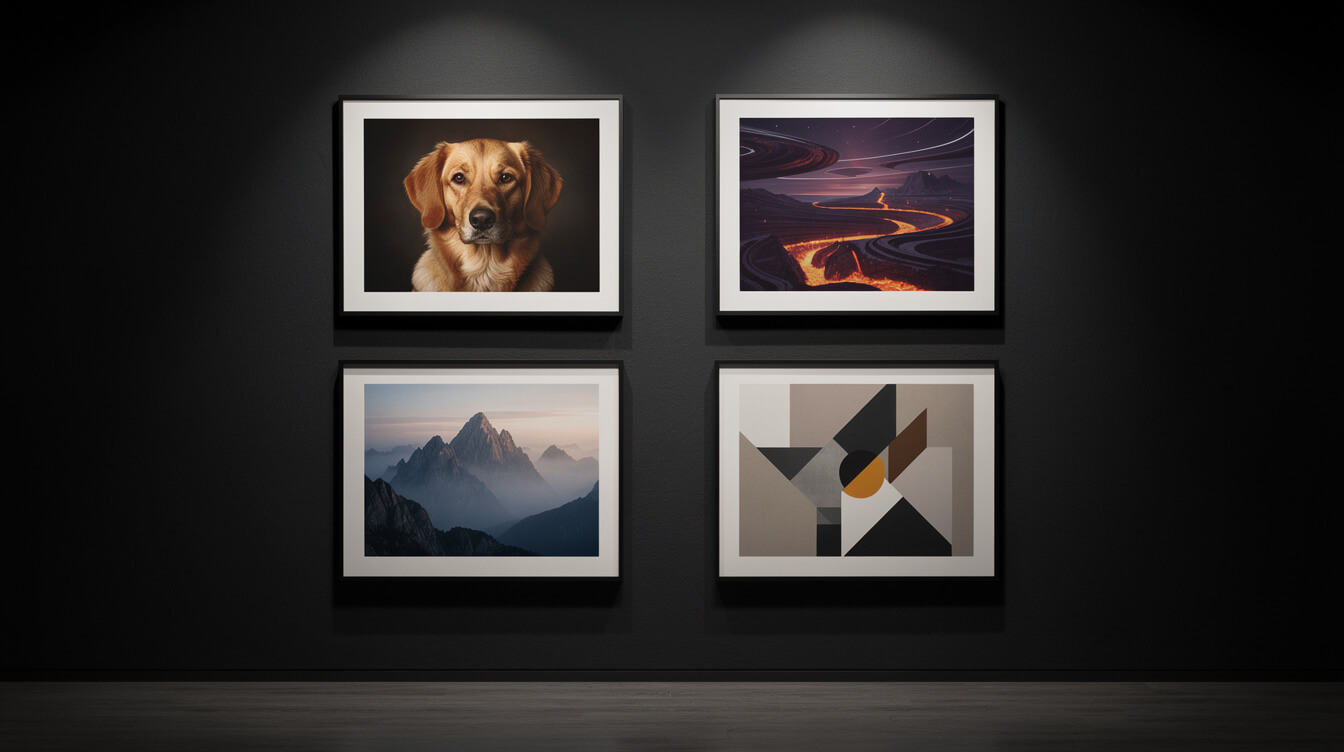
Canvas prints are not a commodity product. The buyers who convert on canvas are almost always buying for a specific reason: a gift, a memory, a statement piece. Here are the four highest-converting niches:
Pet portraits
Pet portrait canvas prints are a perennial gift niche. Dog owners, cat owners, horse owners — buyers in this segment have shown repeatedly that they will pay $60-120 for a quality canvas featuring their animal. The emotional purchase driver is strong, the gift occasion is frequent (birthdays, Christmas, Mother’s Day), and the repeat purchase potential is real as buyers acquire multiple pets or want different sizes. Your job as the seller is to make the product listing emotionally resonant, not technically impressive.
Family photography
New parents, empty nesters with recently married children, and couples celebrating anniversaries are the highest-converting segments here. The “just moved into a new house” trigger is particularly strong — buyers in this context are actively looking for wall art. Seasonal peaks are November-December (holiday gifting) and January-February (Valentine’s Day). Build your SEO content strategy around these windows.
AI-generated wall art
This is where the MEGA pipeline creates a genuine product advantage. AI-generated art at print-ready resolution (2-4 megapixels from a Flux Pro model) produces canvas-printable images that competitors running Canva templates or stock photo overlays cannot match for originality. Niches within this vertical: abstract art, fantasy landscapes, vintage-style travel prints, botanical illustration style, and AI portrait art. Each niche can be built into a complete WooCommerce product category with automated listing creation. This is the vertical where POD automation tools pay off fastest.
Local landmarks
Every major city, landmark, national park, and recognizable geographic location is a canvas print niche. Buyers searching for “Grand Teton canvas print” or “Chicago skyline canvas” have very specific intent and are ready to buy. The challenge is scale: you need a product for every location your buyers care about. This is exactly the kind of “research first, generate at scale” workflow that MEGA was built for.
Setting up canvas print products in WooCommerce: sizing variants, Printful integration, SEO structure
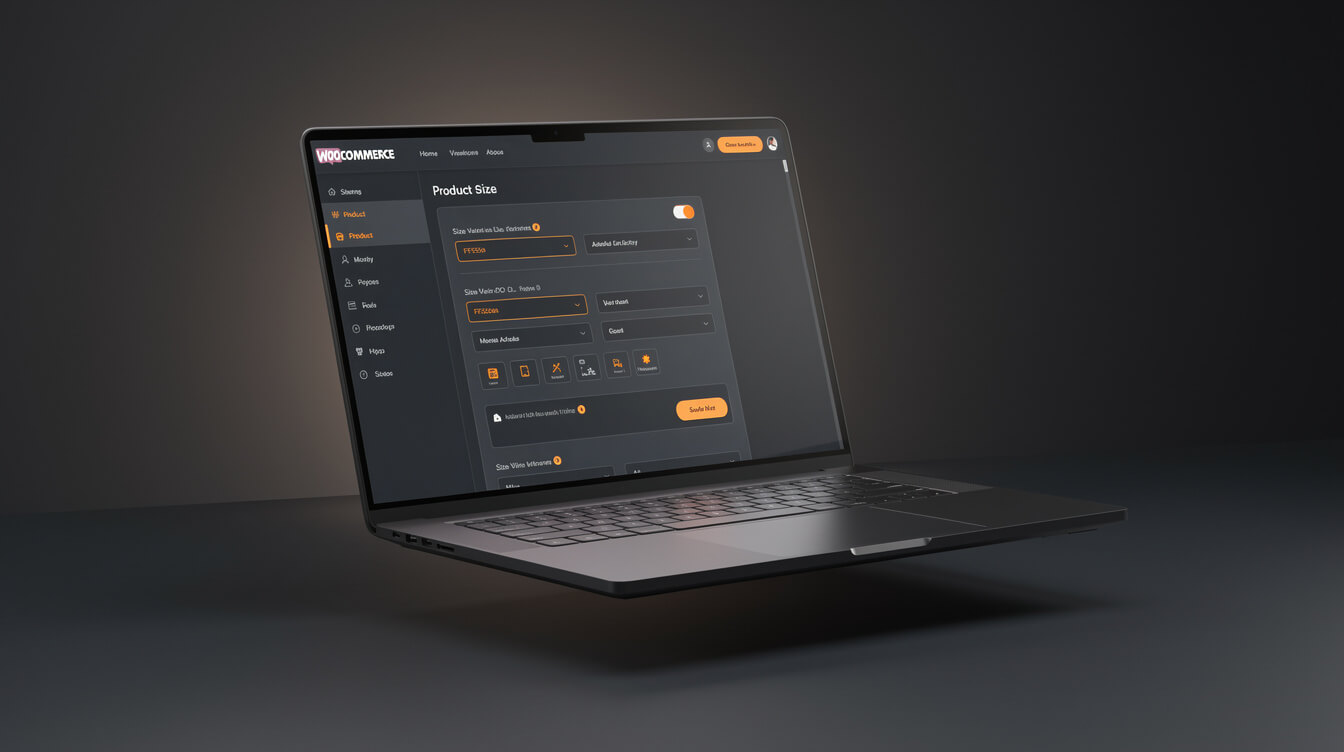
Once you have decided to add canvas prints to your store, here is how to structure the product setup for maximum SEO and conversion performance.
Product structure: one product, multiple size variants
Use a single WooCommerce variable product with size as the attribute. Do not create separate products for 8×10, 16×20, and 24×36 — one product with all sizes keeps your review count consolidated, simplifies your URL structure, and presents a cleaner customer experience. Set each size as a variation, map each to the corresponding Printful SKU, and price the variations individually. Show the price as “from $49” on the product card.
Printful integration setup
The Printful WooCommerce plugin connects your store directly to their fulfillment API. When a customer places an order, the plugin automatically sends the order to Printful with the correct product SKU and the customer’s shipping address. Printful prints and ships; you receive a notification. The only manual step is uploading your design files to Printful’s product builder when creating the product. For AI-generated designs, export from your generation tool at full resolution and upload as a JPG or PNG at the required DPI for the largest size you plan to offer.
SEO structure for canvas print product pages
Product page SEO for canvas prints should target long-tail terms: “custom pet portrait canvas print,” “personalized family photo canvas,” “AI art canvas print.” Your product title should include the primary topic keyword. Your product description should answer the questions buyers have before purchasing: what is the print quality, how long does shipping take, what file resolution do I need, can I see a preview. Alt text on product images should describe the subject matter of the print, not just say “canvas print.”
Create a collection page (a WooCommerce category page or a custom page) for each major niche you serve — pet portraits, family photos, AI wall art. These collection pages are where long-tail SEO traffic lands, and they funnel buyers to the right product. RankMath makes setting focus keywords and meta descriptions on these collection pages straightforward.
Frequently asked questions about canvas prints for POD sellers
Can I sell canvas prints on POD platforms without minimum orders?
Yes. Printful, Printify (via select partners), and Gooten all fulfill canvas prints with zero minimum order quantity. You list the product, a customer buys it, the fulfillment partner prints and ships one unit. There is no setup fee, no minimum run, and no inventory.
Does Printful offer framed canvas prints?
Printful offers stretched canvas prints with Gallery (0.44-inch) and Museum (1.5-inch) depth options, not traditional framing. The canvas is mounted on a wooden stretcher bar and is ready to hang. Traditional picture frame options are not available through Printful’s standard catalog. If you want to offer a fully framed option, you would need a different fulfillment source, or sell the canvas as unframed and recommend a specific frame to your customer.
What resolution do I need for a 24×36 canvas print?
At Printful’s recommended 150 DPI, a 24×36-inch canvas requires an image that is at least 3,600 x 5,400 pixels. At 300 DPI (professional photographic quality), you would need 7,200 x 10,800 pixels. AI image generation tools like Replicate’s Flux Pro output at approximately 1440 x 2560 pixels (for 9:16) or 2048 x 1152 (for 16:9) — these are suitable for most canvas print sizes at 150 DPI up to about 18×24 inches. For 24×36 and larger, upscaling tools or higher-resolution models are recommended.
How does canvas print margin compare to other POD products?
Canvas prints have among the highest gross dollar margins in the POD home decor category. The 55-63% gross margin percentage is comparable to premium apparel, but the AOV is significantly higher than most apparel — $65-120 vs $25-45 for a typical t-shirt or hoodie. The combination of reasonable margin percentage and high AOV makes canvas prints one of the most profitable per-order POD products available.
The bottom line on canvas prints for POD sellers
The custom canvas print keyword gets 27,000 searches per month, carries a $9.24 CPC, and is served entirely by B2C consumer printing services with zero editorial content for sellers. That is a genuine content and SEO gap — the kind that takes six months to occupy and becomes difficult to displace once you own it.
The product economics are strong. Printful fulfills canvas prints via giclée printing at margins of 55-63% gross, with AOVs of $49-120 depending on size. The Shopify 1% override fee costs meaningfully at that AOV range — $0.49-1.20 per sale. WooCommerce eliminates this entirely.
The niche verticals that perform best — pet portraits, family photography, AI-generated wall art, and local landmarks — all benefit from a research-first content and product creation approach. Building a canvas print store that covers 50 local landmark variations, 20 pet breed niches, and a rotating AI art collection is exactly the kind of throughput challenge that manual Canva workflows cannot solve and that automation pipelines exist to handle.
If you are building a POD business and have not added canvas prints, the unit economics are worth running in your own numbers. The product exists, the fulfillment partners are ready, and the SERP is entirely open on the seller side.
Implement AI. 30x your throughput. Get a 30-min call with the founder.
Drop your details and book a free 30-minute discovery call. Personalized advice on your POD stack, your margin, and where AI fits. No pitch, no fluff.