How to start a print-on-demand t-shirt business: niche to live listing in under 7 minutes
Most searches for “print on demand t shirt” land on product pages, blank garment guides, or platform homepages. What they don’t cover is the seller workflow: how you find a profitable niche, generate a print-ready design without a designer, connect a fulfillment partner, choose a platform that doesn’t bleed your margin, write a live listing, and actually go live. This guide covers all of it, with real margin numbers and the exact 7-step pipeline that takes you from niche idea to live listing in under seven minutes.
The global custom t-shirt printing market sits above $5 billion in 2026, according to Statista. Most of that opportunity is captured by sellers running the wrong workflow: one design at a time, manual mockups, Shopify platform fees compounding in the background. The sellers winning are running pipelines, not sessions.
What “print on demand t-shirt” means for sellers, not buyers
When someone types “print on demand t shirt” into Google, 90% of the results serve buyers or blank-garment pickers. Platform product pages. “Best blanks to print on” guides written by the platforms that benefit from the answer. That framing is backwards if your goal is to sell, not buy.
Print on demand for sellers works like this. You list a t-shirt design on your store. A customer orders. Your fulfillment partner, Printful or Printify, prints the order and ships directly to the customer. You never hold inventory. You never pay upfront for stock. You earn the margin between your retail price and the base cost plus shipping.
That margin is where the decisions matter. A $25 retail t-shirt on Printful has a base cost around $13.25 for a standard unisex tee. That’s an $11.75 gross margin before platform fees, payment processing, and advertising. On Shopify Basic, you pay $39 per month plus a 2% transaction fee on every sale. On WooCommerce, hosted on a $10 per month VPS, you pay $0 in platform fees and $0 in transaction fees. At 100 t-shirt sales per month at $25 each, Shopify’s 2% fee costs you $50 per month, every month, on top of the subscription. Over 12 months, that’s $600 in pure platform overhead at modest volume.
The seller’s version of “print on demand t-shirt” is a margin and pipeline question, not a garment question. Every decision you make, from fulfillment partner to store platform to how you generate designs, compounds into your monthly take-home.
What POD t-shirt sellers actually need to know
The real questions sellers have are not “which blank t-shirt should I print on?” They are:
- How do I find a profitable niche before I spend time designing?
- How do I generate designs without hiring a designer or spending hours in Canva?
- What’s the actual margin difference between Printful and Printify at volume?
- What does Shopify cost per year vs WooCommerce for a store doing $10k per month?
- How do I write a product listing that ranks and converts?
- How do I run this whole workflow in under 10 minutes per product?
Those are the questions this guide answers.
Step 1: find a profitable t-shirt niche before you design anything

Most new POD sellers start with a design idea. Wrong order. Start with a niche that has buyers, then design for it.
A profitable POD t-shirt niche has three characteristics. First, it has a passionate, buying community: people who already spend money on merch related to their identity or interest. Second, it has low design saturation: the existing t-shirt designs in this niche are generic or low-quality, leaving a clear gap for something better. Third, it has repeatable demand: people don’t buy one t-shirt. They buy for themselves, gift for others, and come back for new releases.
Where to find niche signals
The fastest research tools are the ones your competitors aren’t using systematically:
- Reddit hobby communities: Subreddits like r/knitting, r/homebrewing, r/woodworking, and r/sommeliers with 100k-plus members are proven merch buyers. Look for threads where members post merch they bought. That’s a paying niche.
- Etsy search autocomplete: Type a broad hobby keyword into Etsy search and capture the suggestions. “Nurse gift ideas” generating 12 autocomplete options means 12 niche angles, each with an audience actively searching.
- Google Trends: A hobby rising 40% year-over-year with low absolute search volume is prime real estate. “Axe throwing” in 2019 is the classic example. These trends compound before the major players notice.
- Merch by Amazon bestseller rank: A t-shirt with BSR under 100,000 in Clothing is selling roughly 50-100 units per month. Find the niche behind that design and you’ve confirmed buyers exist. Our deep dive on Merch by Amazon tier limits and royalty math covers when Amazon is a testing ground vs when to move to your own store.
The niche validation test
Before you generate a single design, run this 5-minute test. Search your niche keyword on Etsy. If the first 12 results are dominated by one or two sellers with generic clipart, the niche has buyers and weak supply. That’s your entry point. If every result has thousands of reviews and high-production custom art, you’re competing against sellers with years of review velocity. Move on.
The goal is a niche where you can generate 10-20 designs in one session and own a meaningful share of Etsy and Google search results within 60 days. That’s only possible if you’re not competing against someone with 50,000 designs and an 8-year head start.
Step 2: generate print-ready designs without hiring a designer

Six hours in Canva to produce one t-shirt design is the old workflow. With AI image generation, you can go from a niche idea to 10 distinct design concepts in under 30 minutes.
File format requirements first
Before generating anything, understand what Printful and Printify actually need. Both want PNG files with transparent backgrounds. Minimum 150 DPI for most products, 300 DPI preferred for high-detail work. The maximum print area on a standard t-shirt is roughly 12×16 inches, which means your design file needs to be at least 3,600×4,800 pixels at full output quality.
AI image generators output JPEG by default. You’ll need to remove backgrounds (Adobe Express, Remove.bg, or Canva’s background remover all work), upscale if needed (Magnific.ai or Topaz Gigapixel), and export as PNG. This adds 2-3 minutes per design. It’s a fixed overhead, not a creative bottleneck.
Prompt engineering for t-shirt designs
A good t-shirt design prompt describes a concept, not a t-shirt. “A majestic golden retriever in Renaissance portrait style, oil painting aesthetic, circular frame composition, dark background, no text” produces a usable design file. “A cool dog t-shirt design” produces results you can’t use.
Structure prompts with: subject, style, composition, color palette, background treatment, and an explicit no-text instruction. Typography on AI-generated images is always garbled. Generate the art without text, then add any typography separately in Canva or Adobe Express using your own font stack. Never let the model attempt lettering.
Batch generation is the multiplier
The output-to-effort ratio is the key metric. Running 10 prompts in one session takes roughly the same setup time as running 1. Generate in batches. For a niche like “dad jokes fishing,” write 10 concept prompts, run them all, review and select the 3-5 strongest, then do the background removal pass on those selected files. You now have 3-5 distinct print-ready designs ready for upload, not 1.
Step 3: choose your fulfillment partner and know the margin math

Smash print-on-demand. Join the engine room.
One short email a week. Real numbers, real teardowns, the unfiltered economics behind every move.

Printful and Printify are the two dominant POD fulfillment partners for WooCommerce and Shopify. They are not interchangeable. The margin math is different. The quality consistency is different. The WooCommerce integration depth is different.
The margin table
Base costs for a standard unisex short-sleeve t-shirt (Bella+Canvas 3001 equivalent) as of 2026:
| Partner | Base cost (standard) | Base cost (volume/membership) | Avg domestic shipping |
|---|---|---|---|
| Printful | $13.25 | $11.58 (Printful Growth, free at $12k/year sales) | $4.99 |
| Printify | $8.45 (cheapest provider) | $7.60 (Printify Premium, $29/month) | $3.99–$5.99 (provider-dependent) |
At a $25 retail price, gross margin before platform fees:
- Printful standard: $25 – $13.25 – $4.99 = $6.76 per unit
- Printful Growth: $25 – $11.58 – $4.99 = $8.43 per unit
- Printify standard: $25 – $8.45 – $4.99 = $11.56 per unit
- Printify Premium: $25 – $7.60 – $3.99 = $13.41 per unit
Printify wins on margin by a significant amount. That $4.65 per unit difference between Printful standard and Printify Premium at 100 sales per month is $465 per month, or $5,580 per year in additional gross margin. At 500 sales per month, it’s $27,900 per year.
Where Printful wins
Printful has more consistent print quality across providers, stronger embroidery options, a larger premium product catalog, and more predictable fulfillment times. If you’re running a brand where quality perception matters and your margins support the higher base cost, Printful is defensible. If you’re running a volume operation focused on hobbyist niches with t-shirts as the core SKU, Printify’s margin advantage compounds fast.
Our full Printify review covers the WooCommerce integration, print provider selection, and batch workflow in detail if you want the full comparison before committing.
Step 4: Shopify vs WooCommerce for your t-shirt store

This is the decision most POD guides skip, because the platforms sponsoring most content don’t want you to run this math.
The Shopify fee stack
Shopify Basic costs $39 per month. On top of the subscription, Shopify charges a 2% transaction fee on every order unless you use Shopify Payments. Even with Shopify Payments, you’re paying 2.9% plus $0.30 per transaction. At $10,000 per month in revenue, the Shopify transaction fee costs $200 per month. Over 12 months, that’s $2,400 per year in fees paid directly to Shopify, separate from the $468 annual subscription.
The average Shopify POD store uses 6 apps. Email, reviews, upsells, bundles, SEO tools, analytics. These apps commonly total $60-120 per month in additional fees. Full Shopify cost at $10k per month revenue: $39 (subscription) + $200 (transaction) + $90 (average apps) = $329 per month, or $3,948 per year. That’s money that goes to Shopify and its app ecosystem, not to your business.
The WooCommerce cost structure
WooCommerce is open-source. The platform fee is $0. Transaction fees are only from your payment processor, typically Stripe at 2.9% plus $0.30, which you’d pay on Shopify Payments at the same rate anyway. You own your hosting at $10-20 per month on a reputable VPS. Most WooCommerce SEO, review, and email tools have free tiers or one-time licenses instead of recurring app subscriptions.
Full WooCommerce cost at $10k per month: $0 (platform) + $290 (Stripe processing at same rate as Shopify Payments) + $15 (hosting) + $30 (optional plugins) = $335 per month. Nearly identical in total cost. The difference is that on Shopify, $239 of that $329 goes to Shopify. On WooCommerce, the equivalent goes to Stripe and your VPS host. You own the store. You own the customer data. You own the URL structure and 100% of the SEO authority you build.
For the full numbers-first breakdown, our WooCommerce vs Shopify comparison for POD sellers covers every fee tier and the migration math at $5k, $10k, and $20k per month.
If you want the entire t-shirt business workflow, from niche research through AI design generation, mockup creation, and WooCommerce publish, running in one automated pipeline, MEGA handles all seven steps in under seven minutes. No Canva sessions. No manual Printful uploads. No separate SEO configuration. It’s the research-to-live-listing engine built for WooCommerce POD sellers.
7 minutes from niche to live listing. That is the MEGA pipeline.
MEGA automates niche research, AI design generation, product sizing, mockup creation, listing copy, and WooCommerce publish in one run. No Canva. No Shopify fees. No 6-hour workflow.
Step 5: write your listing and go live
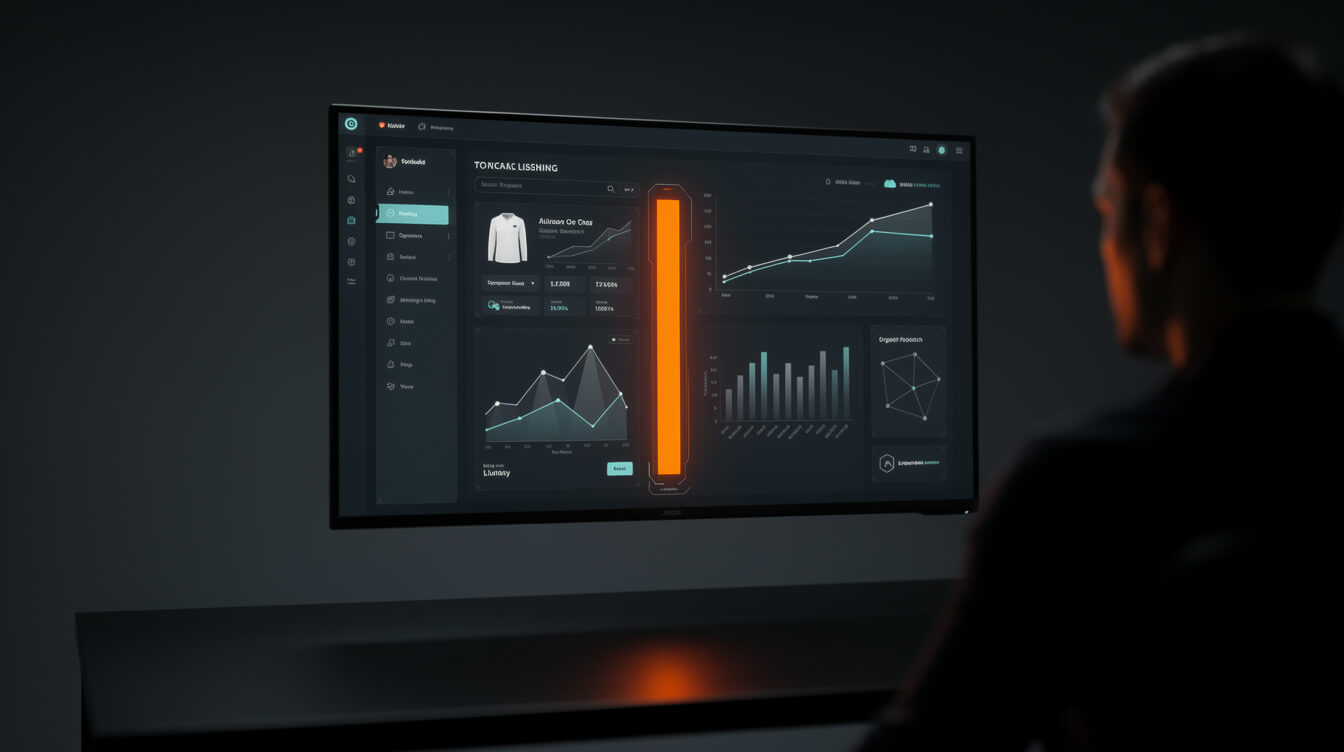
A product listing is simultaneously a landing page and a search engine entry. Writing it well requires treating both functions at the same time.
Product title
Your product title is the most weighted on-page SEO element and the first thing a buyer reads. Lead with the design concept, then include the niche keyword, then the product type. “Golden Retriever Renaissance Portrait T-Shirt, Dog Owner Gift” is the format. This structure surfaces in Google Shopping, Etsy search, and WooCommerce shop pages. It converts because it tells the buyer exactly what they’re looking at and who it’s for without requiring a click through to the description.
Product description
Write for the person about to buy a gift. That’s the highest-converting mindset. “The perfect gift for the golden retriever lover in your life. This premium unisex tee features a bold Renaissance portrait print on 100% ring-spun cotton. Printed on Bella+Canvas 3001 blanks, with a true-to-size fit.” Include: the design concept, the occasion or gift use case, the blank garment and fabric type, the fulfillment partner (builds trust), and sizing notes. Roughly 60-80 words, high information density, zero padding.
Tags and attributes
In WooCommerce, use product attributes (Color, Size) for variants. Use tags for searchable concepts: the niche keyword, the occasion, the recipient type. “Dog lover gifts,” “funny pet shirts,” “golden retriever owner gift” are all legitimate tags that route organic search traffic to your product without cannibalizing your other listings.
Pricing
Price to land on a number that protects margin and positions correctly. $24.99 signals discount. $25.00 signals standard. For a premium positioning brand, $29.99 with strong product photography outperforms $24.99 with weak photography. Set your price with the full margin table in view, not after the fact. Repricing later disrupts Google Shopping cache and Printful/Printify feed synchronization. Get it right before launch.
The 7-minute print on demand t-shirt pipeline: what automation actually looks like
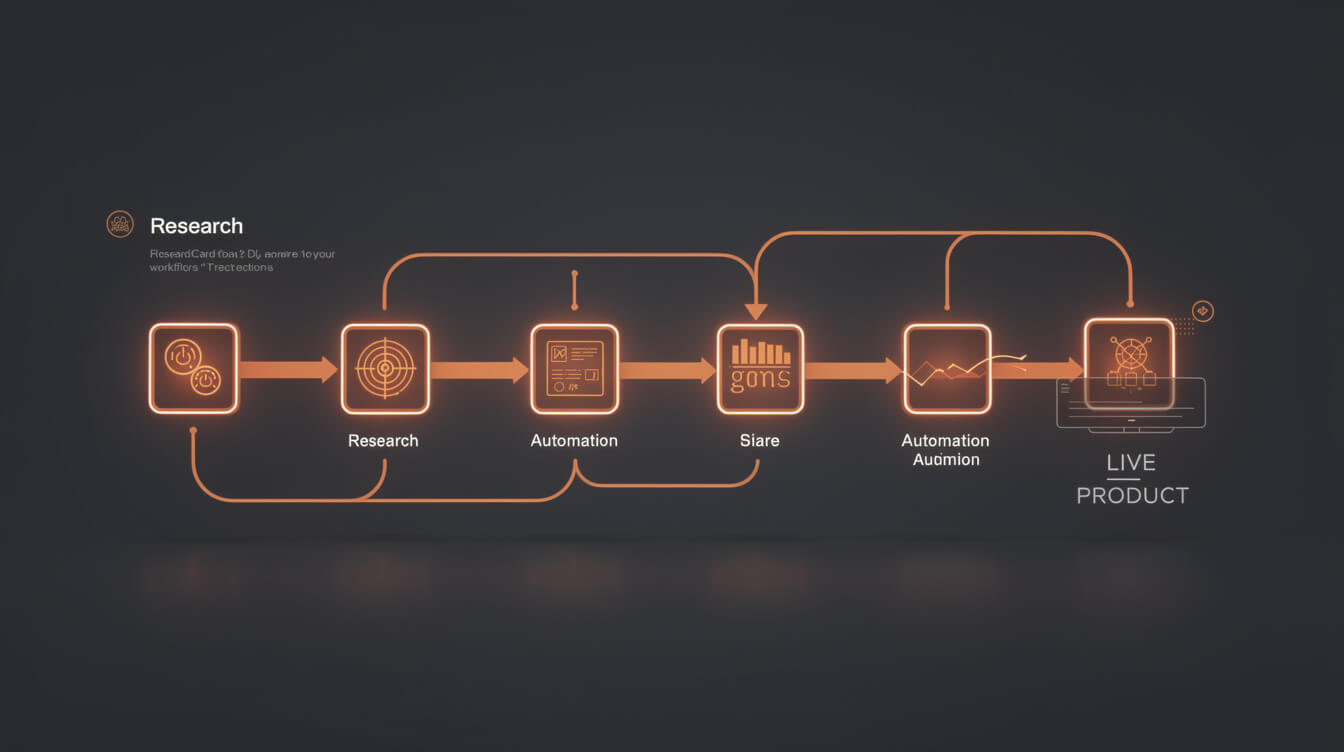
Here’s the manual workflow for a typical POD seller with no automation:
- 1-2 hours of niche research across Reddit, Etsy, and Google Trends
- 3-4 hours generating and editing designs in Canva or Photoshop
- 30 minutes uploading to Printful or Printify and configuring product variants
- 45 minutes writing listings, setting prices, and adding SEO metadata
- 15 minutes creating mockup images for product photos
Total: 6-8 hours per product. A catalog of 100 t-shirt products is 600-800 hours of manual work. At $50 per hour in contractor time, that’s $30,000-40,000 in design and operations labor before a single sale.
What the automated pipeline replaces
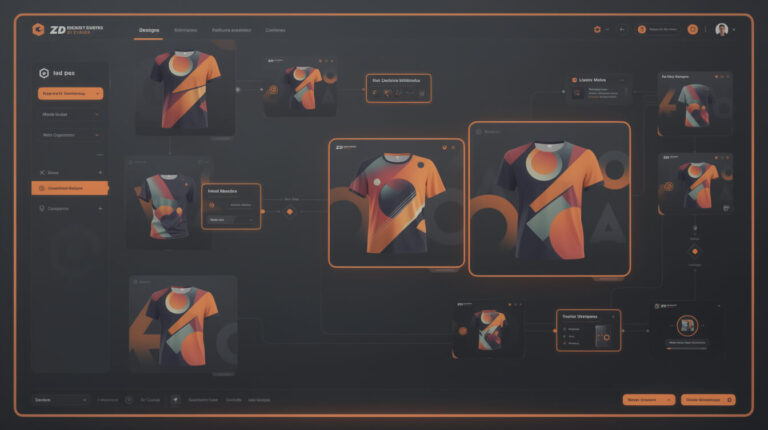
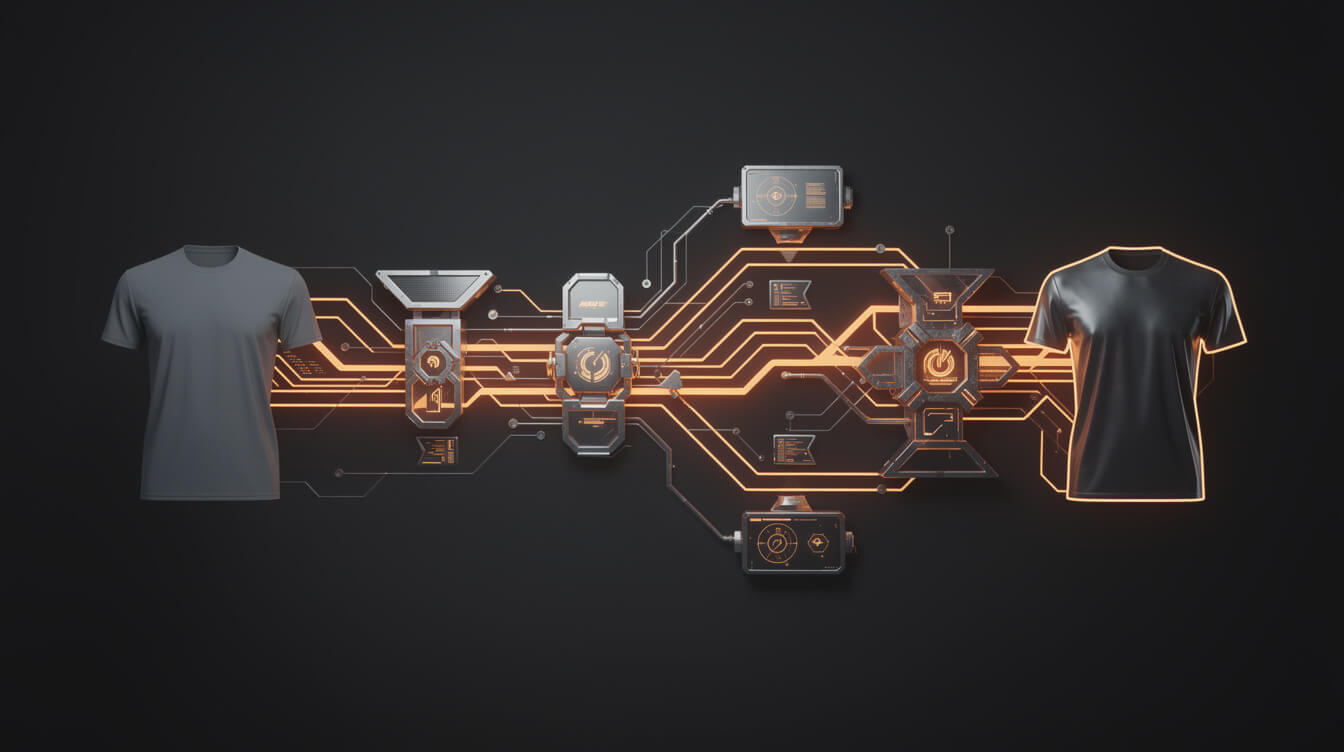
The 7-minute pipeline compresses this to under seven minutes per product:
- Niche research: Pull from validated research queue with live search volume confirmation
- AI design generation: Flux 2 Pro image generation from a niche-specific prompt
- Sizing and background removal: Auto-format for print spec at 300 DPI, PNG with transparent background
- Mockup generation: Automated product mockups on t-shirt blanks, multiple angles
- Listing copy: AI-written title, description, and tags optimized for the target keyword
- Printful upload: Direct API push to Printful product catalog with variant configuration
- WooCommerce publish: Live product listing on your owned store with SEO metadata set
Seven steps, under seven minutes, one automated run. At 30 products per session instead of 1, the design-to-live-listing throughput is 30x faster than a manual Canva workflow. That’s the compounding advantage that shows up in catalog size and organic search authority within 60 days.
If you’re building the store from scratch, our guide to building a print on demand website you actually own covers the WooCommerce setup end-to-end. If you’re scaling from Printify’s Pop-Up Store, the limitations of the Pop-Up Store model and the migration path to WooCommerce are worth reading before you hit the ceiling.
Frequently asked questions about starting a print-on-demand t-shirt business
How much does it cost to start a POD t-shirt business?
Near zero for the store itself. WooCommerce hosting runs $10-20 per month. Printful and Printify charge no monthly fee on base tiers. Your real investment is time spent on niche research and design generation, or the cost of an automation tool that handles those steps for you.
How many designs do I need before launching?
A minimum viable catalog is 10-20 designs in a single, focused niche. Below 10, buyers don’t feel they’re browsing a real store. Above 50 across too many niches, you dilute your SEO signal and can’t rank for any specific keyword. Start tight, prove the niche, expand once your first designs have sales data.
What’s the best blank t-shirt for print on demand?
For general bestsellers: Bella+Canvas 3001, unisex retail fit, reliable print surface, broad size range. For workwear or discount niches: Gildan 5000, lower base cost, consistent. For premium positioning: Comfort Colors 1717, garment-dyed vintage aesthetic, higher base cost. Printify has access to all three. Printful’s standard offering is Bella+Canvas 3001 equivalent.
Do I need to trademark my designs?
Avoid brand names, celebrity likenesses, sports team logos, and copyrighted characters in your designs. Fan art and sports-adjacent content is the most common path to Printful and Printify account suspension. Original art or clearly generic concepts, animals, hobbies, professions, carry no trademark risk and are easier to scale into larger catalogs.
Final thoughts
A print-on-demand t-shirt business is a margin and throughput game. The sellers who win are not the ones with the most creative designs. They’re the ones who validated a niche before designing anything, who run a pipeline instead of a one-by-one Canva workflow, and who own their store instead of renting it from a platform that charges a percentage of every sale.
The math is clear at volume. $5,580 per year in additional gross margin from Printify vs Printful standard at 100 units per month. $3,948 per year in platform fees on Shopify at $10k per month revenue. A 30x throughput difference between a 7-minute automated pipeline and a 6-hour manual session. These numbers compound into a different business within 12 months.
Start with niche research. Generate designs in batches, not one at a time. Choose your fulfillment partner based on the margin table. Build on WooCommerce so you own the customer data, the URL structure, and every dollar of SEO authority you build. And if you want the full pipeline automated, that’s what MEGA was built to run.

Implement AI. 30x your throughput. Get a 30-min call with the founder.
Drop your details and book a free 30-minute discovery call. Personalized advice on your POD stack, your margin, and where AI fits. No pitch, no fluff.