T-shirt printing at home in 2026: when DIY makes sense and when POD automation wins
T-shirt printing at home covers two very different situations. One is the person who wants five custom shirts for a family reunion and has a weekend to spare. The other is someone convinced that t-shirt printing at home is the entry point to a real t-shirt business. The economics are completely different for each group — and almost nobody on the internet bothers to separate them. This article does. You will get honest unit cost comparisons, the break-even math that the DIY tutorials skip, and a clear decision framework for when to stay with home printing and when to switch to print-on-demand automation.
The two types of people searching “t-shirt printing at home”
The search term “t-shirt printing at home” pulls in two groups with almost nothing in common.
The first group is hobbyists. They want a handful of custom shirts — a bachelorette party, matching family shirts for a holiday photo, a gift for a friend who follows a niche joke. They need five to fifteen shirts, one design, and they want to do it themselves either for fun or because a single Printful order for ten shirts feels like overkill with the minimum order and shipping timeline.
The second group is prospective sellers. They have seen people making money on print-on-demand and have concluded that starting from a home printer is the sensible low-cost entry point. They are wrong about this in almost every scenario once you run the numbers — but not because home printing is inherently bad. It is because the economics of a home setup do not scale.
Every piece of advice on the internet about “t-shirt printing at home” is aimed at group one. Heat transfer tutorials, screen printing starter kits, iron-on paper reviews. That content is useful if you want twelve shirts for a team. It is actively misleading if you want to build a business. This article covers both groups and tells each one exactly what they need to know.
The DIY methods for t-shirt printing at home: what actually works in 2026
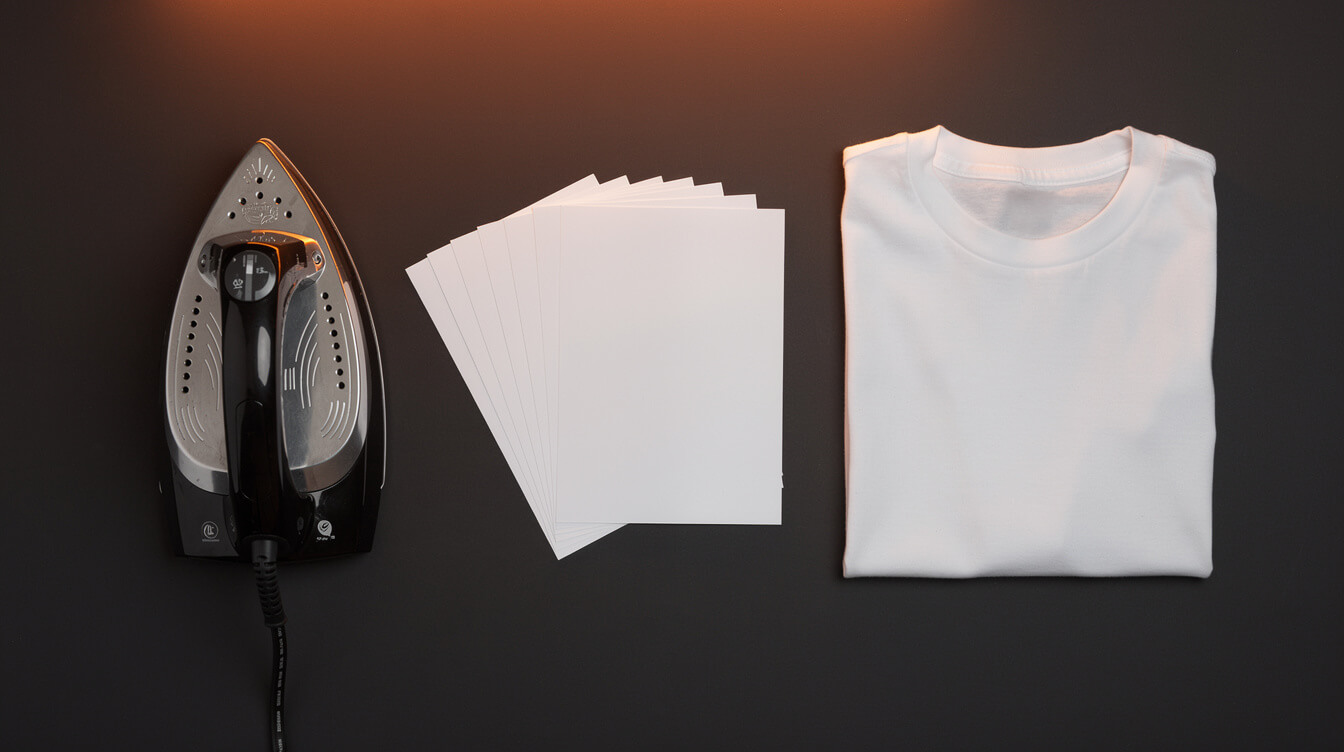
There are three real methods for home t-shirt printing. Each has a specific use case where it makes sense.
Heat transfer (inkjet + iron-on paper)
Setup cost: $30 to $80 for iron-on paper sheets. You probably already own an inkjet printer and iron. The process is straightforward — print on transfer paper, iron onto fabric. Quality is acceptable for light-colored shirts on 100% cotton. On dark fabrics or polyester blends the results are inconsistent.
Where it works: small batches of one-off designs. Where it fails: repeated washing. Heat transfer prints typically show cracking or fading after 20 to 30 washes under normal conditions, depending on application technique and shirt material.
Screen printing at home
Setup cost: $150 to $400 for a starter kit (screen frames, squeegees, emulsion, ink, a light source for exposure). The technique produces durable, vibrant prints on any fabric color. The catch: you are creating a physical screen for each design, and the setup time per design runs 60 to 90 minutes before you print the first shirt.
Screen printing at home becomes economical when you print 12 or more shirts of the same design in a single session. Below that threshold, the per-unit cost including time and setup materials is higher than ordering from a POD supplier.
For people who enjoy the craft and want a physical process, screen printing is genuinely satisfying. For people who want a business with multiple designs, it is not viable — one screen per design, no quick iterations, and chemical cleanup after every session.
Direct-to-garment (DTG) at home
This one gets mentioned a lot by people who have not checked the prices. Entry-level DTG machines for home use start at $3,500 and run to $15,000 for anything with reliable commercial output. The ink systems require regular maintenance including purging and recirculation cycles to prevent clogging. An idle home DTG machine can cost more in ink waste and maintenance than a monthly Printful bill.
DTG at home is not a realistic entry point for most people. It belongs in this list only to name it honestly so you stop researching it as an option.
For a deeper comparison of DTG vs other printing methods, our breakdown of DTG printing vs screen printing covers the technical distinctions in detail.
The real cost of t-shirt printing at home: a unit economics breakdown
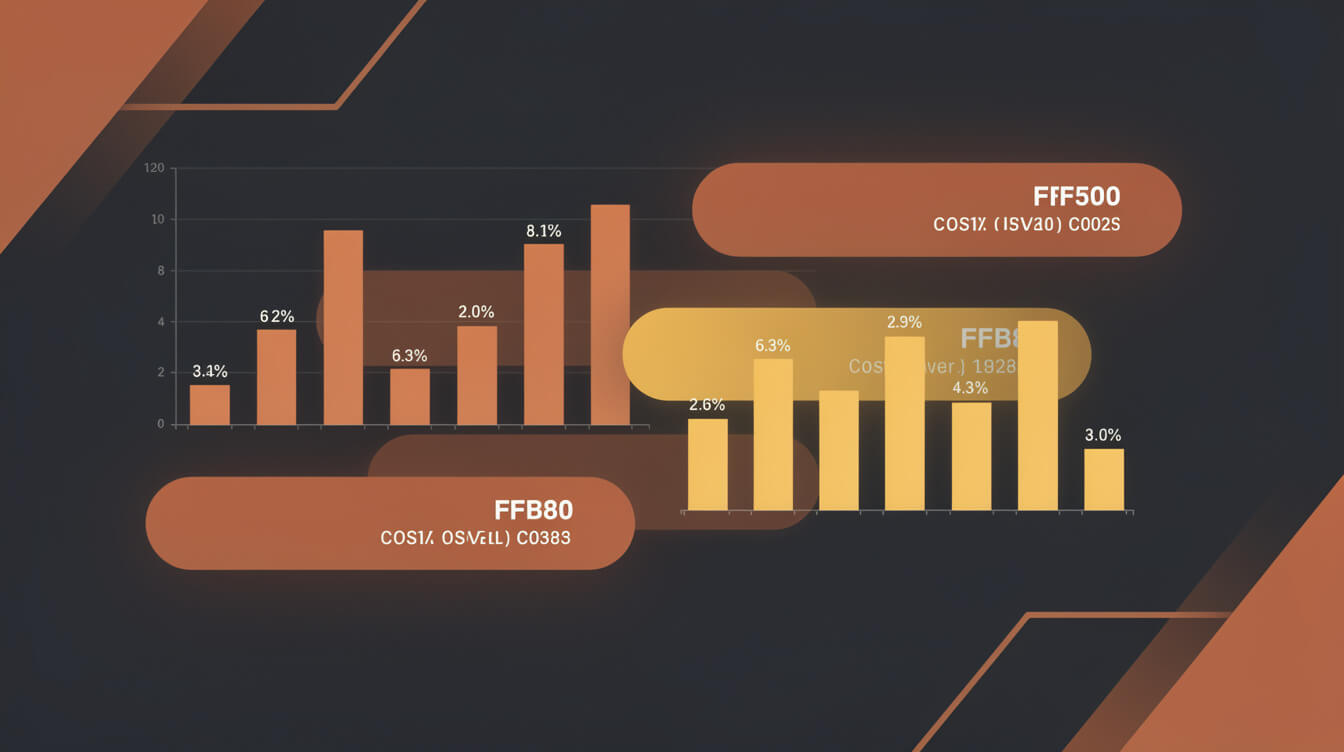
This is where most tutorials stop. Here is where this article starts.
Heat transfer cost per shirt
- Transfer paper: $0.40 to $0.70 per sheet (varies by brand and pack size)
- Ink: approximately $0.20 to $0.40 per print depending on design complexity
- Shirt (Gildan G500 equivalent): $3.50 to $5.00 bought in bulk
- Labor: 15 to 20 minutes per shirt including prep, transfer, and cooling time
All-in material cost excluding labor: approximately $4.50 to $6.00 per shirt. Add labor at any reasonable rate and the number climbs fast.
Compare this to Printful’s base price for a standard Gildan print-on-demand t-shirt: $12.95 to $15.95 depending on garment and print area. The home method is cheaper in materials. But Printful handles fulfillment, shipping, and customer service — and those are not free in a home setup.
Screen printing cost per shirt
Screen printing involves an amortization problem. The $200 setup cost for a single-design screen run needs to spread across as many shirts as possible.
- At 12 shirts: $16.67 in setup cost per shirt, plus $4 in ink and materials = $20.67 per shirt before time
- At 50 shirts: $4.00 in setup cost per shirt, plus $4 in materials = $8.00 per shirt before time
- At 100 shirts: $2.00 in setup per shirt, plus $4 = $6.00 per shirt before time
At 100 identical shirts from the same screen, home screen printing beats Printful on materials cost. The question is whether you will actually sell 100 identical shirts of the same design. Most new POD sellers do not. Inventory risk on 100 shirts is also real — that is $350 to $500 tied up in unsold product before you make a single sale.
Break-even vs. print-on-demand
The break-even calculation depends on volume and design variety. For a single design at high volume (100+ identical shirts), home screen printing is cheaper per unit. For a business with 10 or more active designs, POD automation beats home printing on almost every financial metric: no inventory, no setup cost per design, no material waste, no failed prints.
The hidden costs of home printing that most people undercount: ink degradation over time, chemicals and proper disposal, errors and misprints (budget 10% failure rate for beginners), space dedicated to equipment, and the opportunity cost of your time at a machine rather than marketing and growing the store.
When t-shirt printing at home makes financial sense

Smash print-on-demand. Join the engine room.
One short email a week. Real numbers, real teardowns, the unfiltered economics behind every move.

Home printing wins in a narrow but real set of situations.
Personal use under 15 shirts, one design
Family reunion. Birthday party. Team event. If you need custom shirts fast, want to do it yourself, and will not wear them more than a dozen times, heat transfer gets the job done at the lowest possible cost. No shipping wait, no minimum order, and you can tweak the design at 11pm the night before.
Craft-driven makers who enjoy the process
Screen printing is a genuine craft. Some people find the physical process of coating screens, exposing emulsion, and pulling ink through a frame satisfying in a way that uploading a PNG to Printify never will be. If the making is part of the value, home printing is valid regardless of the economics.
Experimental designs before committing to POD listings
A few heat transfer prints can let you physically wear and test a design before you build out a full POD product listing with mockups, descriptions, and SEO. This is a legitimate use case: prototype at home, scale through POD once the design is validated.
Outside of these three scenarios, the economics favor POD for most people who land on this search term with a business in mind.
When POD automation beats t-shirt printing at home
If you plan to sell shirts, the home printing path has a ceiling you will hit quickly.
Volume above 20 shirts per month
At this volume, the unit economics shift. POD suppliers like Printful handle fulfillment at scale with no additional work from you. Your home printer requires more time, more supplies, and more physical space as volume grows. The comparison is not just cost per shirt — it is cost per shirt including your time, overhead, and the risk of printing errors on shirts you have already committed to selling.
Multiple designs in your catalog
Every new screen-printed design requires a new screen setup. Every heat transfer design is a separate print job. POD automation removes this constraint entirely. You can list 50 designs simultaneously — each generated, sized, mocked up, and listed — without any per-design physical overhead. Our AI t-shirt design workflow guide covers how this scales in practice.
Running on WooCommerce without Shopify fees
If you are building a store on Shopify, you should also be aware of what the platform costs beyond its monthly fee. Shopify charges a transaction fee on every sale unless you use Shopify Payments — and that fee runs from 0.5% to 2% depending on your plan. For a $10,000/month store on Shopify Basic, that is $200/month in platform override fees that WooCommerce does not charge. Our detailed breakdown of Shopify transaction fees for POD sellers shows exactly where this compounds.
WooCommerce eliminates that overhead. Paired with Printful, you get the same fulfillment infrastructure at zero transaction fee. The full cost comparison is in our WooCommerce pricing for POD stores in 2026 breakdown.
Selling hoodies, hats, mugs, and other products
Home printing is effectively limited to flat fabric with basic designs. POD automation covers embroidered hoodies, all-over-print items, ceramic mugs, phone cases, and hundreds of additional SKUs — all through the same fulfillment pipeline. The home printer cannot compete with the product range. Our Printful custom hoodies breakdown shows what the embroidery economics look like at scale.
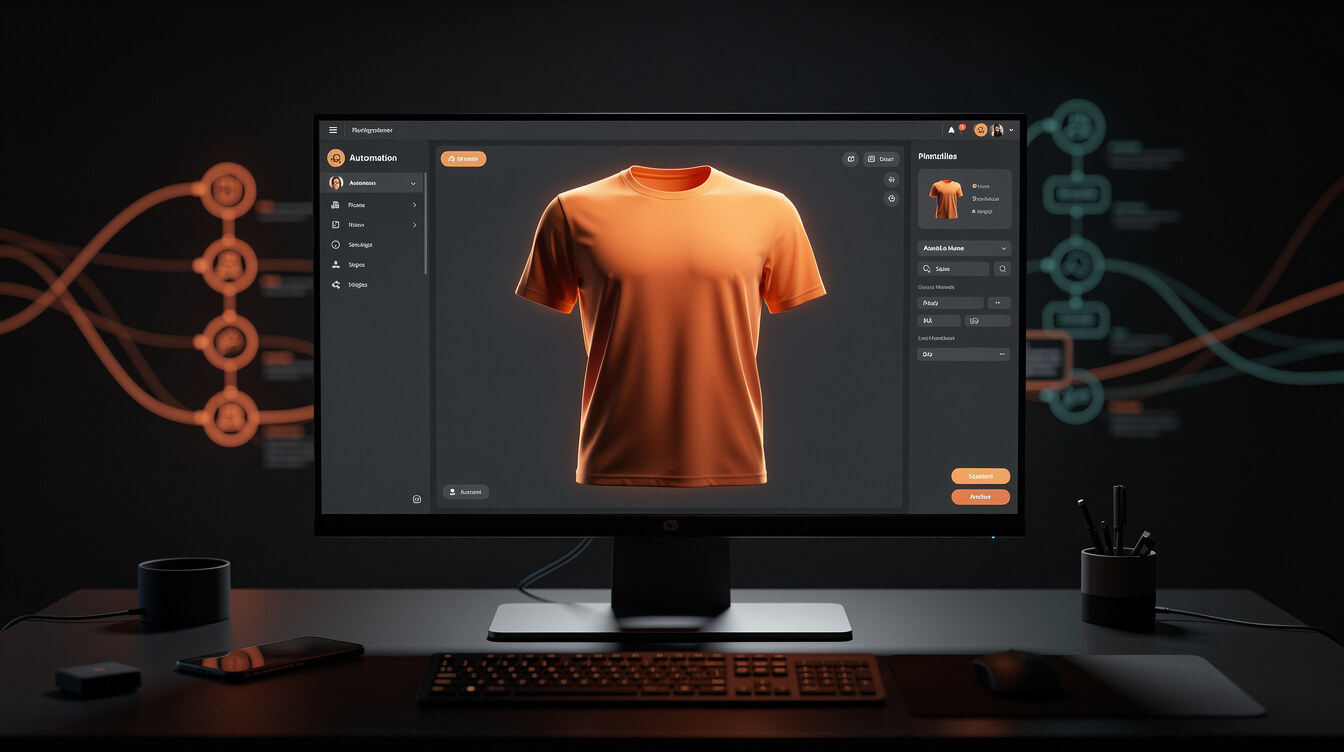
Automate your entire POD pipeline — research to live listing
MEGA generates designs, sizes, mockups, titles, SEO, and full product listings end-to-end on WooCommerce + Printful. The home printer handles birthday shirts. MEGA handles everything else — try it here.
The WooCommerce + Printful path: how the pipeline actually works
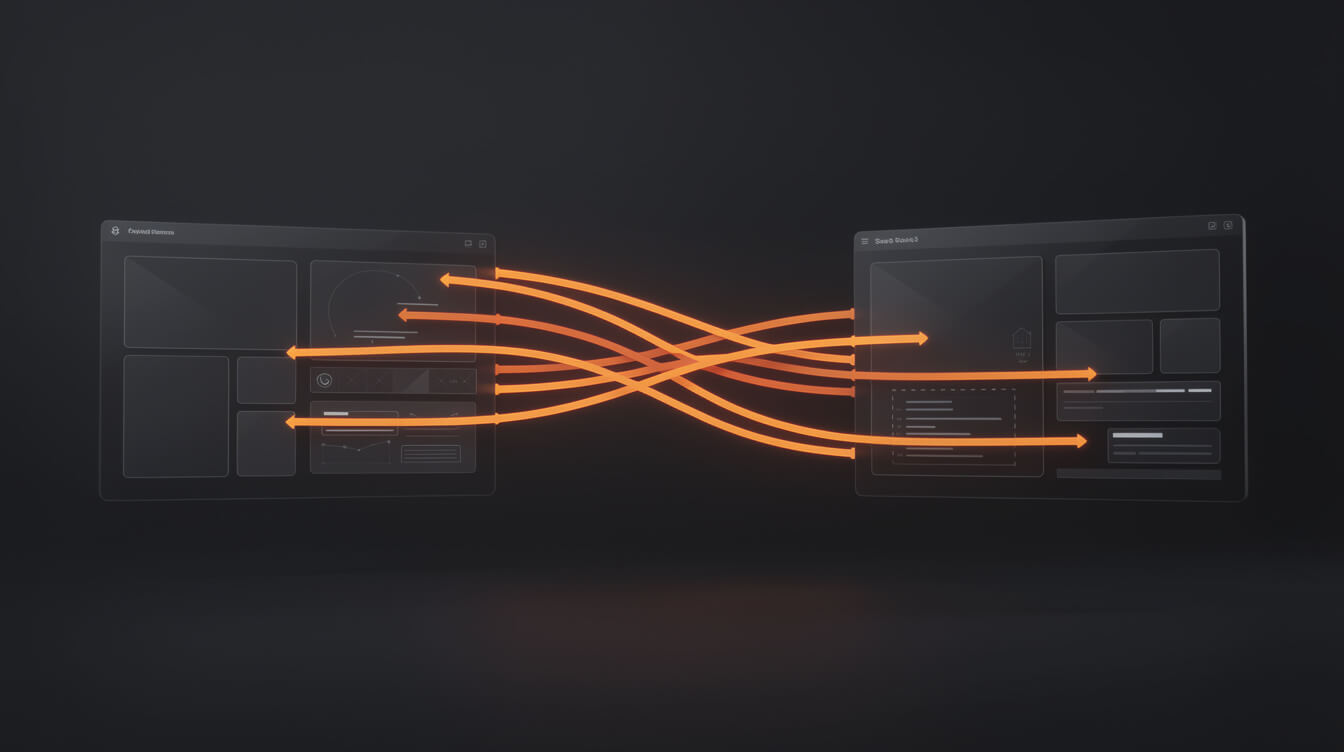
If the economics above pointed you toward POD, here is what the setup looks like in practice.
You run WooCommerce on a domain you own. You connect Printful via their official WooCommerce plugin. When an order comes in, Printful receives it automatically, prints and ships directly to your customer, and you keep the margin between your retail price and Printful’s base price. You never touch inventory. You pay nothing upfront.
What you pay and what you keep
Printful charges per item when an order is placed — not before. A standard Gildan t-shirt with a one-color front print runs $13.95 to $15.95 base price depending on garment size. You set your retail price. Many POD sellers price at 2 to 2.5x the base cost, which means $28 to $38 retail for a basic shirt, leaving a margin of $13 to $22 per sale before ad spend and platform costs.
WooCommerce has no platform transaction fee. There is a hosting cost (typically $10 to $30 per month for managed WordPress hosting) and standard payment processor fees (Stripe or PayPal at approximately 2.9% + $0.30 per transaction). That is the full cost stack. You can see the full breakdown in our WooCommerce pricing guide.
The design-to-listing pipeline
The manual version of the POD pipeline looks like this: design in Canva, export file, upload to Printful, create mockups, write a product title, write a description, set SEO metadata, publish to WooCommerce. For one product this takes 30 to 60 minutes. For a catalog of 100 products, it is 50 to 100 hours of work.
MEGA automates this entire pipeline. You feed a niche idea, and MEGA handles image generation, sizing, cropping, mockups, titles, SEO metadata, and full product listings on both Printful and WooCommerce — end to end, in under seven minutes per product. Our guide to building a custom merchandise business covers the full pipeline for sellers scaling past their first 20 products.
Printful quality vs. home printing quality
A legitimate question. Printful uses commercial DTG equipment and commercial screen printing for large runs. The output consistency is higher than a home setup for most garments. Their rejection rate for designs that don’t meet print specifications is around 1 in 8 submissions — which tells you something about the standards they enforce and why file preparation matters. Our full Printful review for 2026 covers quality, turnaround times, and what to expect from their fulfillment network.
The honest verdict: DIY vs. POD for t-shirt printing at home in 2026
Here is the decision framework, stated plainly.
Personal use, under 15 shirts, one design: DIY heat transfer
Fast, cheap, no minimum order, done at home in a weekend. For events and gifts where quality longevity after 30 washes is not the priority, heat transfer is the correct answer. Do not overthink it.
10 to 50 shirts with variety or resale intent: hybrid approach
If you want some shirts for personal use and are considering whether to test a design for sale, use heat transfer for the personal batch and place a small Printful order to validate the quality and customer response before committing to a POD store build.
50+ shirts per month, multiple designs, selling intent: POD automation
This is not a close call. No home setup competes with Printful’s pricing, quality consistency, and product range at this volume. The question is not whether to use POD — it is which platform to run your store on, and whether you build the product catalog manually or automate it.
The home printer is a useful tool for what it is: a personal printing device for small batches. The moment you frame it as a business infrastructure decision, the math moves decisively toward POD. And within POD, the moment you frame it as a time problem rather than just a cost problem, the math moves toward automation.
The 30x throughput advantage
A seller building product listings manually can realistically publish 2 to 5 products per day if they are working efficiently. An automated POD pipeline running on MEGA can process 30 to 50 products in the time it takes a manual operator to finish one. That throughput gap compounds over a 90-day build period into a catalog size difference that is not closable by working harder on the manual path.
The home printer cannot compete with that. The Canva workflow cannot compete with that. The question for 2026 is not whether to use home printing for your POD business — it is whether to use automation tools that give you the kind of catalog depth that changes how much traffic and how many sales a single operator can generate.
Frequently asked questions about t-shirt printing at home
Can you make money with a home t-shirt printing setup?
For custom one-off orders with a strong local network, yes. Home printing has worked for sellers doing custom local sports team shirts, event merchandise for venues, and similar high-touch low-volume work. For an online store competing across all audiences on Google and social media, home printing’s economics and quality constraints make it very difficult to compete with POD pricing and shipping infrastructure.
What is the cheapest way to print t-shirts at home?
Heat transfer using an inkjet printer you already own plus transfer paper ($0.40 to $0.70 per sheet) is the lowest entry cost. Total material cost per shirt runs $4.50 to $6.00 excluding labor, for light-colored 100% cotton shirts.
Is screen printing at home worth it?
If you enjoy the craft and plan to run batches of 50+ shirts of the same design regularly, yes. As a business model for variety-based t-shirt selling, no — the per-design setup constraint kills catalog depth.
How does home printing compare to Printful quality?
For heat transfer: Printful quality is consistently higher, especially for wash durability. For home screen printing by an experienced operator with good materials: comparable on durability, but Printful wins on consistency and range of printable garments. See our DTG vs DTF comparison for how professional POD printing methods stack up technically.
Do I need a license to sell t-shirts I print at home?
Standard business licensing applies (business registration, sales tax where required). There are no additional licensing requirements specific to t-shirt printing. You do need the rights to any design you print — using licensed characters, brand logos, or copyrighted artwork without permission is a separate issue entirely.

Implement AI. 30x your throughput. Get a 30-min call with the founder.
Drop your details and book a free 30-minute discovery call. Personalized advice on your POD stack, your margin, and where AI fits. No pitch, no fluff.