AI design generators for POD sellers: why Canva, Figma, and Firefly all stop short
Every POD seller hits the same wall. You open an ai design generator, type a prompt, get something that looks incredible on screen, export it, upload it to Printful, and the file gets rejected. Or worse: it gets accepted, printed, and the result looks nothing like the preview. The colors are off. The edges bleed into the seam. The resolution is too low for a 12×14 inch front print area.
This is not a skill problem. It is a tool-fit problem. Generic AI design tools are built for screens, not for garments. This guide breaks down exactly what each tool can and cannot do, what print-on-demand actually requires from a file, and what the pipeline looks like when everything is wired correctly from prompt to live Printful listing.
What an AI design generator actually does (and what it does not)
An AI design generator takes a text prompt and produces an image. That is the complete scope of what the underlying model does. It outputs pixels arranged in a way that matches your description. What happens to those pixels after export is entirely your problem.
The current generation of mainstream AI tools includes Canva Magic Design, Adobe Firefly (inside Illustrator and Photoshop), Figma Make, and standalone models like Midjourney and DALL-E 3. Each one excels at a specific use case. Canva is optimized for social media graphics. Firefly is trained on Adobe Stock and respects commercial licensing at the generation stage. Figma targets product designers working on UI and app interfaces. Midjourney produces the highest artistic quality of any text-to-image model available today.
None of them are designed for the specific requirements of garment printing. None of them output print-ready files by default. And none of them understand the difference between a 72 DPI social media image and a 300 DPI DTG print file.
This matters because Printful, Printify, and every other POD fulfillment partner have hard technical specifications. A file that fails those specs either gets rejected at upload or produces a visibly degraded print. The tool that generated your beautiful image has no knowledge of these specs and no mechanism to enforce them.
Why Canva Magic Design, Figma, and Adobe Firefly fall short for POD sellers
Start with Canva. Canva Magic Design and Canva’s text-to-image tool are genuinely impressive for what they target: quick social media content, presentation slides, and marketing materials. Canva exports at 96 DPI by default. Even the “high quality” export option produces a 150 DPI file in most cases. Printful’s minimum requirement for front chest prints is 150 DPI, but the recommended resolution for a full print area is 300 DPI. A Canva export at screen resolution will look fine on a monitor and mediocre on a shirt.
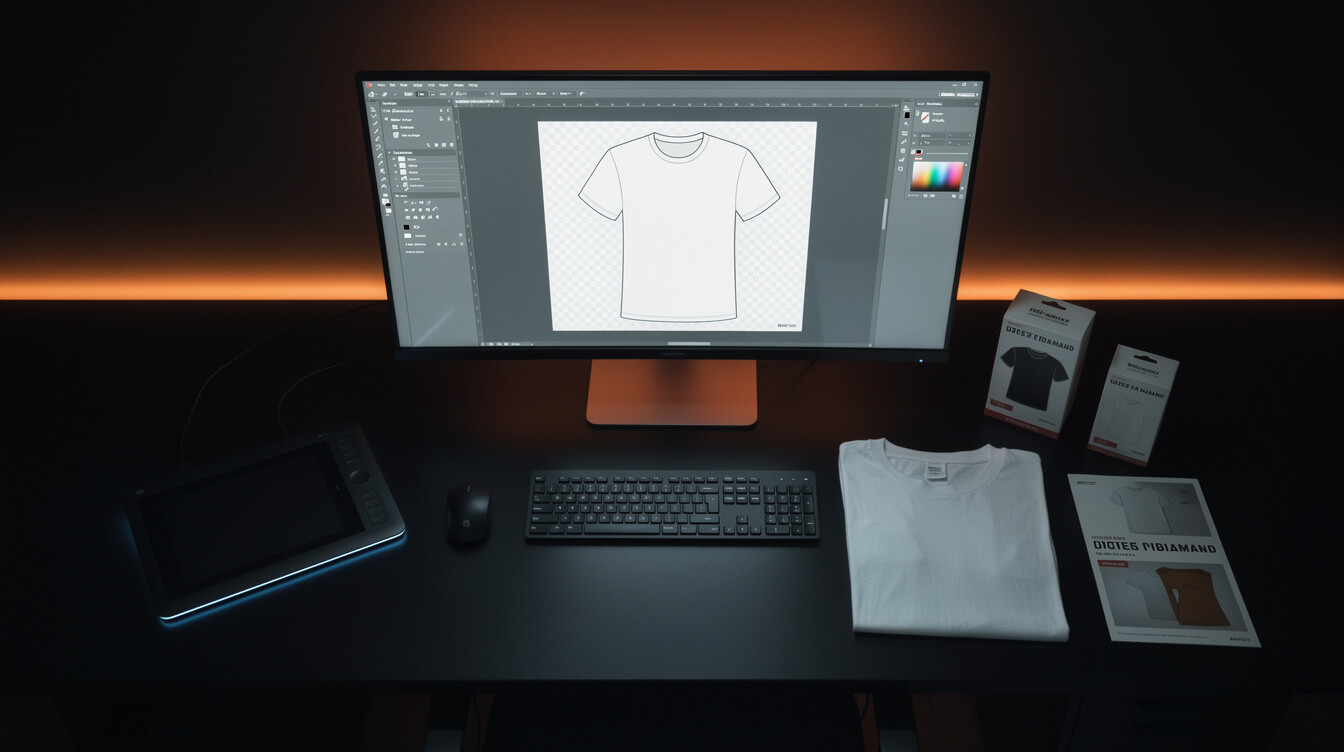
Canva also does not output transparent PNGs from its AI tools in a consistent way. Garment printing requires a transparent background so the file sits cleanly on the fabric color you choose. If you export a Canva AI image with a white or colored background, you either need to manually remove it in a separate tool or accept a rectangle of color printed around your design. That is an extra 20-30 minutes per design, every design, forever.
Adobe Firefly gets the licensing question right: it is trained on licensed material and safe to use commercially. But Firefly outputs at screen resolution by default. Photoshop’s generative fill feature uses Firefly and outputs at the document resolution, which means you can configure it correctly if you know to set your document to 300 DPI before generating. Most users do not do this, and the workflow adds friction that defeats the purpose of AI-assisted speed.
Figma Make is purpose-built for UI design. It has no concept of garment print specifications at all. It is the wrong tool for POD design work and should simply be taken off the list.
For a deeper look at what Canva can do in a POD workflow before you hit the wall, see the full Canva t-shirt design breakdown. The short version: Canva works for getting started, and it stops working the moment you need volume.
The print specifications generic AI design tools ignore (DPI, bleed, safe zones, color profiles)
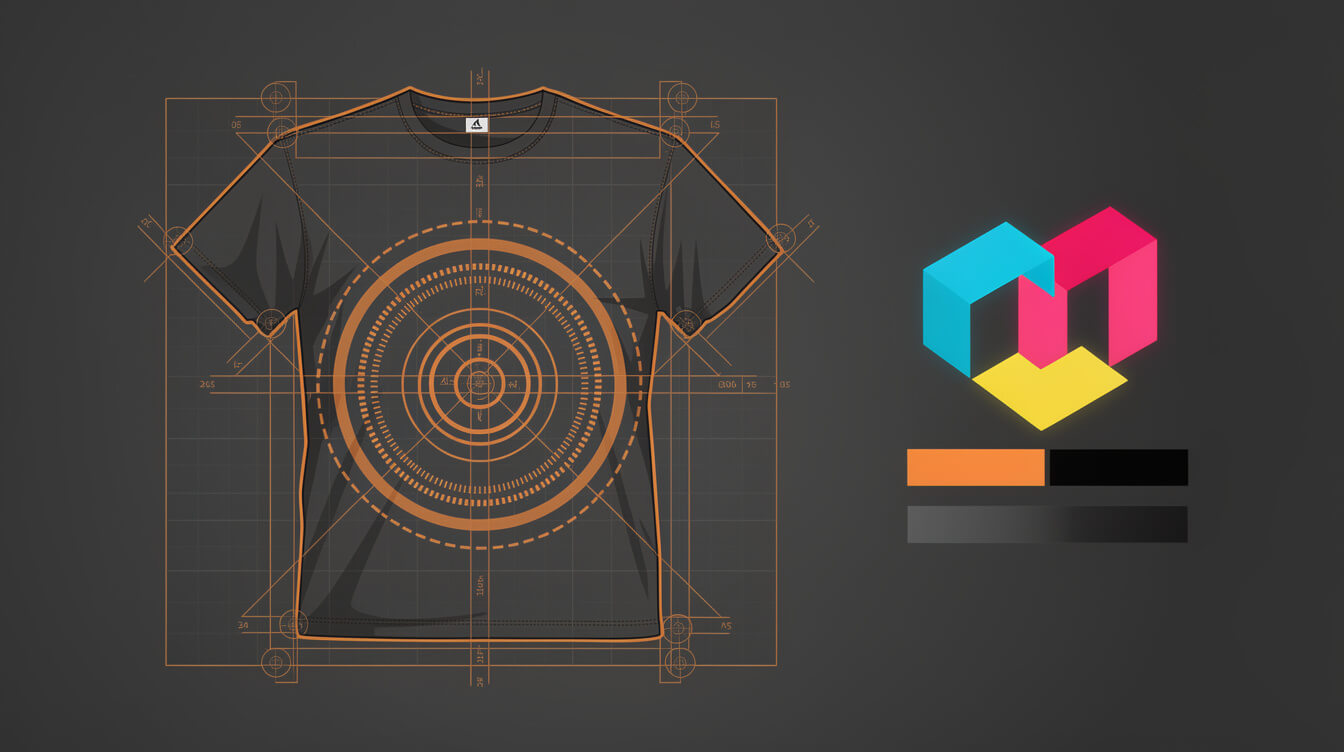
Here are the actual numbers Printful requires for a standard front chest print area (14 inches wide by 16 inches tall):
- Resolution: 150 DPI minimum, 300 DPI recommended. At 300 DPI, the file dimensions need to be 4,200 x 4,800 pixels. Most AI tools output at 1,024 x 1,024 pixels by default, which is 72 DPI at that print size.
- File format: PNG with transparent background for designs that do not fill the full print area. JPEG is acceptable only for full-coverage all-over prints where background color is intentional.
- Bleed zone: Any design element that extends to the edge of a full-bleed product needs 0.5 inch of bleed outside the final cut line. Generic AI tools have no concept of bleed.
- Safe zone: Keep all important design elements at least 0.5 inch inside the cut line to avoid seam cropping. AI tools do not know where seams are.
- Color profile: Printful’s DTG printing uses RGB. Screen printing uses CMYK separations. If you submit an RGB file for screen printing, your printer will convert it, and the colors will shift. Canva and Firefly both work in RGB by default, which is correct for DTG but incorrect for screen print work without a conversion step.
The gap between “looks good on screen” and “prints correctly on a garment” is entirely captured in these five specs. A generic AI design generator helps you clear none of them automatically. Every one requires a separate manual step or a separate tool.
For a full breakdown of how the print process differs between DTG and other methods, the t-shirt printing design guide covers the production requirements in detail.
What a POD-native AI design generator looks like

Smash print-on-demand. Join the engine room.
One short email a week. Real numbers, real teardowns, the unfiltered economics behind every move.
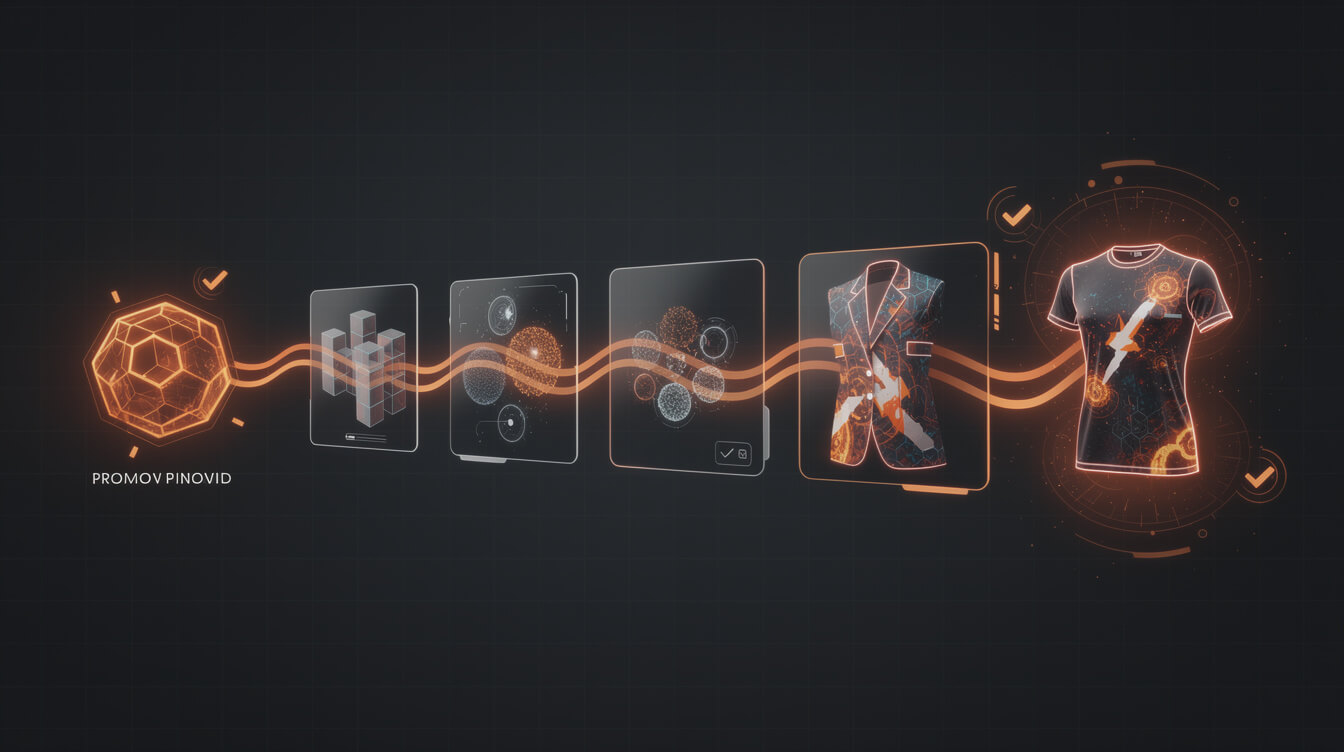
A purpose-built POD AI design pipeline solves the spec problem at the generation stage rather than after the fact. It outputs files that are correct before they reach the fulfillment partner. The key differences:
Resolution is enforced, not optional. The pipeline generates at the resolution required for the target product and print area. You specify the product (t-shirt, hoodie, mug) and the design area, and the pipeline calculates the pixel dimensions required.
Backgrounds are transparent by default for designs, solid for all-over prints. The system understands the difference between a graphic design element that should float on fabric and a pattern that should cover the entire surface.
Color profiles are set correctly for the print method. DTG prints get RGB files. Screen print workflows get CMYK-converted files with separation guidance.
The file arrives at Printful ready to go. No intermediate software, no manual cleanup, no additional exports. The pipeline connects prompt to product upload in a single automated sequence.
This is not a theoretical design. The AI t-shirt design workflow exists and runs today on WooCommerce-connected stores. The question is whether you are using tools that were designed for this workflow or retrofitting tools designed for something else.
From prompt to Printful listing: the MEGA design pipeline
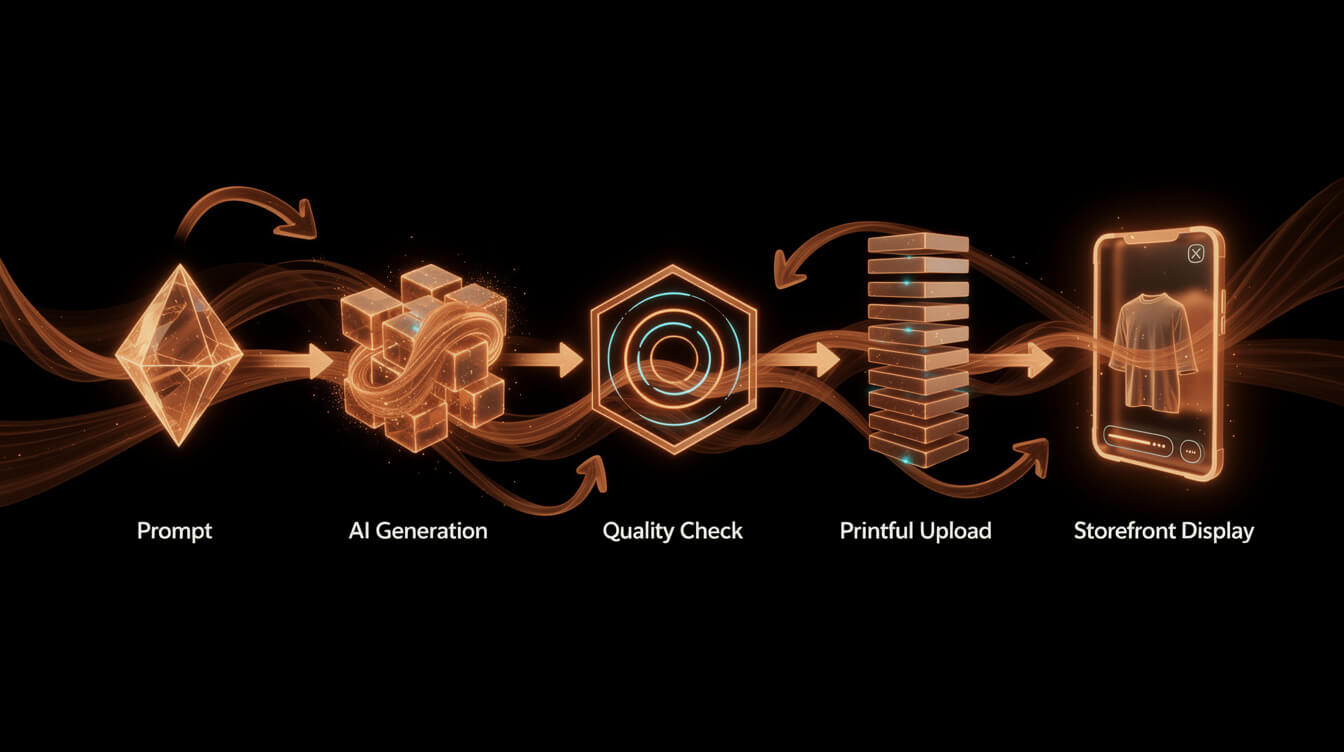
MEGA is the research-to-product pipeline built specifically for POD sellers. The design pipeline runs in under 7 minutes from initial prompt to live Printful listing. Here is what that looks like step by step:
- Niche input. You feed MEGA a niche idea or pull one from the built-in Mega Research tool. MEGA generates the design prompt based on what is selling in that niche, not a generic text description.
- AI image generation. MEGA uses Flux Pro (Black Forest Labs) to generate the image at the correct resolution and aspect ratio for the target product. No manual DPI conversion. No background removal step.
- Tinify compression. Every image is compressed before upload. This matters for page load speed when your WooCommerce product page renders the mockup.
- Mockup generation. MEGA pulls the correct Printful mockup template for the product and places the design automatically. What you see is what will print.
- Title and SEO generation. MEGA generates the product title, description, and SEO metadata using the niche data and keyword research already embedded in the workflow. No separate copywriting step.
- Printful and WooCommerce listing. The product is created on Printful and simultaneously published as a WooCommerce product with all metadata, pricing, and fulfillment rules set.
The throughput difference is measurable. A manual Canva workflow (design, export, background removal, resize, mockup, title, description, publish) takes 45-90 minutes per product. MEGA produces the same output in under 7 minutes. At 8 hours of work time, that is approximately 6-8 products manually versus 60+ products through the MEGA pipeline.
That is the 30x throughput claim, and it is grounded in the actual time cost of each step, not a marketing estimate.
Generate print-ready designs in under 7 minutes
MEGA handles the entire pipeline: correct DPI, transparent background, Printful upload, listing copy, and SEO metadata. One prompt, one live product. No Canva, no manual file exports, no guesswork.
When to use a generic AI design tool vs a POD-specific pipeline
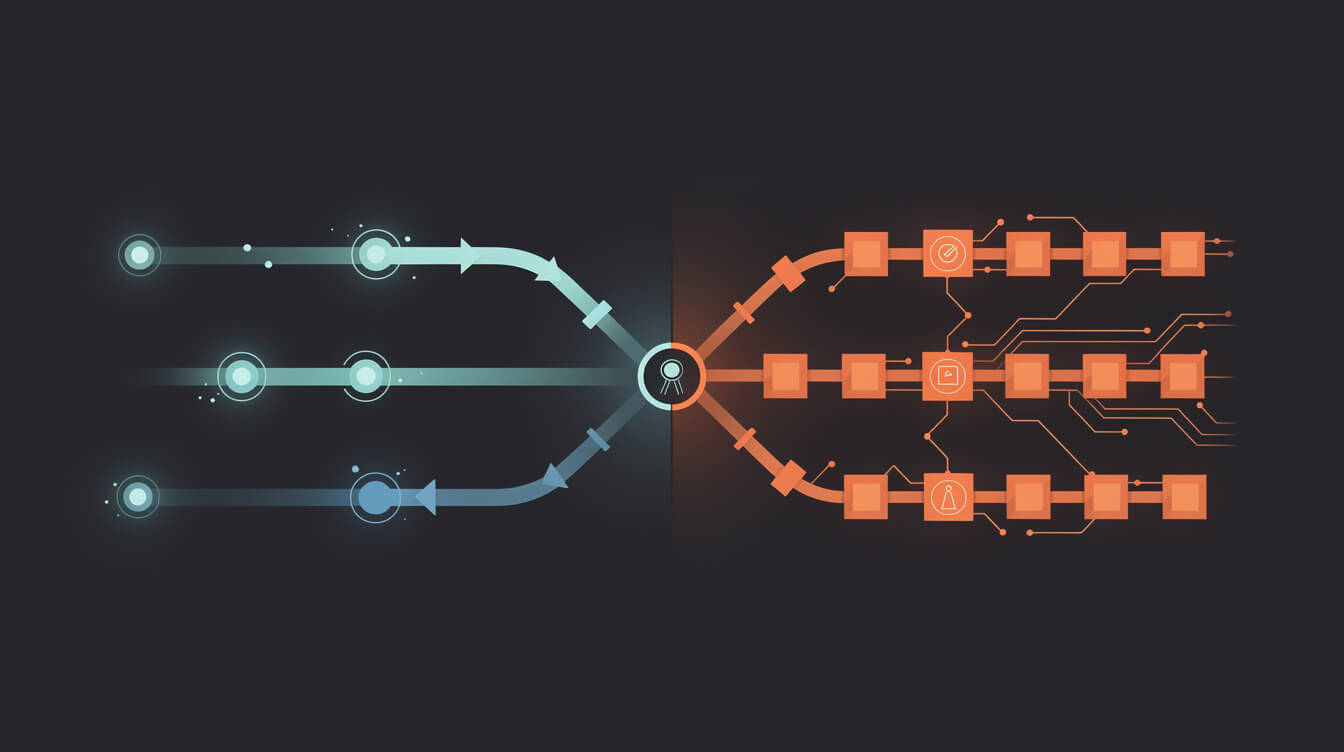
Generic AI tools are not useless for POD sellers. They have legitimate applications in specific situations. The question is knowing which situation you are in.
Use a generic AI design generator when:
- You are exploring a design concept before committing to production. Canva and Firefly are fast and cheap for ideation. Generate 20 directions, pick the best 2, then take those 2 into a proper production workflow.
- You need a single one-off design for a personal project or a gift. When volume is not a factor, the manual steps are a manageable time cost.
- You are creating social media marketing assets for your store. These images live at screen resolution and do not have garment print requirements. Canva is genuinely excellent here.
- You need a starting point that a human designer will finish. AI ideation plus human refinement in Photoshop or Procreate is a real workflow for premium design work.
Use a POD-native pipeline when:
- You are publishing more than 10 products per month. At that volume, the manual steps in a generic workflow add up to a full-time job.
- You want consistent technical quality across your catalog. A pipeline enforces specs; a manual workflow relies on you remembering to check every time.
- You are running multiple stores or multiple niches simultaneously. Manual design workflows do not scale horizontally.
- You are on WooCommerce and want to own your margin without paying the Shopify 1% platform override on top of Printful’s base cost.
The line between these two situations is roughly the point at which the time cost of manual steps exceeds the cost of a subscription to an automated pipeline. For most active POD sellers, that crossover happens somewhere around months 2 or 3.
Worth noting: the Shopify 1% override fee does not go away just because you found a faster design tool. If you are running a growing store on Shopify, you are paying that fee on every transaction. At $10,000 per month in revenue, that is $100/month in pure platform tax, before Printful’s base cost, before transaction fees. The Printful integration guide covers how WooCommerce eliminates this overhead entirely.
The economics: per-design cost comparison across tools
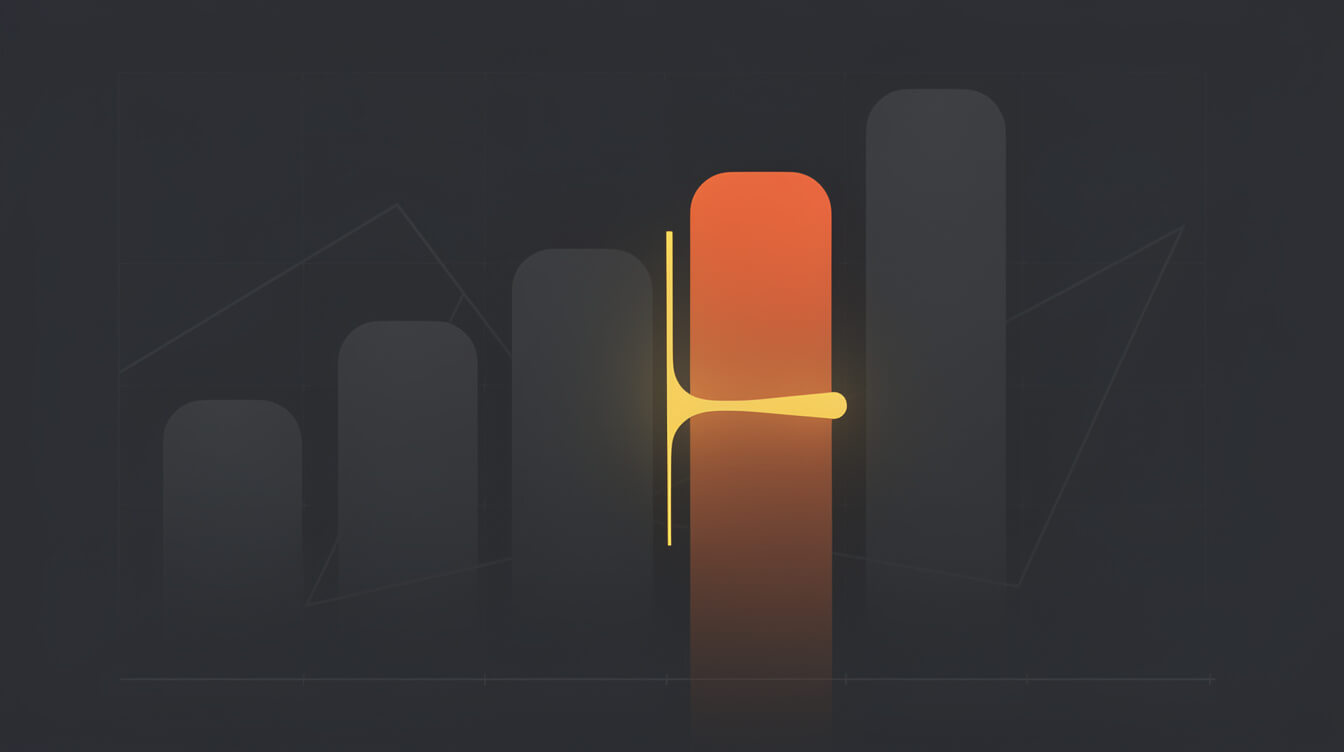
Let us put actual numbers on this. The analysis assumes a POD seller publishing 40 designs per month, which is a reasonable goal for anyone building a meaningful catalog.
Canva Pro: $15/month subscription. Effective cost per design at 40 designs: $0.38. Time cost: 45-60 minutes per design (design + export + background removal + resize + Printful upload + listing copy). At a conservative $25/hour time value: $18.75 per design. Total cost per design: approximately $19.
Adobe Creative Cloud (Firefly included): $55/month. Effective subscription cost per design at 40 designs: $1.38. Time cost is similar to Canva at 45-60 minutes (Firefly requires Photoshop or Illustrator proficiency). Total cost per design: approximately $20-22.
Midjourney Pro: $30/month. Best image quality of any option here. But Midjourney does not handle background removal, DPI scaling, or Printful upload. Add-on steps are identical to Canva. Total cost per design: approximately $18-20.
MEGA: Subscription cost amortized across 40 designs per month. Time cost: 7 minutes per design. At $25/hour time value: $2.92 per design. Total cost per design including subscription: approximately $4-6 depending on plan tier.
The economics are not close. The difference between a manual AI design workflow and a purpose-built POD pipeline is not a marginal improvement. It is a 4-5x reduction in per-design cost once time is correctly priced into the calculation.
The sellers who miss this calculation are the ones who think of their time as free because they are not paying themselves an explicit hourly rate. Time is not free. Every hour spent manually removing backgrounds and resizing files is an hour not spent on niche research, marketing, or building the next product line.
Frequently asked questions about AI design generators for POD
Can Canva Magic Design produce print-ready files? Canva can export at higher resolutions if you configure the canvas dimensions correctly before generating. The default outputs are not print-ready. You need to set your canvas to the correct physical dimensions at 300 DPI before using any AI generation feature. Even then, you will need to handle background transparency separately.
Does Adobe Firefly have a licensing advantage over other AI tools? Yes. Firefly is trained exclusively on Adobe Stock and public domain material, which means the generated output is commercially safe without copyright ambiguity. This is a real advantage for brand-sensitive work. It does not solve the technical file specification problem.
What DPI do I actually need for Printful t-shirt prints? Printful recommends 300 DPI at the final print size. For a standard front chest print area (14 x 16 inches), that means a file of 4,200 x 4,800 pixels. A typical AI-generated image at 1,024 x 1,024 pixels is approximately 72 DPI at that print size, which is far below specification.
Can I use Midjourney for POD designs? Yes, with additional steps. Midjourney generates exceptional quality images, but outputs at screen resolution and with solid backgrounds. You will need to upscale the image (Topaz Gigapixel or Adobe’s Enhance function work well), remove the background (remove.bg or Photoshop’s AI Select Subject), and confirm the color profile before uploading. These steps add 20-30 minutes per design.
What is the difference between RGB and CMYK for POD printing? DTG (direct-to-garment) printing renders in RGB. Screen printing separates colors and prints in CMYK (or spot colors). Printful’s DTG equipment works with RGB files. If you are working with a local screen printer, they will need CMYK files or they will convert your RGB file, which causes color shift. For most Printful POD work, RGB is correct.
Conclusion
The ai design generator ecosystem is full of tools that do one part of the job well. Canva is fast for concepts. Firefly is clean for licensing. Midjourney produces the best raw artistic output. None of them are built for the end-to-end requirements of print-on-demand production at scale.
The gap between a social media image and a print-ready garment file is real, measurable, and adds real time to every design you produce manually. At low volume, that cost is manageable. At 40+ designs per month, it is a second job.
The sellers who scale their POD catalogs most efficiently are not using more creative effort. They are eliminating the manual steps between creative output and published listing. That is the actual design problem worth solving.

Implement AI. 30x your throughput. Get a 30-min call with the founder.
Drop your details and book a free 30-minute discovery call. Personalized advice on your POD stack, your margin, and where AI fits. No pitch, no fluff.