Canva t-shirt design: what it does well, and the wall you will hit at scale
Every POD seller knows Canva. If you have created a t-shirt design in the last five years, you have almost certainly built it there. Canva t-shirt design tools are genuinely well made: the interface is clear, the template library is enormous, and the learning curve is close to flat. For a seller doing 5-10 designs a month, it is probably the right tool. This post is not going to tell you Canva is bad. It is going to show you exactly where it works, exactly where the wall appears, and what options exist on the other side of that wall.
Why every POD seller starts with Canva (and rightfully so)
Canva’s appeal for print-on-demand sellers is not a mystery. The free tier covers most design tasks a beginner will ever need. The template library runs into the millions. Mockup integrations let you preview a design on a t-shirt before you commit a single dollar. And crucially, Canva does not require any design background. A seller who has never opened Photoshop can produce a publishable t-shirt graphic in under an hour.
For the first phase of any POD store, this is the right foundation. You are testing niches, figuring out what sells, and learning what your audience actually wants. Speed matters less than market-fit at this stage. Getting 10 products live quickly is more valuable than obsessing over the technical quality of your design pipeline.
Canva also integrates directly with Printful and Printify. You can design a shirt, drop it on a mockup, and push it toward your store without switching applications. That workflow is genuinely useful. If you are reading this and you have not started yet, starting with Canva is a defensible choice.
The problem is not where you start. The problem is where the road ends.
What Canva’s t-shirt design workflow actually looks like, step by step
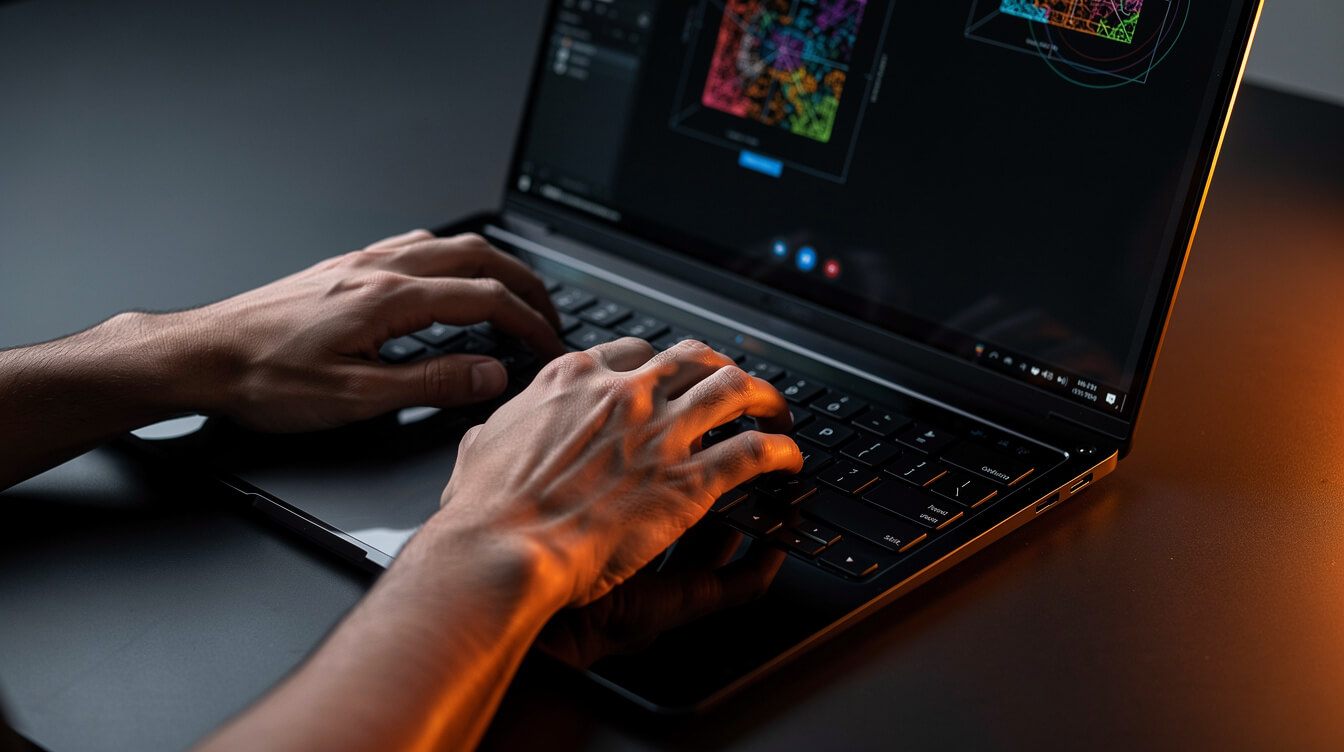
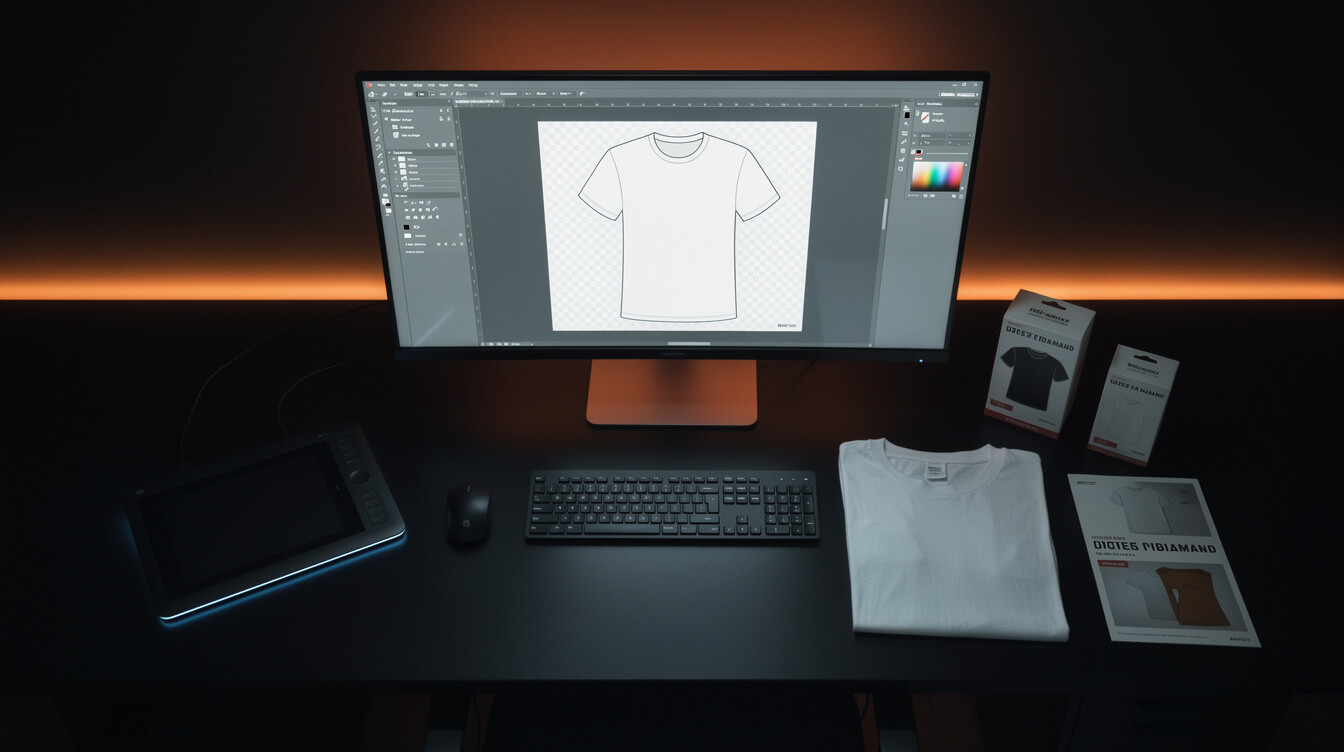
Understanding where the friction accumulates requires seeing the full workflow clearly. Here is what a typical canva t-shirt design session looks like for an active POD seller:
- Open a blank canvas or template. You search the template library, filter by t-shirt or apparel, scroll through results, and pick a starting point. At 50 designs in, you have seen most of the relevant templates.
- Customize text and graphics. You swap out placeholder text, adjust colors to fit your niche, resize elements, and try different font combinations. Each iteration takes clicks. Undoing errors takes more clicks.
- Source supplementary graphics. When Canva’s built-in elements do not fit, you search the library, filter by style, and often settle for something close-but-not-right. Premium elements require a Pro subscription.
- Check dimensions and DPI. Print-on-demand suppliers require specific file specs. Canva’s standard export may not match Printful’s print-area dimensions for every product type. You check, adjust, export again.
- Export the file. PNG at 300 DPI is standard for print. Canva Pro exports this cleanly. The free tier has more restrictions.
- Upload to your fulfillment platform. You go to Printful or Printify, create a new product, upload the design, set print placement, and configure variants. This alone takes 10-15 minutes per product for a new listing.
- Create the WooCommerce or Shopify listing. Write the title, description, tags. Set pricing. Upload mockup images. Publish.
Per-design, from blank canvas to live product listing: typically 45-90 minutes for a seller who knows what they are doing. Faster if you have a tight template you reuse. Slower if the niche is new and you are figuring out the design aesthetic as you go.
At 10 products per week, that is 7-15 hours of design work. At 30 products per week, you are looking at 22-45 hours. That is the equivalent of a full-time job, just on design, before you factor in research, customer service, or running ads.
The Canva ceiling: where manual design breaks down at scale

The Canva ceiling is not a quality problem. It is a throughput problem. The workflow that feels manageable at 5 designs per week becomes a grinding constraint at 50. Here is where the cracks appear.
Template saturation
Canva’s template library is large, but the POD-relevant templates are a fraction of the total. Apparel design templates skew heavily toward generic aesthetics: motivational quotes in sans-serif, geometric patterns, holiday graphics. Every POD seller on Canva is browsing the same library. Saturation happens faster than most sellers expect. By the time a niche is 6 months old, the visual patterns available in Canva have already been reused by dozens of competitors.
Design uniqueness
Canva designs share visual DNA with every other Canva design. The same fonts, the same element packs, the same graphic styles. For buyers on marketplaces and Google Shopping, differentiation matters. A design that looks like a lightly modified template will not command the same price or conversion rate as something genuinely original. Canva is optimized for speed and accessibility, not uniqueness.
The manual bottleneck
Every design requires a human to open Canva, make decisions, click through the interface, and export. There is no batch mode. There is no way to tell Canva “generate 20 t-shirt designs in this niche with this color palette and these keywords” and come back an hour later. Every design is a real-time human task. That is fine at low volumes. At higher volumes, it becomes the binding constraint on your entire business.
The Shopify tax compounds the problem
For sellers running on Shopify, the throughput ceiling carries an additional cost. Shopify’s 1% platform override on every transaction means higher-volume stores pay a premium just for existing. Running a manual design workflow AND paying that override at scale is a compounding inefficiency. At $10,000 per month in revenue, that is $100 per month in transaction fees before payment processor costs. Sellers who move to WooCommerce remove the platform override entirely.
The 4 most common next steps POD sellers take after Canva (with honest tradeoffs)

Smash print-on-demand. Join the engine room.
One short email a week. Real numbers, real teardowns, the unfiltered economics behind every move.

When sellers hit the Canva ceiling, they typically pursue one of four paths. Each has real merits and real costs.
1. Hire a freelance designer
Platforms like Fiverr and Upwork have deep pools of apparel designers. Per-design cost ranges from $5 to $50 depending on complexity and designer quality. The upside: genuine design expertise and originality. The downside: turnaround time (typically 24-72 hours per design), coordination overhead, and inconsistent results across different designers. At 50 designs per week, freelance costs run $250-$2,500 per week, not counting revision cycles.
2. Learn Photoshop or Illustrator
Moving to professional tools gives you more control, more uniqueness options, and better print quality. The investment is real: software costs $55-60 per month for Adobe CC, plus the learning curve (Illustrator takes 40-80 hours to reach useful proficiency). The throughput problem is not solved. You are still one person, still making every decision manually. You just have better tools for each decision.
3. Use mid-journey or similar AI art tools directly
AI image generators can produce genuinely unique t-shirt graphics at volume. Midjourney, Stable Diffusion, and similar tools remove the template-saturation problem. The challenge is that raw AI output requires significant post-processing for print-on-demand: removing backgrounds, adjusting for print dimensions, quality-checking for artifacts, converting to appropriate formats. The design step gets faster; the production pipeline still has bottlenecks.
4. Build an automated AI design pipeline
This is the path that addresses the throughput problem directly. Instead of generating designs one at a time, you feed a niche keyword into a pipeline that produces research, design prompts, AI-generated artwork, print-ready exports, mockups, titles, and SEO metadata automatically. The time investment is in setting up and tuning the pipeline, not in executing it repeatedly. MEGA is built on this model: the entire research-to-product pipeline runs from keyword to live WooCommerce listing in under seven minutes.
AI-generated designs vs Canva templates: quality, uniqueness, and production speed compared
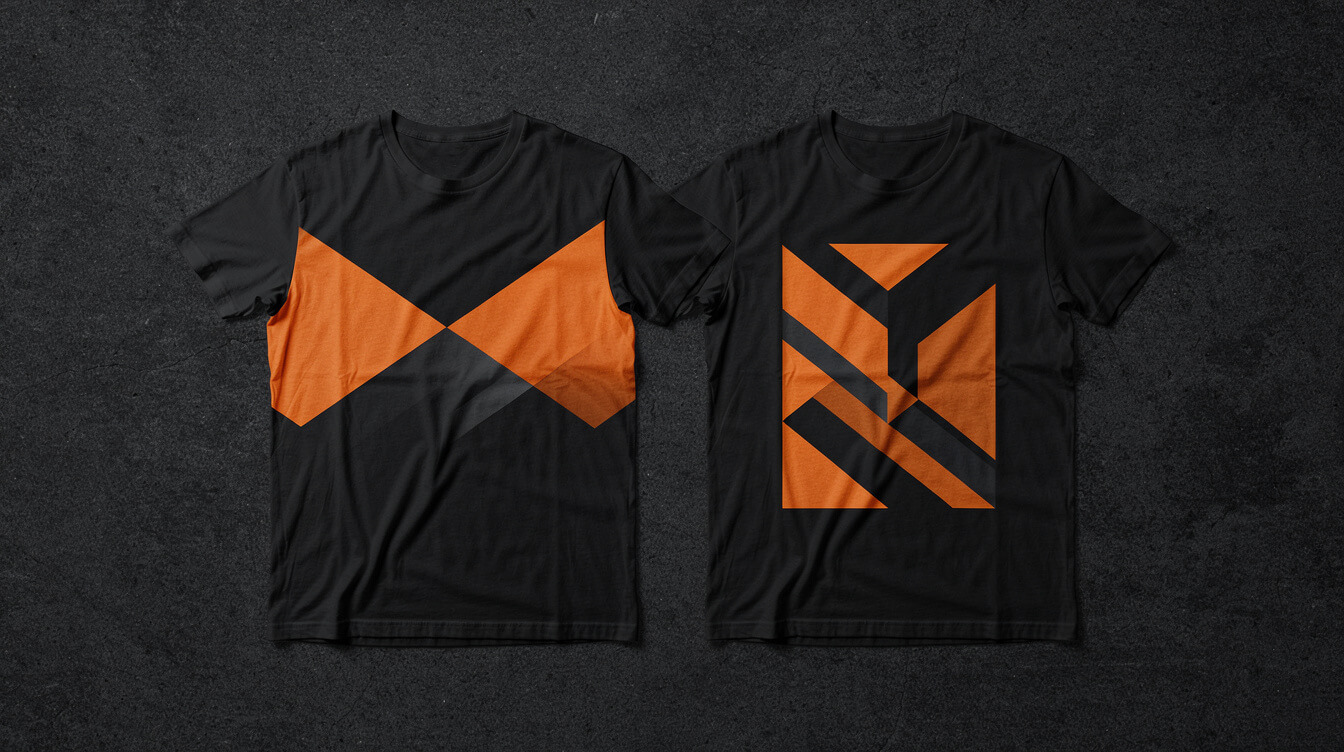
The quality comparison between AI-generated designs and Canva templates depends heavily on what you mean by “quality.”
Template quality (Canva strength)
Canva templates are polished, print-ready, and typographically sound. The hierarchy of text and graphic elements is already worked out. For a seller who wants a professionally composed design without learning design principles, Canva templates perform well. The quality floor is high and consistent.
Uniqueness quality (AI strength)
AI-generated imagery is, by definition, unique. A well-crafted prompt produces an image that no one else has made. For POD sellers competing on distinctiveness — especially in saturated niches like pet apparel, hobby communities, or location-based merchandise — uniqueness is a competitive advantage that templates cannot provide.
Niche specificity
Canva’s template library covers popular categories well and niche categories poorly. If you are designing for beekeepers, competitive axe-throwers, or fans of a specific regional cuisine, the relevant templates in Canva range from thin to nonexistent. AI generation has no such limitation. A prompt describing the exact visual concept produces an image built to spec, not the closest available template.
Production speed at volume
Single-design speed: Canva and AI generation are roughly comparable, in the 20-40 minute range for a complete product. The divergence appears at volume. Canva’s per-design time is relatively constant. AI pipelines can be batched: you can queue 30 design prompts, start the generation process, and return to 30 images ready for review and upload. That is fundamentally different from opening Canva 30 times.
Sellers who have moved to an automated AI pipeline through tools like MEGA consistently report 30x the weekly output of their previous manual workflow. That figure is specific to the MEGA stack, which handles not just image generation but the full listing pipeline.
For a closer look at how Printful handles AI-generated designs technically, the Printful review covers file acceptance requirements, print placement, and what to expect from print quality on automated listings.
The math: manual Canva workflow vs automated AI pipeline at 50 products per week

Let us be concrete about what the throughput difference means economically.
The manual Canva scenario
Assumptions: 50 products per week. 60 minutes per product (design + upload + listing). One person executing the workflow.
- Design time: 50 hours per week
- Operational cost (at $20/hr equivalent): $1,000 per week
- Canva Pro subscription: $15/month ($3.75/week)
- Total weekly cost: ~$1,004
- Practical reality: 50 hours of design work plus running a business is not sustainable for most solo sellers. The realistic ceiling is 20-30 products per week before quality degrades or the seller burns out.
The automated AI pipeline scenario
Assumptions: 50 products per week via an automated pipeline. Human time: 2-3 hours of review and publishing oversight per week.
- Oversight time: 2-3 hours per week
- Pipeline tool cost: $99-199/month for a capable automation stack
- Image generation cost: ~$0.08/image at Flux 2 Pro quality, ~$4/product including multiple mockups, ~$200 for 50 products
- Total weekly cost: ~$250-300
- Practical reality: 50 products per week becomes a realistic weekly target, not a theoretical maximum. Sellers report that after the initial pipeline setup, 50 products per week requires less total effort than 10 products per week did manually.
Revenue implications
If a mature POD product generates $8-15 in gross profit per month, 50 new products per week compound into a large catalog quickly. At 200 products generating an average of $10/month, that is $2,000/month in recurring catalog revenue. At 500 products, $5,000/month. The manual Canva workflow cannot build a catalog that fast. The automated pipeline can.
This is why the economics argument for automation matters for POD sellers more than it does for most other businesses. You are building a catalog, not a service business. Throughput compounds. For sellers building on custom merchandise for a business brand, the same math applies to branded product extensions.
From canva t-shirt design to 50 products per week: the MEGA pipeline
MEGA automates the full research-to-product pipeline for POD sellers. Keyword in, live WooCommerce listing out, in under seven minutes. No Canva. No Shopify override fee.
Making the switch: how to test AI design generation without abandoning what is working
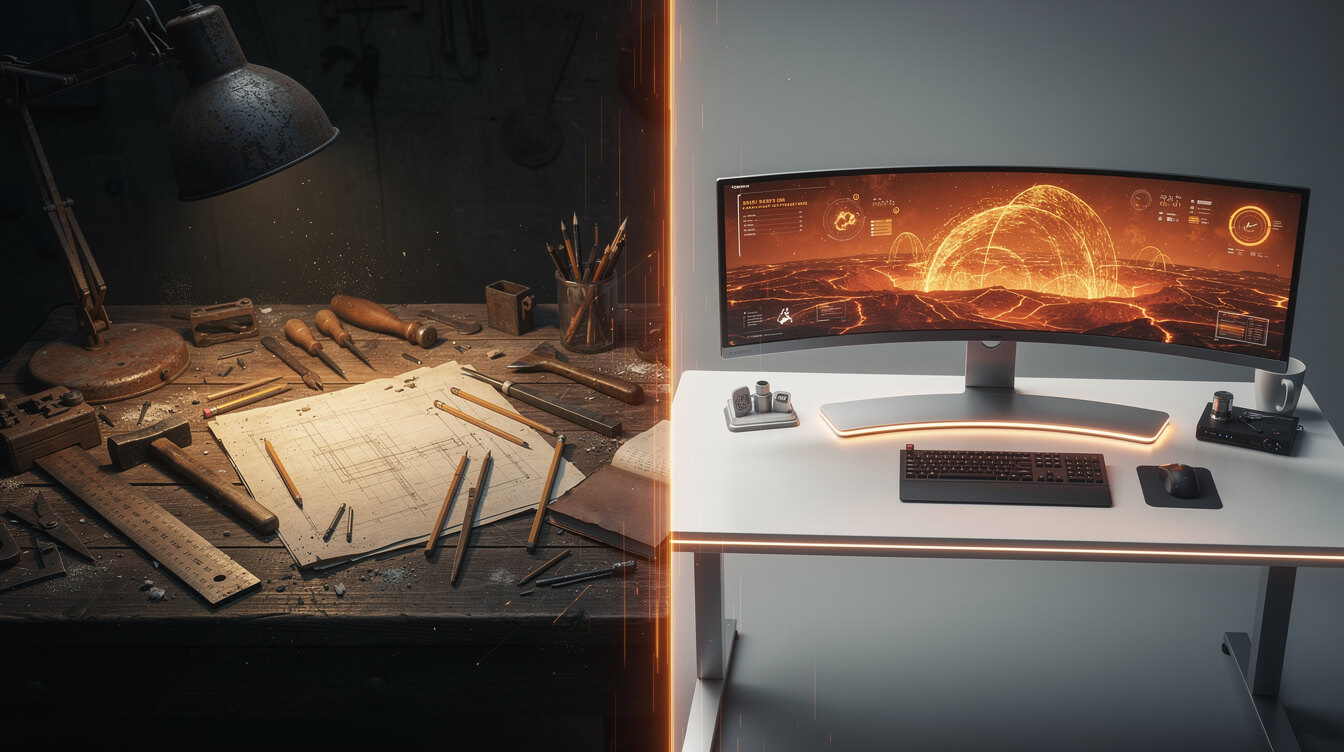
The transition from Canva to an AI pipeline does not have to be a hard cutover. Most sellers who make the switch successfully do it incrementally.
Week 1-2: parallel test
Keep your existing Canva workflow running for your core niches. Use an AI generation tool for one new niche you have not explored yet. This lets you compare output quality, design originality, and production time side by side without betting your existing catalog on the test. You also de-risk the new niche: if it does not sell, you have not disrupted your proven products.
Week 3-4: volume comparison
After two weeks, count the designs produced in each workflow. Calculate the per-design time honestly, including all the steps: design, export, upload, listing. Most sellers find the AI pipeline comparison more favorable than expected once all the hidden time costs of the Canva workflow are counted.
Week 5+: pipeline decision
At this point, you have real data. If the AI pipeline is producing comparable or better designs in less time, shift more of your production volume there. Canva does not disappear from your toolkit entirely: it remains useful for quick edits, text overlays on generated images, and promotional graphics that need the Canva template polish. But it stops being the bottleneck at the center of your design process.
What to look for in an AI design pipeline
Not all AI design tools are built for POD sellers specifically. The critical features to evaluate:
- Print-ready output. The tool should produce files at the correct DPI and dimensions for your fulfillment partner’s print areas. Raw AI output often requires post-processing to meet Printful or Printify specs.
- Uniqueness controls. Can you specify visual direction, color palette, style, and theme? Generic AI output risks producing similar-looking designs across your catalog.
- Integration with your store. Does the tool connect to your WooCommerce or Shopify store, or does it produce files you still need to upload manually?
- Niche research built in. The best POD automation tools combine keyword research and product research with design generation, so you are not generating designs for niches you have not validated.
Frequently asked questions

Can you sell Canva designs on print-on-demand platforms?
Yes, with conditions. Canva’s licensing terms distinguish between designs made entirely from Canva’s own assets (which carry restrictions on some commercial uses) and designs where you use Canva as a tool but bring your own original elements. For POD specifically: designs built primarily from Canva templates and stock elements may not qualify for unrestricted commercial resale on all platforms. Check Canva’s current license terms before listing, especially for designs using Pro-tier elements.
How much does Canva cost for POD sellers?
The free tier covers basic design tasks. Canva Pro runs $15/month and adds 1,000+ premium templates, background removal, and better export options including 300 DPI PNG. For active POD sellers, Pro is effectively required for print-quality exports. The cost is low relative to the value, but it is worth noting that at Pro scale, other automation tools become comparably priced.
What file format does Printful require from Canva?
Printful prefers PNG files for t-shirt designs. Canva Pro exports PNG at 300 DPI, which meets Printful’s minimum print quality requirements for most products. The print area dimensions vary by product: Printful’s product templates specify maximum print dimensions for each item. Download those templates before designing to ensure your canvas size matches.
Can AI tools replace Canva for t-shirt design?
For high-volume POD sellers, yes. For single-design projects or sellers doing under 10 designs per month, Canva remains more practical. AI generation tools have a higher setup cost (learning prompting, post-processing, integration) that is not justified at low volumes. The break-even point where AI generation becomes more efficient than Canva typically falls around 20-30 designs per week.
Is it worth learning graphic design instead of using Canva or AI?
Learning graphic design (Photoshop, Illustrator) gives you control and originality that neither Canva nor basic AI generation offers. The investment is real: 40-80 hours to reach useful proficiency, plus software costs. For sellers who want to compete at the high end of design quality or who want to offer custom design services alongside their POD store, that investment makes sense. For sellers whose primary goal is throughput and catalog volume, automation tools address the problem more directly.
Conclusion
Canva t-shirt design is the right starting point for most POD sellers. The tools are accessible, the workflow is clear, and the template library covers most beginner use cases. The ceiling is real, but it is not a ceiling you hit immediately.
When you do hit it, you will feel it. The symptoms are recognizable: design sessions that drag past two hours, template options that feel recycled, catalog growth that stalls because you cannot produce fast enough. That ceiling is not a character flaw. It is an honest byproduct of using a tool designed for accessibility, not volume.
The path past it exists. You can hire designers, learn professional tools, work with AI art generators directly, or move to an automated pipeline. Each path has different economics and different learning curves. The key is recognizing that the ceiling is structural, not fixable by working harder within the same workflow. At some point, the question is not how to get more out of Canva. It is what to use instead.

Implement AI. 30x your throughput. Get a 30-min call with the founder.
Drop your details and book a free 30-minute discovery call. Personalized advice on your POD stack, your margin, and where AI fits. No pitch, no fluff.