WooCommerce dropshipping plugins: what POD sellers are actually looking for (and why most results miss the point)
Search “woocommerce dropshipping plugins” and you get a list of AliExpress connectors, Amazon affiliate tools, and generic product-import apps. If you run a print-on-demand store, none of those results are what you need. The search results are serving a different audience entirely. This guide is for the POD seller who typed that query hoping to find a Printful integration or a Printify connector, and instead got a roundup of tools built for people reselling Chinese bulk goods. The distinction matters. The economics are not even close.
WooCommerce dropshipping plugins exist in two completely separate categories, and almost every article online collapses them into one. Once you understand the difference, you will know exactly which tool you need, why WooCommerce is the right platform for either model, and why the Shopify alternative costs you money you do not have to spend.
What “WooCommerce dropshipping” actually means: two very different business models

Dropshipping on WooCommerce can mean two completely different things depending on who you ask. Both models use the same basic mechanic: a customer buys from your store, and a third party handles production and shipping. Beyond that, the similarities end.
The first model is traditional dropshipping. You list products sourced from AliExpress, a local wholesaler, or a supplier network. When a customer orders, you purchase the item from the supplier at a lower price and pocket the difference. Your profit depends on finding cheap supplier prices and marking them up far enough to cover your ad spend and still turn a margin. Products are generic. Brand differentiation is limited. You own nothing in the production chain.
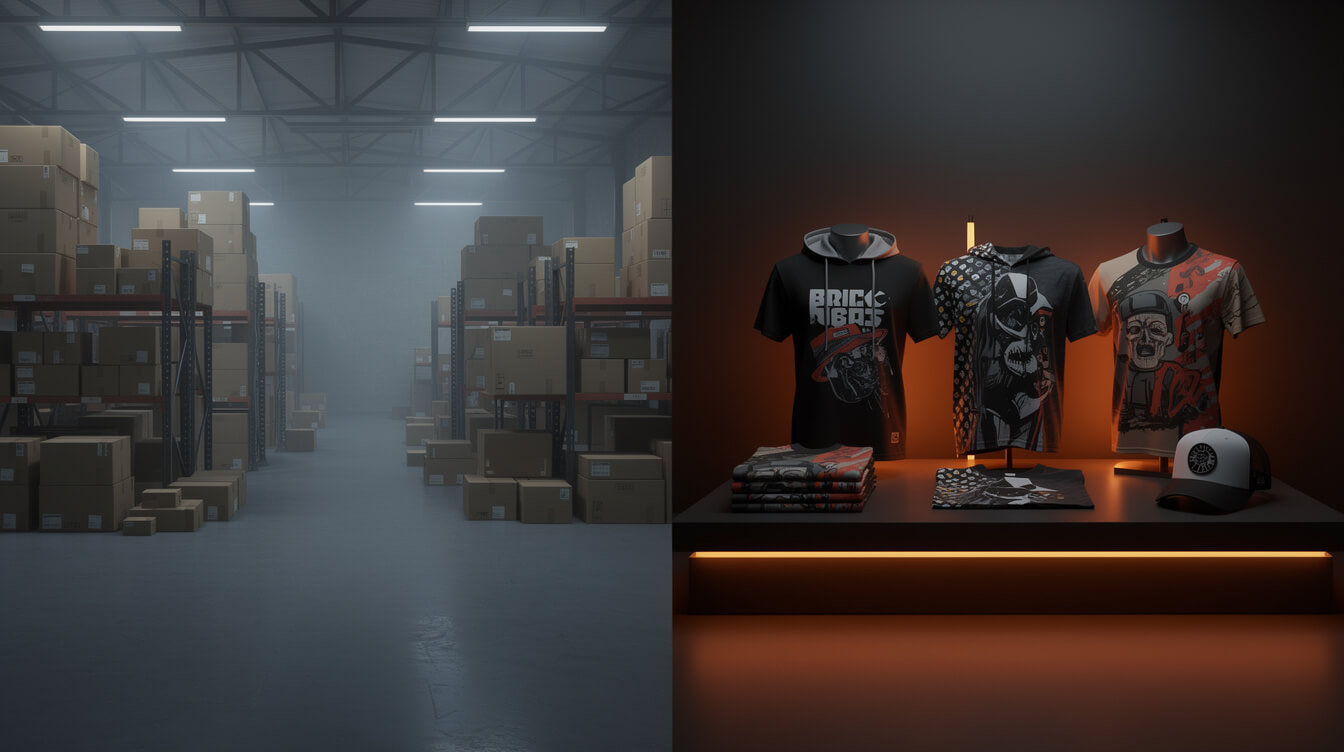
The second model is print-on-demand fulfillment. You create or upload a design. When a customer orders, your print partner (Printful, Printify, Gelato, or similar) prints the design on a blank product, packages it under your brand, and ships directly to the customer. No supplier negotiations. No bulk inventory purchases. No customs delays from overseas shipping. Your margin depends on your design quality and the price you set, not on your supplier leverage.
When most people search “woocommerce dropshipping plugins,” they are looking for the second model. The top results give them tools for the first. That mismatch wastes hours of research time and sends POD sellers down the wrong product path.
Understanding which category you are in changes everything: the tools you need, the margins you can expect, and the platform that makes the most financial sense.
Traditional dropshipping plugins: what they do and who they are actually for

Traditional WooCommerce dropshipping plugins serve a specific audience: sellers who source physical products from third-party suppliers and resell them. If that describes your business, these tools are well-built and widely supported. If it does not, skip this section and go directly to the next one.
The main players in traditional dropshipping plugins for WooCommerce include:
- AliDropship: Imports products from AliExpress into your WooCommerce store. Automatically updates pricing, handles order routing, and monitors stock. Built for the AliExpress reseller workflow.
- WooDropship: Similar AliExpress focus. Allows bulk product import, custom pricing rules, and automated order fulfillment through the AliExpress network.
- DSers: Official AliExpress partner plugin. Designed primarily for Shopify but has WooCommerce support. Handles bulk ordering and supplier mapping.
- Spocket: Focuses on US and EU-based suppliers. Faster shipping than AliExpress, but a narrower product catalog and higher supplier costs.
- Dropified: Multi-supplier aggregator. Works with AliExpress, eBay, and private suppliers. Automation-heavy for high-volume resellers.
These tools are good at what they do. The problem is not the tools. The problem is that POD sellers searching “woocommerce dropshipping plugins” find these tools, try to make them fit a print fulfillment workflow, and then wonder why nothing connects properly. AliDropship does not know what a Printful SKU is. DSers has no concept of design files or print queue management. The tools are built for a completely different supply chain.
If you are building a merch store, a branded POD business, or a niche design store, none of these plugins are what you need.
POD fulfillment integrations: how Printful, Printify, and Gelato plug into WooCommerce
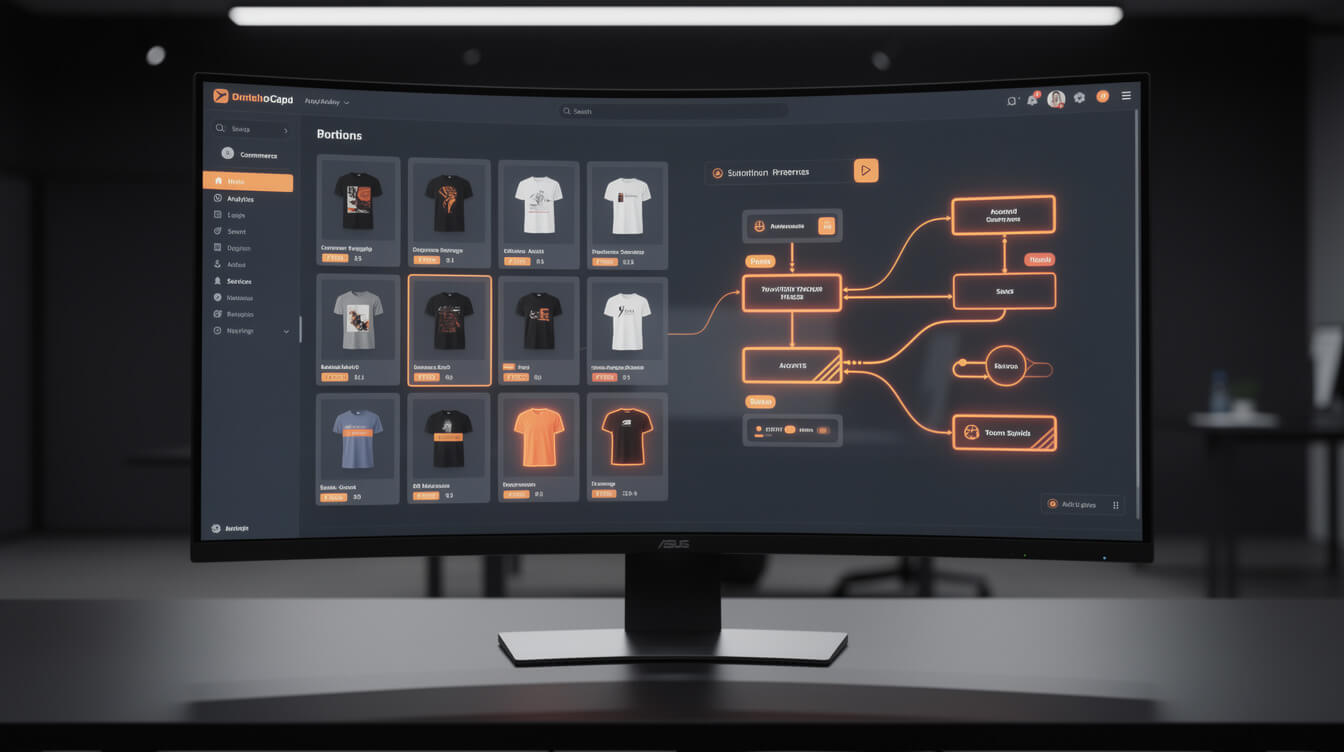
WooCommerce dropshipping plugins for print-on-demand are not called “dropshipping plugins” at all. They are called fulfillment integrations, and they work through a completely different mechanism.
The three dominant options are:
Printful for WooCommerce connects your store via a dedicated plugin available free on the WooCommerce marketplace. You upload your designs in Printful’s dashboard, map them to WooCommerce products, set your retail prices, and the integration handles everything downstream: order routing, production, quality check, packaging, and shipping. Printful handles returns through its own process. You never touch inventory.
Printify for WooCommerce works through a similar plugin. Printify’s differentiator is its print provider network: over 90 suppliers across the US, UK, EU, Australia, and Asia. You choose which print provider fulfills each product based on cost, location, and quality ratings. The WooCommerce integration syncs orders automatically. You can use Printify’s free tier or pay for Premium ($29/month) to unlock deeper discounts on base costs.
Gelato for WooCommerce emphasizes global print coverage with fulfillment centers in 33 countries. If your audience is international, Gelato’s local-print model reduces shipping times and costs. Its WooCommerce integration is newer than Printful’s or Printify’s, but the core sync functionality is solid.
All three integrations share one critical trait: they are not “dropshipping plugins” in the AliExpress sense. They do not import products from a supplier catalog. They push your custom designs onto blank products at the point of sale, and they fulfill those products through a production pipeline rather than a warehouse pull. That distinction shapes every part of your business, from your margins to your branding control.
If you have questions about how Printify specifically works as a fulfillment layer inside a WooCommerce store, the guide to how Printify works covers the mechanics in detail.
The economics comparison: AliExpress dropshipping margins vs. POD margins at real order volumes

Smash print-on-demand. Join the engine room.
One short email a week. Real numbers, real teardowns, the unfiltered economics behind every move.

The reason this distinction matters beyond workflow is money. The two models have very different margin structures, and at real sales volumes, the differences compound.
Here are illustrative figures at three volume levels based on typical price points. Your actual numbers depend on supplier pricing, design quality, and your traffic acquisition approach.
At 10 orders per month:
- AliExpress dropshipping: supplier cost roughly $8 to $12 per unit for a typical product, retail price $25 to $30, gross margin $15 to $20 per order, $150 to $200 total. Minus ad spend (often $50 to $100 at this volume to acquire 10 customers), net margin sits at $50 to $150.
- POD on WooCommerce: Printful base cost for a unisex t-shirt roughly $13 to $16, retail price $30 to $40, gross margin $15 to $25 per order, $150 to $250 total. Zero ad spend required if organic traffic drives orders. Net margin potentially $150 to $250 on the same volume.
At 50 orders per month:
- AliExpress dropshipping: same unit economics, $750 to $1,000 gross, minus $250 to $500 in ads. Net margin $250 to $500.
- POD on WooCommerce: $750 to $1,250 gross. Ad spend varies, but organic SEO and social content can drive significant traffic at this scale. Net margin $600 to $1,100 with good content economics.
At 100 orders per month:
- AliExpress dropshipping: $1,500 to $2,000 gross, $500 to $1,000 in ads (competitive CPMs erode margins fast at scale). Net margin $500 to $1,000.
- POD on WooCommerce: $1,500 to $2,500 gross. If you are running an AI-assisted design pipeline, your per-design cost is negligible. Net margin $1,200 to $2,200 at this volume with content-driven traffic.
The gap grows with volume because POD margin compression is driven by base cost (fixed, predictable) while AliExpress margin compression is driven by ad CPM inflation (unpredictable, worsening with competition). Every dollar you put into content and SEO for your POD store compounds. Every dollar you put into ads for your dropshipping store resets next month.
There is a second layer to the comparison that most articles skip. On Shopify, both models pay a 0.5 to 2% transaction fee on every sale (depending on plan) plus the monthly Shopify subscription. On WooCommerce, neither model pays a platform transaction fee. That 1% difference sounds small at 10 orders. At 100 orders with a $35 average order value, you are paying Shopify $35 per month that WooCommerce keeps in your pocket. That compounds to $420 per year at this volume. At higher volumes, it is a real number.
The full Shopify transaction fee breakdown for POD sellers covers this math at multiple volume levels if you want to run the detailed calculation against your own numbers.
Why WooCommerce beats Shopify for both business models
This is not a platform war. Shopify works, has a large ecosystem, and many sellers use it successfully. The argument here is financial, not ideological.
For traditional dropshipping, Shopify’s appeal is its app ecosystem and ease of setup. DSers, the dominant AliExpress dropshipping tool, was built primarily for Shopify. The Shopify experience is polished and the learning curve is low. What you pay for that ease is the Shopify subscription ($39 to $399 per month depending on plan) plus transaction fees on every sale (0.5 to 2% depending on plan) unless you use Shopify Payments, which is unavailable in many countries.
WooCommerce runs on WordPress, which you host yourself. Hosting costs $5 to $20 per month for a production-ready store. WooCommerce core is free. Payment processing fees are set by your gateway: Stripe charges 2.9% plus $0.30 per transaction, the same as Shopify Payments. There is no platform transaction fee on top of that. There is no subscription fee to WooCommerce itself.
For POD specifically, the Printful and Printify WooCommerce integrations are free. The Printful Shopify integration is also free, so this is not a plugin-cost advantage. The advantage is entirely on the platform-fee side: WooCommerce charges zero, Shopify charges 0.5 to 2% on every transaction unless you use their native payment processor (which carries its own geographic restrictions).
A POD store doing $5,000 per month in sales on a Shopify Advanced plan ($299 per month) with Shopify’s 0.5% transaction fee pays $25 per month in platform transaction fees plus $299 in subscription. That is $324 per month. The equivalent WooCommerce store pays $15 per month in hosting and whatever your gateway charges. The $309 per month difference is $3,708 per year. That is real margin that stays in your store instead of going to Shopify.
The WooCommerce pricing breakdown for POD stores covers the full cost model, including hosting, plugins, and payment gateway fees, so you can run your own numbers against your current setup.
The bigger point is ownership. You own the WooCommerce store. You own the customer data. You own the SEO equity you build. You own the email list. Shopify rents you access to these things. When Shopify raises prices (it has, multiple times in recent years), your margin shrinks automatically. When your WooCommerce hosting rate stays flat, yours stays flat too.
The automation difference: what a real end-to-end POD pipeline looks like
Both dropshipping models can be automated to a significant degree. The question is what the automation covers and where the manual work remains.
In traditional AliExpress dropshipping, automation handles order routing and fulfillment. When a customer buys, the plugin places the order with your supplier automatically. What it does not handle: product research (still manual), listing creation (still manual), image editing (still manual), price monitoring (partially automated), and supplier quality control (not automatable). The time savings are real but concentrated in the post-purchase workflow.
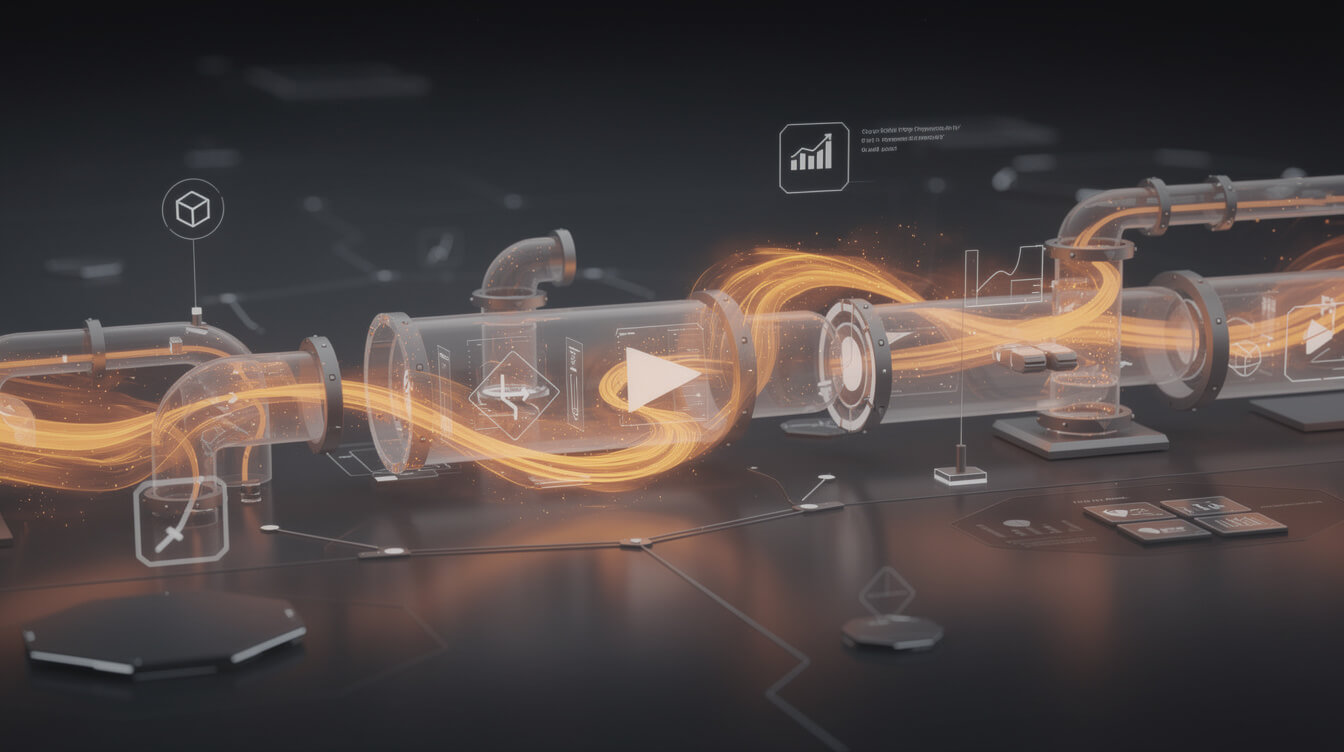
In POD on WooCommerce, the automation opportunity is broader. If you are running a modern pipeline, the full workflow from niche research to live product listing can be automated end-to-end in a way that traditional dropshipping tools do not match.
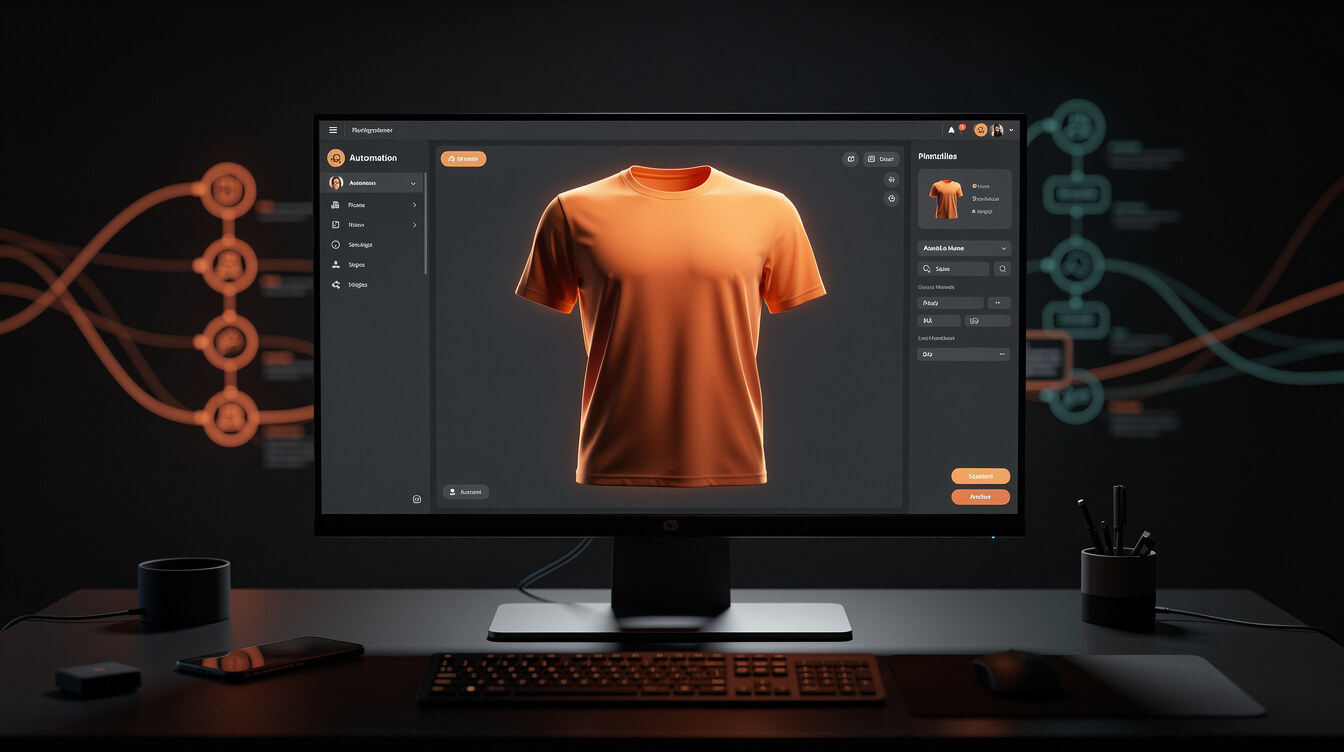
MEGA automates this step entirely: the pipeline takes a niche idea and produces a complete WooCommerce product listing in under seven minutes. AI image generation for the design, automated sizing and cropping for each print product type, mockup generation, title and description writing, SEO metadata, and Printful product creation. The entire sequence runs without manual Canva work, without manual size adjustments, and without manual listing copy.
Compare that to the workflow most POD courses teach: pick a niche in Canva, generate a design manually, export correctly sized files for each product type, upload to Printful one by one, write listing copy manually, optimize the listing manually. Done well, that takes 45 to 90 minutes per product. At scale, you can produce perhaps 10 to 15 products per week if you are fast and disciplined.
The throughput difference is not cosmetic. At 30x the product generation speed, a store that would have taken six months to build to 50 products can reach 50 products in a week. That changes the economics of niche research, allows you to test aggressively across designs and niches, and lets you diversify without proportional labor costs.
This is the part of the WooCommerce POD story that almost no roundup article covers. The platform fee difference gets attention. The automation ceiling rarely does. On WooCommerce, you can bolt an AI production pipeline directly onto your Printful or Printify integration. The comparison between POD platform models explains why this architecture matters for how you build your business long-term.
Which path is right for you: a practical decision framework for WooCommerce dropshipping plugins

After all of this, the question comes down to your business model and your appetite for leverage.
Choose traditional WooCommerce dropshipping (AliExpress or supplier network) if:
- You have existing supplier relationships with strong price leverage
- Your target market wants branded physical goods that cannot be print-on-demand (electronics, home goods, niche hardware)
- You plan to negotiate exclusive supplier deals that give you a genuine pricing moat
- You are comfortable with inventory risk if you move to wholesale eventually
- You are building a margin arbitrage machine rather than a brand
Choose POD fulfillment on WooCommerce if:
- You want to build a branded store with recognizable design aesthetics
- You do not want inventory, supplier negotiations, or import logistics
- You plan to use content, SEO, and social media as your primary traffic channels rather than paid ads
- You want to scale without proportional labor costs: more products should not mean proportionally more hours
- You want to own your store outright, not rent access from a platform
The practical checklist before you install anything:
- Define your business model clearly. Are you reselling physical goods or selling custom designs on blanks?
- If POD, pick your print partner first (Printful, Printify, or Gelato), then install their WooCommerce plugin. Do not install AliDropship or DSers. Those tools will not help you.
- If traditional dropshipping, research your supplier network before choosing your plugin. The plugin choice follows the supplier choice, not the reverse.
- In both cases, host on WooCommerce to avoid platform transaction fees. Run the numbers on your expected monthly volume and compare against Shopify’s monthly subscription cost.
- If you are in the POD path and want to move faster than the Canva-and-manual-upload workflow allows, look at automation pipelines before you scale. The leverage is in production speed, not just the fulfillment integration.
The WooCommerce dropshipping plugin category is genuinely split into two separate use cases. Most articles online do not acknowledge that split. Now you know where you sit, what tools actually apply to your business, and what the financial case is for each path. Pick your lane, choose the right tools, and build something that runs without you needing to supervise every step of the workflow.

Implement AI. 30x your throughput. Get a 30-min call with the founder.
Drop your details and book a free 30-minute discovery call. Personalized advice on your POD stack, your margin, and where AI fits. No pitch, no fluff.