Custom t-shirt printing near me: why online POD wins even when customers want local
When someone types “custom t-shirt printing near me” into Google, the SERP returns UberPrints, BlueCotton, CustomInk, Walmart, and a handful of local print shops. Every result is a product page aimed at a consumer who wants to place an order right now. Not one result is written for a POD seller who wants to capture that same search intent and win those customers online.
That is the gap. Custom t-shirt printing near me gets 3,600 searches per month at a difficulty score of 10. The keyword is real, the demand is real, and the editorial field is completely open. If you run a print-on-demand store on WooCommerce, you are positioned to compete for this traffic — and in many cases, to win it. This post explains what “near me” searchers actually want, how POD compares on speed and cost to brick-and-mortar printers, and how to build a store that captures local intent without owning a single piece of equipment.
What custom t-shirt printing near me searchers actually want
The phrase “near me” signals three things: urgency, trust, and convenience. The searcher wants the shirt fast, they want someone they can contact if something goes wrong, and they do not want to deal with a faceless website that takes ten days to ship.
Here is what this audience is actually looking for:
- Speed above all else. The number-one driver of a “near me” search is a deadline. There is an event in three days, a gift that needs to arrive by Friday, a team that needs matching shirts before Saturday.
- Low or no minimums. Most local screen printers still quote minimums of 6 to 12 shirts. Searchers who need 1 to 3 shirts are actively looking for an alternative. POD fulfillment is the answer they do not know exists yet.
- Price transparency. Local shops often give opaque quotes that require a phone call. Online stores with clear unit pricing and no hidden setup fees convert better with this cohort.
- Trust signals. Reviews, city-specific references (“ships from Austin”), and a visible phone number or chat option reduce friction for buyers who are skeptical about ordering online.
The important insight is that “near me” does not necessarily mean “I want to walk into a shop.” It means “I want the experience to feel local and responsive.” A well-positioned POD store can deliver exactly that — without the overhead of a physical location.
Speed comparison: local print shop vs online POD fulfillment in 2026
The assumption that local print shops are faster than online POD is outdated. It was largely true five years ago. In 2026, the gap has closed substantially for most order types.
Here is a realistic comparison for a common order: 1 to 6 custom t-shirts, standard front print, no specialty finishing.
Local screen printer (standard)
Minimum 6 shirts at most shops. Setup time for a new design: 1 to 2 business days for screen preparation. Production: 1 day. Ready for pick-up: 2 to 4 business days from artwork approval. Add your drive time for drop-off and pick-up. Total elapsed time: 3 to 6 days.
Local DTG printer
No minimum order, but DTG is often a secondary service at local shops. When available: 1 to 2 business day turnaround. When the machine is booked: 3 to 5 days. Availability varies and requires a phone call to confirm. Total elapsed time: 1 to 5 days, with uncertainty.
Printful (standard production)
2 to 7 business days production plus 3 to 5 business days standard shipping. Total: 5 to 12 days door-to-door.
Printful (express production)
1 to 3 business days production plus 2 to 3 business days express shipping. Total: 3 to 6 days door-to-door, for a single shirt. Ships directly to your customer.
Printify rush-capable providers (Monster Digital, SwiftPOD)
1 to 3 business days production plus express shipping: 3 to 5 days total. No minimums, direct-to-customer fulfillment.
The conclusion: for orders of 1 to 3 shirts with a 4 to 6 day window, POD with express options is competitive with local printers on speed — and ships directly to the customer without them traveling anywhere. The one scenario where a local shop definitively wins is same-day or next-day pickup. That is a real use case, but it is the narrow exception, not the rule.
For a detailed look at which POD providers offer the fastest turnaround and when rush services make financial sense, our post on fast custom t-shirt printing: when rush services win walks through the options and the math.
Unit cost math: local printer vs Printful/Printify at 1, 6, and 24 shirts
The economics of custom t-shirt printing depend entirely on quantity. POD and local screen printing are not in a straight-line competition — they each win at different order sizes.
1 shirt
Most local screen printers do not accept single-shirt jobs. When they do, a setup fee of $25 to $50 applies plus $8 to $15 per shirt — making a one-off order cost $35 to $65. A local DTG printer is more realistic for single shirts: $15 to $25 per piece, no minimum.
Printful charges $14.95 to $19.95 for a Bella+Canvas 3001 with one front-location print, no setup fee. Printify via Monster Digital: $10 to $14 for comparable quality. Both ship directly to the customer.
At 1 shirt: POD wins on price, often by 30 to 50 percent versus local DTG, and by a factor of two or more versus local screen printing.
6 shirts
Local screen printing at 6 shirts: setup fee ($25 to $35) plus $7 to $12 per shirt, totaling $67 to $107. That is $11 to $18 per shirt — assuming the shop will accept a 6-shirt minimum order, which many will not.
Printful at 6 shirts: $14.95 each, totaling $89.70. No setup fee, direct fulfillment. Printify via Monster Digital: $10 to $13 each, totaling $60 to $78.
At 6 shirts: Printify providers match local screen printing on per-unit cost. Printful is 15 to 30 percent more expensive per shirt but delivers direct-to-customer without any manual fulfillment work on your part.
24 shirts
Local screen printing at 24 shirts: $5 to $8 per shirt plus a setup fee, totaling $145 to $227. At $6 to $9.50 per unit, screen printing’s economics start to pull ahead.
Printful at 24 shirts: $14.95 each, totaling $358.80. Printify: $10 to $13 each, totaling $240 to $312.
At 24 identical shirts: local screen printing wins on unit cost. This is the quantity threshold where the screen setup fee is fully amortized.
The critical insight for “near me” keyword targeting is that most searchers in this category are buying 1 to 6 shirts, not 24. The bulk-order customer is a different buyer using different search terms. Your POD store is perfectly priced for the audience that types “custom t-shirt printing near me.”
Why most local print shops cannot beat POD on price for runs under 24 shirts

Smash print-on-demand. Join the engine room.
One short email a week. Real numbers, real teardowns, the unfiltered economics behind every move.
The economics of screen printing are built around setup cost amortization. Every job requires a screen to be burned, registered, aligned, and cleaned after the run. That setup cost is fixed regardless of quantity. At 100 shirts, it is a rounding error. At 6 shirts, it is the largest line item on the invoice.
Local DTG shops do not have the same screen-burn problem, but they carry a different cost burden: machine amortization. A commercial DTG printer costs $15,000 to $30,000. To be profitable, it needs to run dozens of shirts per day. Small shops that offer DTG as a secondary service often price it at a premium to cover that capital expense — pushing their per-shirt price above what Printful charges.
Here is the structural advantage POD has that local printers cannot replicate:
- No setup costs on any order. Every job is treated as a standalone unit. No screen burns, no minimum ink loads, no dead inventory between orders.
- Distributed US fulfillment. Printful and Printify both operate multiple US production facilities. A customer in Dallas gets their shirt from a Dallas-area facility — that is effectively local production without local overhead.
- Fulfillment included in the price. When a customer orders from your WooCommerce store, the shirt is produced and shipped directly. No pick-up, no drop-off, no intermediate steps you have to manage.
- No minimum order ever. This alone eliminates the most common friction point that local printers create for small-order buyers.
The local printer’s only durable advantage is same-day or next-day pickup — a real scenario for walk-in customers at their physical location. Everything else, POD either matches or beats on economics for runs under 24 shirts.
If you want to understand where screen printing still wins and where the break-even line falls in the broader context of print methods, our breakdown of custom t-shirt screen printing vs print on demand covers the comparative math in detail.
How to position your POD store to capture near me traffic
The “near me” search intent is winnable for online POD stores. The searcher is not necessarily looking for a shop they can walk into. They are expressing urgency and a desire for local trust. Here is how to build a store that satisfies both.
Add location signals throughout your store
If you are based in Phoenix, say so. A footer with your city and state, a “Ships from Phoenix” badge on key product pages, and a local phone number (even if it forwards to a business voicemail or Google Voice) all increase trust for local-intent buyers. Google factors these signals into organic visibility for location-modified queries.
Optimize product titles and H1s for the near me query format
Instead of “Custom T-Shirts — No Minimum Order,” write “Custom T-Shirt Printing [City] — No Minimums, Ships in 2 to 3 Days.” This is not keyword stuffing. It is answering the searcher’s implicit question in the format they typed it.
Build a dedicated location landing page
A page at /custom-t-shirt-printing-[city]/ that addresses the specific “near me” intent in your market. Cover speed (“most orders ship in 2 to 3 business days from our US fulfillment partner”), pricing at 1, 6, and 24 shirts, and the no-minimum advantage. Include customer reviews that mention delivery speed. This is the same playbook local service businesses use for location pages — applied to a POD store.
Lead with speed on every relevant page
The “near me” searcher’s primary anxiety is “will this arrive before I need it?” Address that anxiety at the top of the page, not in the FAQ. “Most orders arrive in 4 to 6 business days” should be in the hero, not buried below the fold.
Collect reviews that mention delivery experience
Generic five-star reviews matter less to this audience than reviews that say “arrived in 4 days, looked exactly like the preview.” Set up a post-purchase email asking specifically about the delivery experience. Feature the speed-confirming reviews on your location landing page.
Configure express shipping at checkout
Offer 2-day shipping as a paid upgrade for customers who explicitly need their order fast. Price the upgrade to cover the carrier cost without sacrificing margin. “Need it faster? Upgrade to express delivery” converts well for the “near me” intent buyer who has already decided to order.
For the broader store setup — connecting Printful or Printify to WooCommerce, setting up product listings, and structuring the catalog for POD — our guide on how to start a t-shirt business covers the infrastructure decisions in order.
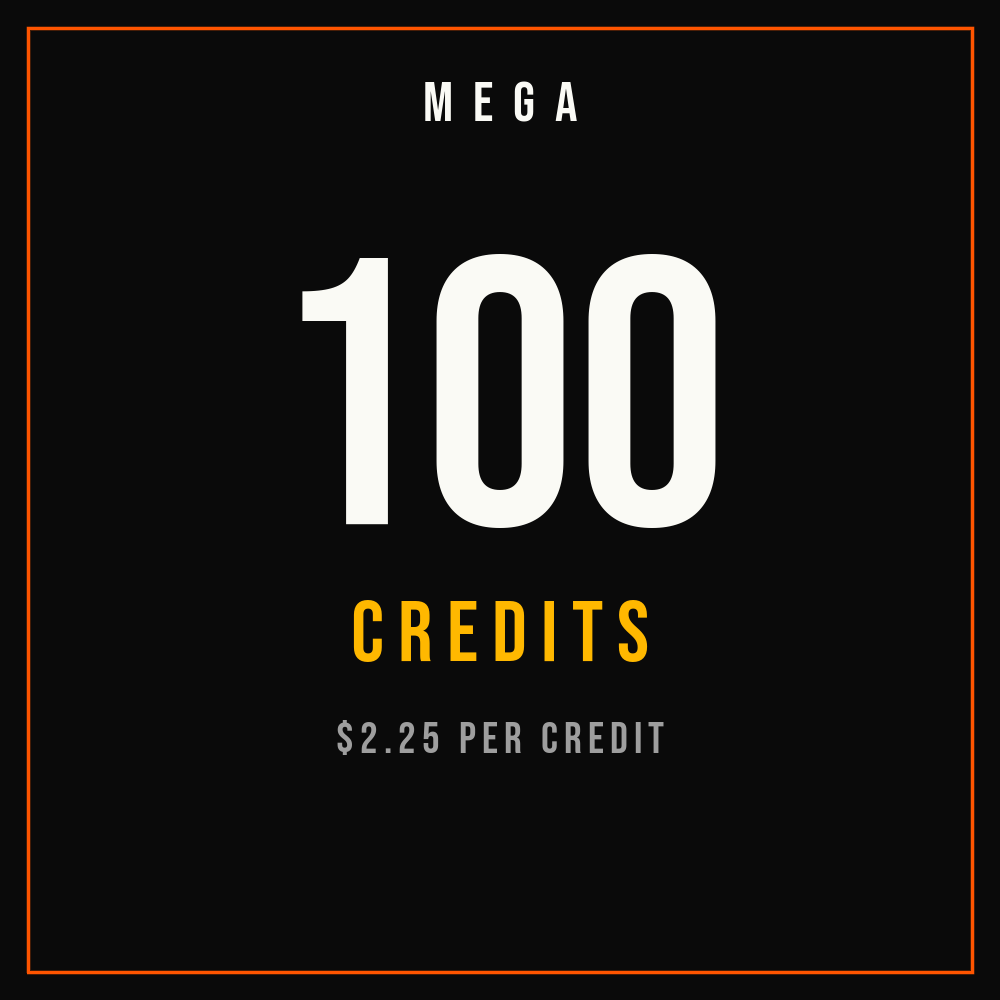
Automate your POD store. 30x your throughput.
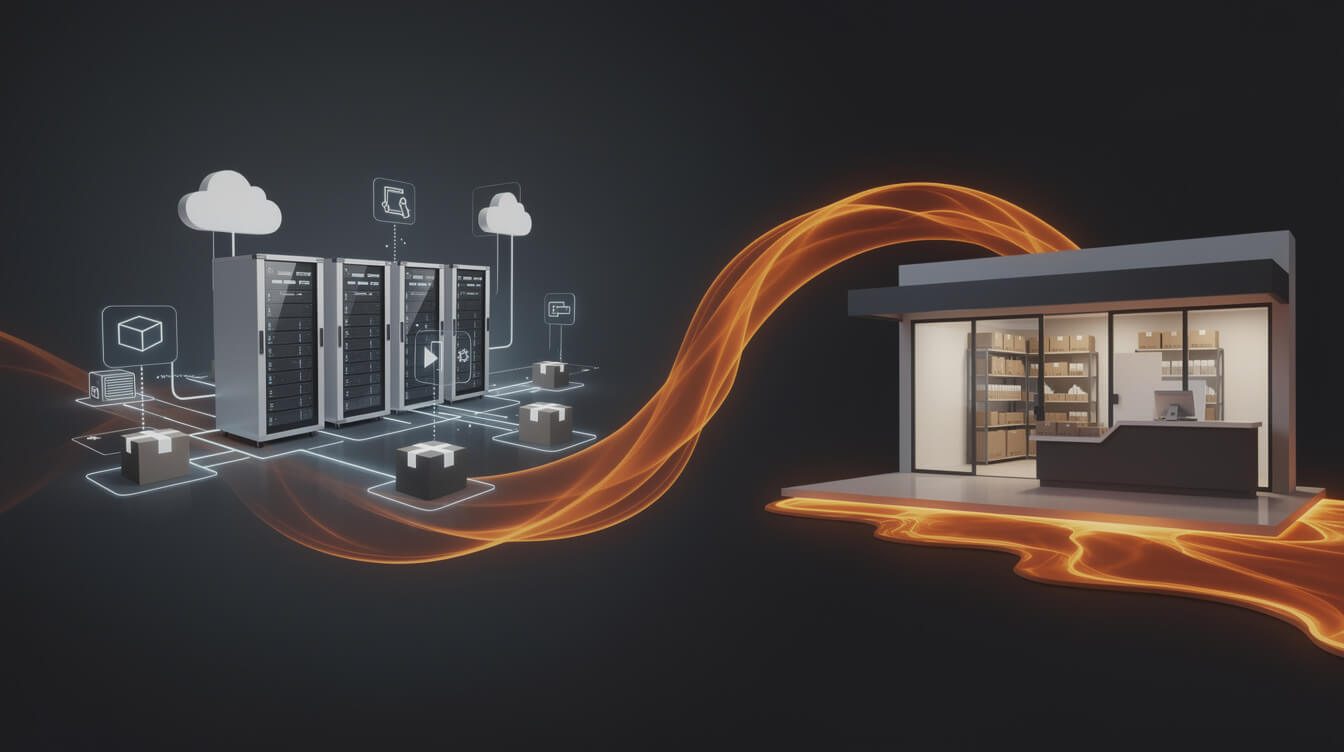
MEGA is the research-to-product pipeline for POD sellers. Connect WooCommerce and Printful, feed a niche, and MEGA handles image generation, sizing, mockups, titles, SEO, and full product listings — end-to-end in under seven minutes.
The Shopify 1% problem and why WooCommerce matters for local-targeting POD stores
If you are running a local-targeting POD store on Shopify, there is a fee structure compounding against you that gets worse as order volume grows.
Shopify’s transaction fee tiers:
- Basic plan ($39/month): 2% transaction fee on every sale, unless you use Shopify Payments.
- Shopify plan ($105/month): 1% transaction fee.
- Advanced plan ($399/month): 0.5% transaction fee.
Most POD sellers sit on the Shopify plan. At 1%, the math looks like this: a $20 custom t-shirt order costs you $0.20 in Shopify platform tax, on top of normal payment processing. At 100 orders per month, that is $20. At 500 orders per month, it is $100. At 1,000 orders per month, it is $200 per month in Shopify fees you pay regardless of margin.
The reason this matters specifically for “near me” traffic: local-intent searchers often buy 1 to 3 shirts at a time. Average order values in this cohort run $20 to $50. That keeps each transaction smaller, which means the percentage-based Shopify fee hits harder on a per-order basis than it would on a high-AOV store selling hoodies or jacket sets.
WooCommerce on the same order volume: $0 in platform transaction fees. You pay hosting ($5 to $15 per month on a solid VPS), payment processing (identical Stripe or PayPal rates to what Shopify charges), and nothing else for the core WooCommerce software. At 500 orders per month targeting the “near me” buyer, that is $100 per month you keep versus what a Shopify plan seller pays.
The operational overhead of WooCommerce is higher than Shopify — more configuration, more plugin management, more responsibility for your own infrastructure. But automation tools close that gap. MEGA automates the WooCommerce + Printful/Printify integration end-to-end: product creation, image generation, sizing, mockups, titles, SEO, and live listings in under seven minutes per product. If you are building a location-targeted POD store and want to move faster than a manual Canva workflow, try MEGA.
For the full cost comparison — hosting, plugins, payment processing, and how the numbers look at 100, 500, and 1,000 orders per month — our breakdown of WooCommerce pricing for POD stores has the complete picture.
Checklist: setting up a location-targeted POD store with WooCommerce
If you are building or optimizing a POD store to compete for “custom t shirt printing near me” traffic, work through this checklist before you expect to see results:
- Choose a production partner with US fulfillment. Printful and Printify both integrate directly with WooCommerce. For speed-focused positioning, identify providers with US fulfillment centers near your target market. Monster Digital and SwiftPOD (both Printify partners) offer rush production. Printful’s US network covers the East and West coasts with separate facilities.
- Add city and state to your store footer. Include your location in WooCommerce settings so it appears in transactional emails. Add a visible footer line that says “Ships from [City], [State].” This is a local trust signal for buyers and a geographic relevance signal for Google.
- Create a location-specific landing page. Build a page at /custom-t-shirt-printing-[city]/ covering speed, pricing, no minimums, and local reviews. Write an H1 that uses the near me query format for your city. Use local schema markup to reinforce the geographic relevance.
- Set up a Google Business Profile. Even as an online-only store, a GBP with your city, business category (“custom t-shirt printing”), and product photos improves local organic visibility. List your fulfillment lead time as a business attribute.
- Lead with delivery speed on every product page. Use WooCommerce’s short description field to open with “Ships in 2 to 3 business days.” Update this if your production partner changes their lead times.
- Offer express shipping at checkout. Add a 2-day shipping option that covers the carrier upgrade cost. Present it as an upgrade for buyers who need their order faster. This converts well for the urgency-driven “near me” buyer.
- Install a review plugin and set up post-purchase requests. Yotpo, WooCommerce Product Reviews Pro, or TrustPilot integration works. Configure automated review emails that specifically ask about delivery time. Feature fast-delivery reviews on your location landing page.
- Verify you are not paying hidden transaction fees. If you migrated from Shopify, confirm no residual fee structures remain in your payment gateway settings. WooCommerce with Stripe or PayPal via WooCommerce Payments charges zero platform transaction fees.
The “near me” search intent is winnable for an online POD store. Every competitor in that SERP is either a physical print shop that does not sell online or a consumer-facing product catalog from Printful or CustomInk. Neither is writing editorial content that helps POD store owners understand how to compete. You can occupy that space.
Frequently asked questions
Can an online POD store actually rank for “near me” searches?
Yes, with the right signals in place. Add your city and state to product pages and the store footer, create a dedicated location landing page, and set up a Google Business Profile with your city-specific business category. Google increasingly serves online stores in local results for purchase-intent queries where the searcher is really asking about speed and availability, not physical proximity. Local trust signals — reviews mentioning delivery time, phone number, city references — matter more than having a walk-in address.
What is the fastest custom t-shirt fulfillment available through POD?
With Printify’s rush-capable providers (Monster Digital, SwiftPOD), production can complete in 1 business day. With 2-day shipping, a customer can have their shirt in 3 business days from order placement. Printful’s express production tier completes in 2 to 3 business days. For a “near me” buyer with a 4 to 6 day window, POD is a viable substitute for local printing — with direct-to-door delivery as an added convenience.
At what order quantity does local screen printing beat POD on cost?
Roughly 24 shirts for identical designs with a single print location. Below that threshold, POD is cheaper because there are no setup fees and no per-job screen burn costs. Above 24 shirts, local screen printing’s per-unit economics improve enough to win on cost. But screen printing at 24 shirts requires a minimum order deposit, upfront artwork approval, manual pickup, and lead time of 3 to 5 business days — none of which POD requires.
Does WooCommerce require more technical work than Shopify for a POD store?
Yes, initially. WooCommerce requires hosting setup, plugin configuration, and more control over your own stack. The trade-off is zero platform transaction fees and full ownership of your store data and customer relationships. Automation tools like MEGA reduce the ongoing operational overhead significantly — handling product creation, image generation, and listing automation so the manual workflow gap versus Shopify shrinks considerably.
Which Printify providers have the fastest US turnaround?
Monster Digital (based in Miami) consistently offers 1 to 3 business day production for standard t-shirt orders. SwiftPOD offers similar speeds. Both are available through Printify’s provider catalog and can be selected per product in your Printify dashboard. When setting up products for your location-targeting POD store, filter your Printify provider selection by fulfillment location closest to your target customer base to minimize shipping transit time.
Final thoughts
Custom t-shirt printing near me is an open editorial field. Every result on page one is a product page. The first POD seller who publishes substantive, seller-focused content on this topic — explaining the speed math, the cost comparison, and how to position an online store for local intent — owns the keyword.
The audience wants speed, low minimums, and local trust. POD delivers all three for runs under 24 shirts. The location signals you add to a WooCommerce store — city references, Google Business Profile, shipping speed messaging, location landing pages — are enough to compete for local visibility without a physical storefront or the overhead that comes with it.
The gap between the local print shop experience and a well-run POD store has never been smaller. The gap between what “near me” searchers find today and what they actually need has never been larger. That is the opportunity worth capturing.
For more on building the POD store infrastructure — connecting your store to Printful or Printify and setting up the automated product pipeline — see our guide on custom t-shirt printing for POD sellers.
Implement AI. 30x your throughput. Get a 30-min call with the founder.
Drop your details and book a free 30-minute discovery call. Personalized advice on your POD stack, your margin, and where AI fits. No pitch, no fluff.