DTG vs DTF: what print-on-demand sellers need to know (you do not own the printer)
When you search dtg vs dtf, every result assumes you are shopping for printing equipment. There are comparison charts of machine costs, maintenance schedules, and ink systems. Useful content for print shop owners. Not for you.
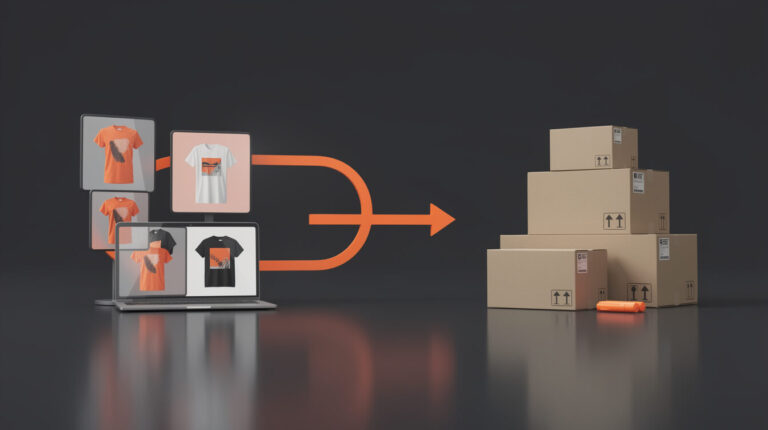
If you sell through Printful, Printify, Gelato, or any other fulfillment partner, you never touch a printer. Your platform partner chooses the method. Your job is to understand which method they will use for each product type, what that means for the design files you upload, and how it affects the economics of single-unit on-demand orders. That is a fundamentally different question. The internet has not answered it yet. This post does.
The distinction matters practically. Print method determines your design file specs, your dark-fabric color accuracy, your per-unit cost structure, and whether your AI-generated designs will print correctly or produce defects at fulfillment. Understanding the map gives you a real edge in catalog building.
DTG and DTF: a plain-English breakdown (no equipment jargon)
Both methods print designs directly onto fabric. That is where the simplicity ends.
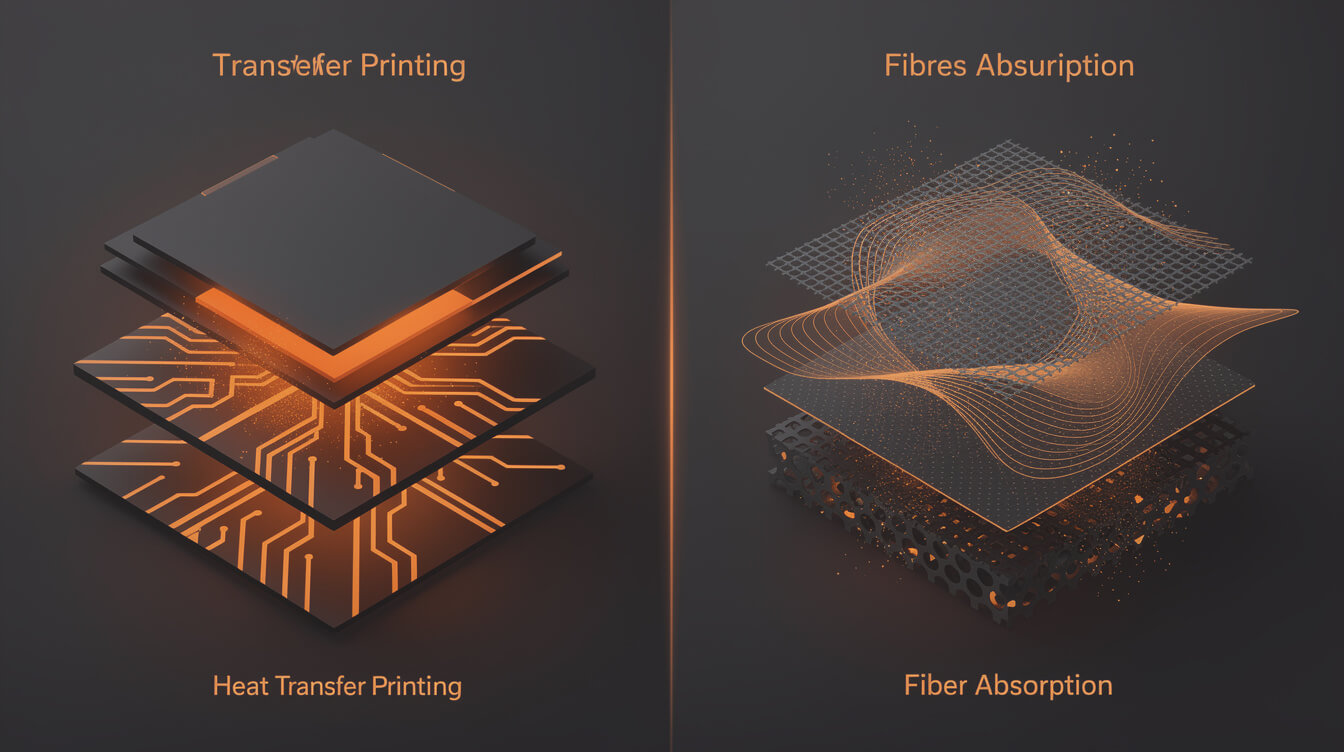
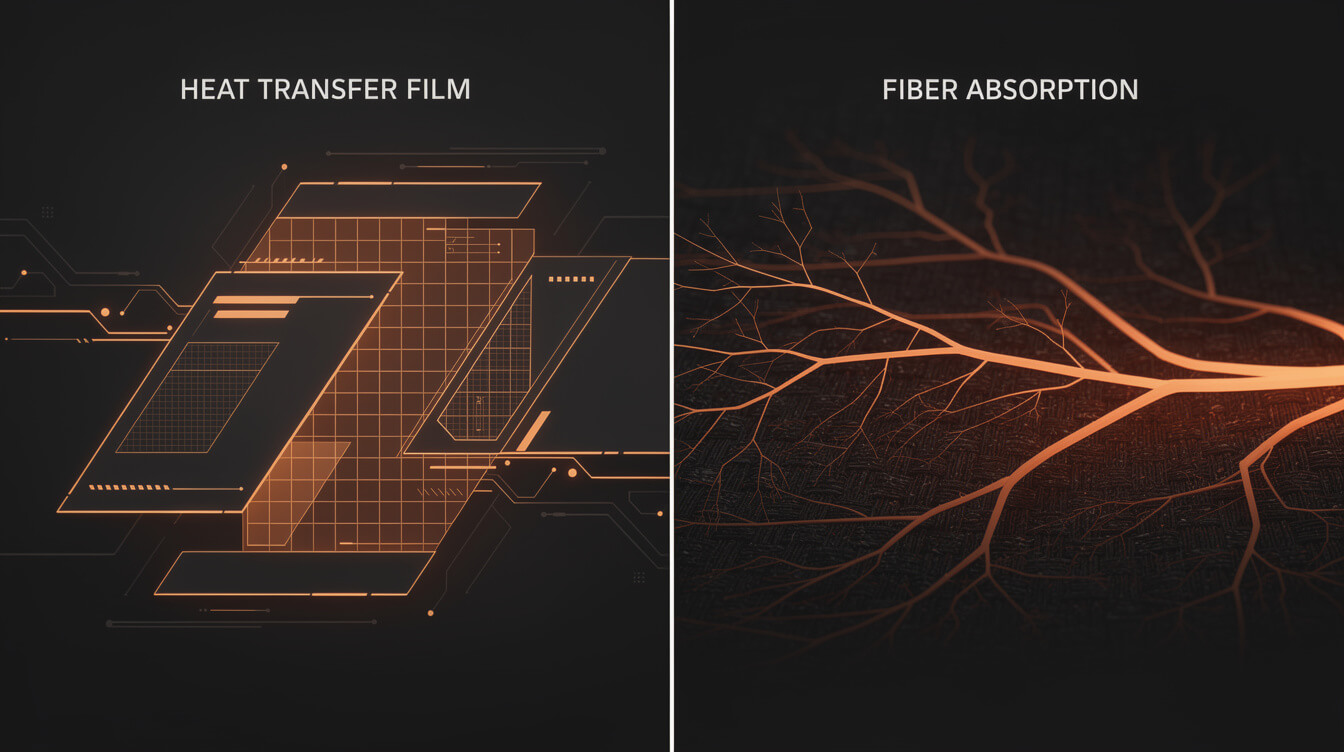
Direct to garment (DTG) uses a modified inkjet printer. The machine sprays water-based ink directly into the fibers of the fabric. Think of it as a very precise inkjet printer that works on a T-shirt instead of paper. The ink bonds chemically with the fibers, giving DTG its characteristic soft hand feel on cotton.
Direct to film (DTF) takes a different path. The design is printed onto a special PET film, then a hot-melt adhesive powder is applied to the wet ink. The film is cured and then heat-pressed onto the garment. The adhesive bonds the complete design to the fabric surface in one step.
For a print shop owner, this distinction matters because of equipment investment, maintenance, and substrate compatibility. For a POD seller, it matters for a narrower but equally important set of reasons: design file requirements, color behavior on dark fabrics, durability under washing, and which product categories your fulfillment partner can and cannot produce with each method.
Key differences for the POD context:
- Fabric compatibility: DTG works best on 100% cotton. DTF adheres to almost any fabric, including polyester, cotton blends, nylon, and canvas.
- Dark fabric performance: DTG on dark fabrics requires a white underbase layer, which changes how colors render. DTF on dark fabrics transfers the complete design without an underbase.
- Color vibrancy: DTF typically produces sharper edges and more saturated colors on dark fabrics. DTG on light 100% cotton can match or exceed DTF quality for soft, breathable garments.
- Feel: DTG ink soaks into the fiber, producing a softer feel. DTF transfers sit on top of the fabric, which can feel slightly stiffer on large coverage areas.
- Washing durability: Both hold well with proper care. DTF has a slight edge on durability for large coverage prints. DTG excels when the fabric is pre-treated correctly.
Why most DTG vs DTF comparisons are written for the wrong audience
Go back to any top-ranking result for this keyword and look at the author. Most content on this topic comes from printing equipment brands or from screen printing trade publications. The question they are answering is: should my print shop buy a DTG machine or pivot to DTF?
That question has nothing to do with your business.
You are running a POD store. You connect your WooCommerce store to Printful or Printify, upload a design, and an order triggers a fulfillment job at a partner's warehouse. You will never service a print head or calibrate an adhesive powder shaker. The method your partner uses determines your design constraints and your product category options. That is what you need to know.
The content gap is real. In the research for this post, zero editorial results addressed the POD seller who uses fulfillment partners. Zero results mapped which partner uses which method for which product type. Zero results addressed how print method affects AI-generated image specs for automated listing pipelines.
There is also a timing element. Our own analysis of DTG vs screen printing documented that Bonfire published their DTG comparison in May 2026, covering the screen printing angle. No major POD editorial site has addressed the dtg vs dtf angle for fulfillment-partner-based sellers. The gap exists now.
Which fulfillment partners use DTG vs DTF, and for which product types
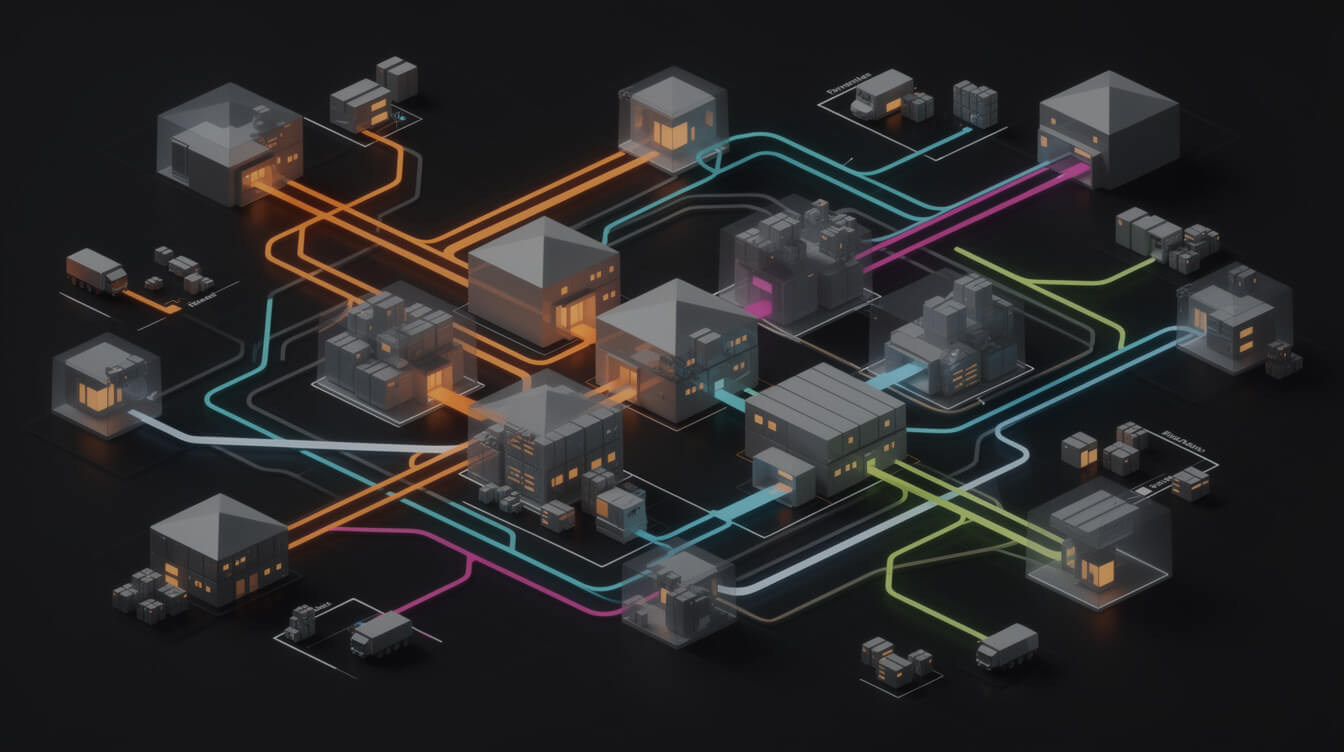
Here is the practical map for the three most commonly used fulfillment partners.
Printful
Printful uses DTG as their primary method for standard cotton garments, including Bella+Canvas 3001 T-shirts, Gildan 64000, and Gildan 18500 sweatshirts. Their DTG production runs in-house at their own facilities across multiple regions.
For polyester-heavy products, athletic wear, bags, and accessories, Printful uses alternative methods, including DTF and sublimation for AOP (all-over print) products. Printful does not always disclose the specific print method for every SKU, but product care guidelines and design file specs indicate which method applies. All-over print is a separate method using sublimation on polyester substrates and requires a completely different file format from standard DTG or DTF products.
Printify
Printify operates through a network of 90-plus print providers rather than their own in-house facilities. The print method for any given product depends on which provider you select. Understanding how Printify works is essential before you build a product strategy around a specific method.
DTG providers in the Printify network include Monster Digital, Print Geek, and SwiftPOD, all of which are primary for cotton garments. DTF providers are increasingly used for polyester and blended fabrics, and some providers switch to DTF for cost efficiency on certain product runs.
Best practice with Printify: read the print provider's spec sheet for each specific product before activating it in your catalog. The method affects your DPI requirement and your approach to color management.
Gelato
Gelato operates through local partner facilities in more than 30 countries. DTG is the primary method for garments, applied at regional partner locations. DTF is available at some regional facilities for polyester products and accessories.
One important nuance with Gelato: because their global network uses different facilities in different regions, the print method for the same product may vary by fulfillment location. Their product spec pages indicate which methods are available in which regions.
You do not choose the print method directly. You choose the product and the fulfillment partner, and the method follows from that choice. Knowing which partner uses which method for which product type lets you design correctly from the start of your catalog build.
What this means for your design files: resolution, color profiles, and DPI by print method

Smash print-on-demand. Join the engine room.
One short email a week. Real numbers, real teardowns, the unfiltered economics behind every move.
This is where the abstract comparison becomes concrete for anyone running an automated listing pipeline. Print method determines your design file specs, and getting this wrong creates fulfillment failures that show up in customer returns.
Resolution and DPI
For DTG printing, 150-300 DPI at print size is the professional standard. Printful recommends 300 DPI at final print dimensions for their DTG products. On their Bella+Canvas 3001, a full-front design at 12 by 16 inches requires a 3,600 by 4,800 pixel file to reach 300 DPI. For AI-generated designs, this is critical: if you generate an image at 1024 by 1024 pixels and scale it to full-front print size, the effective DPI at print drops below 100. That produces visible degradation on the final garment.
DTF printing has similar DPI requirements, 150-300 DPI at print size, but the method is somewhat more tolerant of minor resolution imperfections because the film transfer does not depend on fiber absorption. At the professional level, 300 DPI remains the standard regardless of method.
Color profiles
DTG on cotton uses water-based inks that absorb into the fiber. The color profile is sRGB. Colors rendered on screen tend to shift when printed on fabric. Saturation can drop 10-20% without proper prepress treatment. Bright neons and highly saturated palettes perform worse on DTG because the ink blends with the fabric color rather than sitting on top of it.
DTG on dark fabric introduces the white underbase variable. The underbase is an opaque white ink layer printed first, on which the color design is then printed. Colors over a white underbase are more vivid, but the design may have a slightly raised tactile feel. Any AI-generated design intended for dark fabric must be evaluated on a dark-fabric mockup before listing.
DTF on any fabric transfers colors from the film directly. Color output on DTF is closer to the original digital file because there is no underbase variable and no fiber absorption of ink. Saturation stays higher. This makes DTF more predictable for dark-fabric products when you are generating designs algorithmically and need consistency across many SKUs.
File format
Both methods accept PNG files with transparency. JPEG is acceptable for DTG on light fabrics where no transparent background is needed. For DTF, PNG with an alpha channel is always preferable because the film transfer preserves the exact design boundary. Any pixel, even a semi-transparent one, transfers to the garment. Background cleanup before DTF submission is non-negotiable.
On-demand economics: why 1-unit POD orders default to DTG (and when DTF changes the math)

The economics of single-unit POD orders overwhelmingly favor DTG. Understanding why tells you where DTF fits in your catalog strategy.
DTG excels at 1-unit runs because there is no setup cost beyond pretreatment of the fabric. Each garment prints independently. The per-unit cost is the same whether you produce 1 or 100. This matches exactly what a POD business requires: every order is a 1-unit run triggered by a customer purchase, with no minimum quantity.
DTF has a different cost profile. The film-printing step produces better economy at slightly larger runs (10 or more units on the same design), though fulfillment partners absorb this by batching multiple customers' DTF jobs together. From your perspective as a POD seller, you pay a per-unit rate. The underlying economics explain why DTF appears for product categories where similar orders are likely to batch, such as accessories and polyester activewear, rather than one-off custom cotton garments.
Where DTF changes the math
- Polyester products: DTG does not adhere well to polyester. DTF is the practical option for performance wear, activewear, and swimwear. If your catalog targets these niches, DTF products will dominate your fulfillment method regardless of preference.
- Dark-fabric catalog: If you are selling predominantly dark-colored garments, DTF's superior dark-fabric color performance may justify a slightly higher base cost when you factor in lower return rates on color accuracy complaints.
- Accessories and hard goods: Tote bags, hats, and accessories often use DTF or other specialized methods. Knowing this upfront helps you price and position these products correctly.
The Shopify overhead makes this arithmetic more consequential. A Shopify store on the Basic plan pays 2.9% plus $0.30 per transaction, plus a 1% platform override on third-party payment processors. At a $35 average order value, that is roughly $1.70 per transaction going to Shopify before your fulfillment cost. An owned WooCommerce store eliminates the platform override entirely. When your margin on a DTF product is already tighter than a DTG product, recovering that $1.70 per transaction directly protects profitability. MEGA's pipeline is built for WooCommerce-first sellers who want to keep those dollars. Try MEGA here if you are building or optimizing a WooCommerce POD store.
How print method choice affects AI-generated design quality and automated listing specs

For POD sellers running an automated pipeline, print method is not just a fulfillment detail. It is a design spec constraint that determines whether your generated files are usable before they ever reach a fulfillment partner.
Resolution scaling for AI outputs
AI image generators output images at native resolutions, typically 1024 by 1024 to 1408 by 1408 pixels. At print size on a full-front T-shirt, a 1024-pixel image resolves to approximately 64-85 DPI. That falls below the 150 DPI minimum for acceptable DTG quality. Your automated pipeline needs a resolution upscaling step before file submission. Build this as a required gate in the pipeline, not an optional check.
Flux 2 Pro, which MEGA uses for design generation, outputs at higher base resolutions than earlier models. That helps. It does not eliminate the need for a resolution validation step at print dimensions before any file submission to a fulfillment partner.
Color management for dark-fabric variants
If your catalog includes dark-colored product variants, your AI-generated design needs to be evaluated on a dark-fabric mockup before listing. Colors that look vibrant on a white template can lose significant saturation after the DTG underbase is applied. Build dark-fabric mockup generation into your review process, not as an afterthought.
Design boundary clarity for DTF products
DTF transfers work best with clean design edges and explicit transparent backgrounds. AI-generated designs with soft gradient backgrounds or feathered edges can produce unexpected results on DTF products. The film adhesive captures everything, including near-transparent pixels that look fine on screen but create a visible film boundary on the garment. For DTF products in your catalog, generate designs with explicit transparent backgrounds rather than blended or gradient backgrounds.
Mockup accuracy by method
If you are auto-generating mockups via the Printful API, verify that your automation is pulling mockups from the correct product template rather than overlaying your design onto a generic garment template. The mockup template reflects the print boundaries for that specific method. Getting this wrong produces listing images that do not match the physical product. See our guide on AI t-shirt design in a POD workflow for more on structuring the design generation step within an automated pipeline.
The practical decision: how to pick products based on print method when building your POD catalog
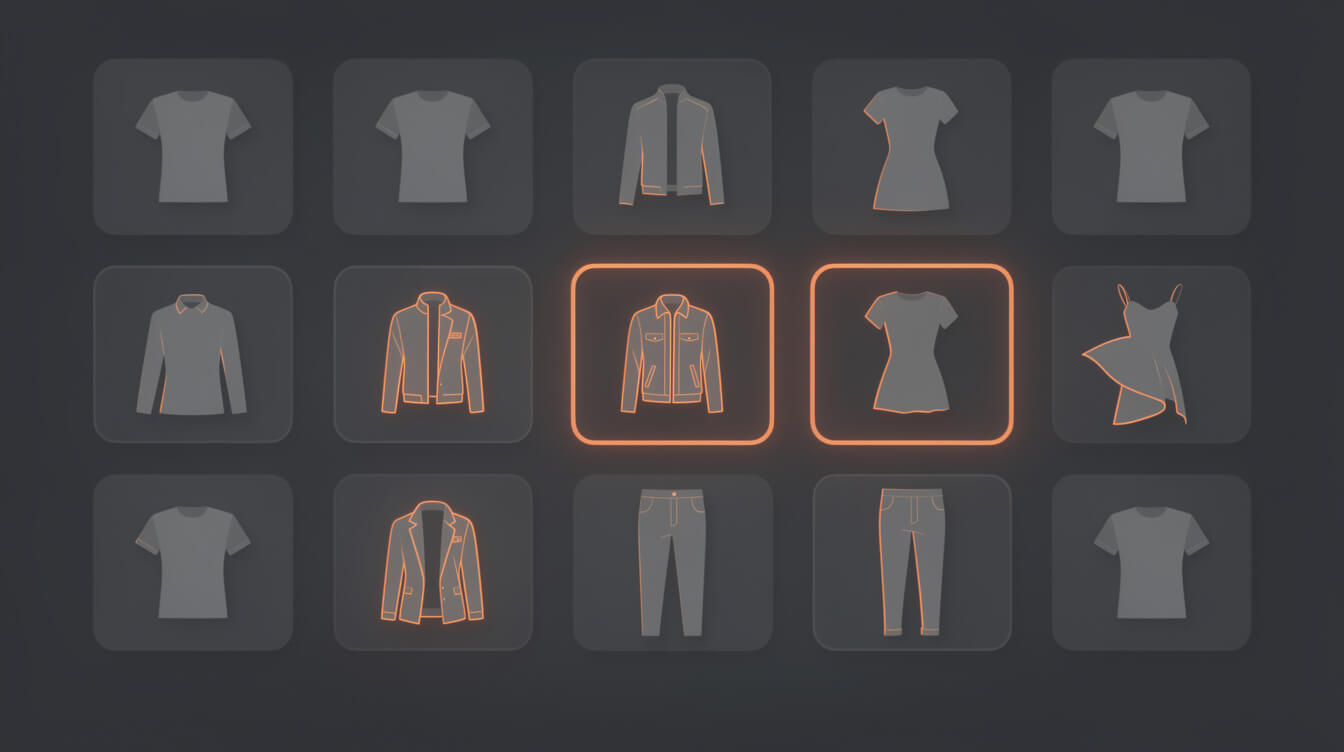
When you are building or scaling a POD catalog, print method is a selection criterion, not an afterthought. Here is how to apply it systematically.
Start with niche and fabric requirements
- Cotton-focused niches (basic tees, hoodies, organic cotton): DTG is the default. Partner choice matters less because all major providers offer DTG on cotton. Focus your energy on design quality and resolution specs.
- Performance and activewear niches (gym wear, yoga, outdoor): DTF or sublimation is the method. Select fulfillment partners with demonstrated polyester print capabilities. The product catalog and the print method are inseparable for this niche.
- Dark-fabric-heavy designs (gothic, streetwear, dark aesthetic): Test both DTG and DTF for your specific design style before scaling. Order samples before committing a catalog strategy to either method.
Build a catalog spec sheet
For each product in your catalog, document the material composition, the print method your fulfillment partner uses for that product, the DPI requirement, the recommended file format, and any design constraints specific to that product. This becomes the operating spec for your design pipeline. A catalog without this document runs on guesswork. Guesswork produces inconsistent product quality at scale.
Test before scaling
Order physical samples before activating a product across your full catalog. A product that looks correct in a digital mockup may reveal print-quality issues, such as color shift, edge definition, or garment feel, that only appear on the physical product. One sample order per product type costs less than the customer service burden of scaling a product with a hidden quality issue.
Use print method as a competitive differentiator
Most POD sellers list the same Bella+Canvas 3001 T-shirt because it is the default DTG product available everywhere. Two catalogs with different designs on the same T-shirt compete on design alone. A catalog that mixes cotton DTG tees with polyester DTF activewear and DTF accessories competes on product variety and niche fit. That is a harder position to replicate.
Frequently asked questions: DTG vs DTF for POD sellers
Which method does Printful use for T-shirts? Printful uses DTG for their standard cotton garments, including Bella+Canvas 3001 and Gildan 64000. For polyester and all-over print products, they use different methods including DTF and sublimation.
Can I choose which print method my fulfillment partner uses? Generally no. The print method is determined by the product and the fulfillment partner. You choose the product, and the method follows. Some platforms, like Printify, let you switch between print providers, which gives you indirect control.
Does print method affect my Printful or Printify pricing? Yes. Different products at different fulfillment partners are priced based in part on production costs, which include print method. Always check the current base cost in your partner's catalog before setting retail prices.
Is DTF better than DTG for print on demand? Neither is universally better. DTG is better for 100% cotton, single-unit runs, and designs where soft hand feel matters. DTF is better for polyester, dark fabrics, hard goods, and designs where sharp edge definition is critical. Your catalog mix determines which method matters more for your specific business.
How do I know if my design file will print correctly? Check the DPI at print dimensions (minimum 150, target 300), confirm the file format is PNG with a transparent background for DTF products, and order a physical sample before scaling. No digital mockup perfectly reproduces the physical print result.

Implement AI. 30x your throughput. Get a 30-min call with the founder.
Drop your details and book a free 30-minute discovery call. Personalized advice on your POD stack, your margin, and where AI fits. No pitch, no fluff.