Free t-shirt design templates: what POD sellers need to know before you hit the wall
If you have searched for a free t-shirt design template, you already know the landscape. Canva has 15,000 of them. Kittl has thousands more. Adobe Express, Vecteezy, Creative Fabrica: all free, all accessible, all requiring nothing more than a browser. For a POD seller testing their first niche, a t-shirt design template free download is a reasonable first move. The question is what happens next: at product 10, at product 50, at product 500. This post covers what these templates actually deliver, where their limitations become hard walls, and the math that clarifies when you have outgrown them.
What free t-shirt design templates actually give you (and what they don’t)
Free templates give you a starting point. That is not nothing. For a seller in month one, trying to figure out whether a niche has purchase intent before committing design hours, a template accelerates the test. You drop a concept on a mockup, list it, run some traffic, and read the data. If the niche converts, you invest in something better. If it doesn’t, you haven’t burned hours on custom artwork.
What free templates do not give you is differentiation. Every template on Canva is available to every other Canva user. There is no exclusivity, no brand moat, no reason a buyer on Etsy or your WooCommerce store should choose your version over the version from the store that grabbed the same template six months earlier. Canva works. It is great for one design. The question is what happens at design 50 or 500.
There is also the workflow problem. Free templates are designed for one-off use. You open the tool, customize the text or colors, export, and you are done. That is a four-step manual process for a single design. It does not scale. There is no batching, no niche-to-design pipeline, no automation. Each new product is a fresh manual cycle: open, edit, export, check the file specs, upload, fix the errors, check the mockup, reupload.
POD sellers who have tried to build an inventory of 50 or 100 products using free template workflows know exactly where this hits the wall. The wall is not at product 5. It is somewhere around product 20, when the cumulative time cost of the manual loop starts to compete with the time you have available for the business overall.
If you are familiar with how Canva approaches t-shirt design specifically, our post on Canva t-shirt design: what it does well, and the wall you will hit at scale goes deep on the specific capability gaps that matter for POD sellers at volume.
The 3 file spec requirements Printful and Printify actually need (most templates fail at least one)

Here is what most free template guides don’t tell you: the template you download is probably going to fail at least one of the three non-negotiable file requirements that Printful and Printify enforce before they will accept a design for production. Those requirements are resolution, format, and dimensions. Most free templates miss on at least one.
Resolution. Printful requires a minimum of 150 DPI for print production, with 300 DPI as the recommended standard for sharp output. Canva’s default canvas resolution when you export using the free tier is 96 DPI in most cases. Some templates export at 144 DPI. Almost none export at 300 DPI without a Pro plan. This means your finished design may pass Printful’s minimum threshold but produce visibly soft output when printed, particularly on larger items like hoodies or tote bags.
Format. Printful and Printify both require PNG files with transparent backgrounds for direct-to-garment printing. JPEG files, which many free templates export by default, include a white or colored background that prints as a block on the garment. The results are either a white square behind your design or a requirement to manually remove the background before upload. Neither option adds significant time to a single design. Both add time multiplied by every design in your catalog.
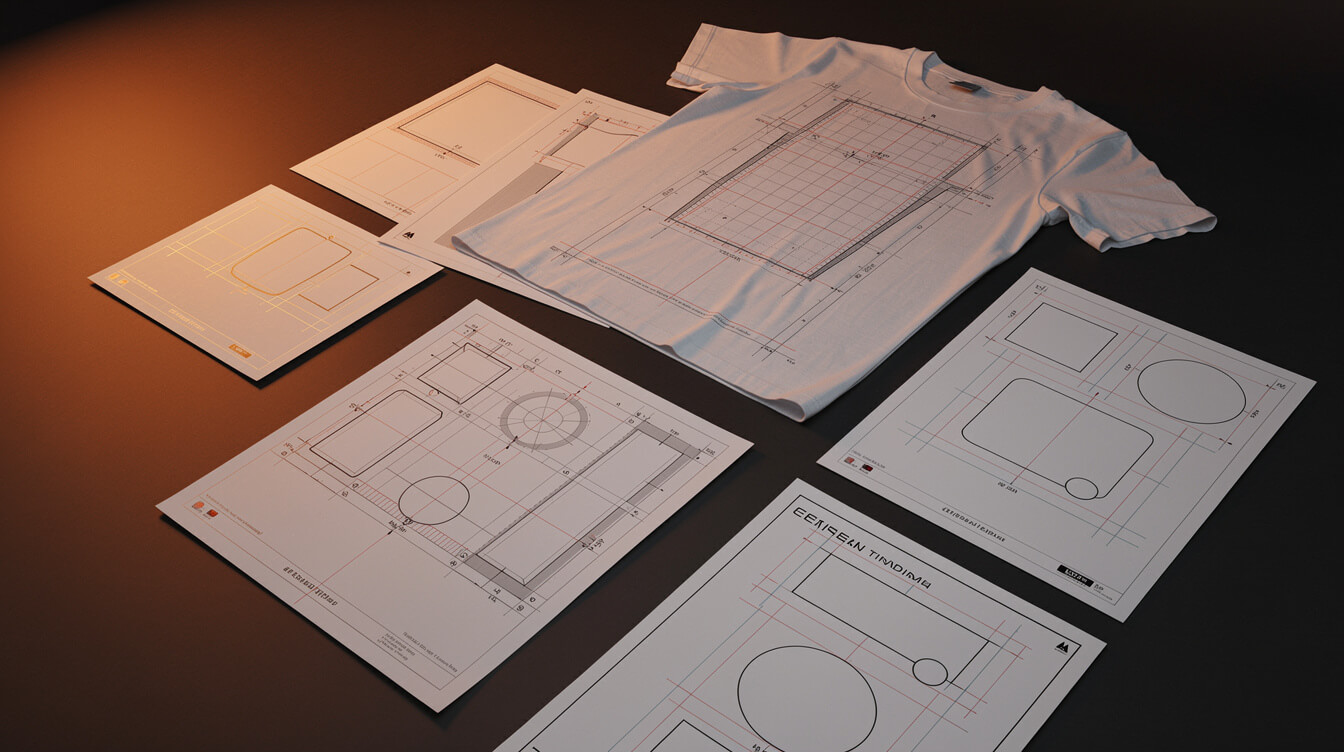
Dimensions. Printful’s standard front-print placement area requires a design file of 4,500 pixels wide by 5,400 pixels tall at 300 DPI for most shirt SKUs. Most free Canva templates are built for a square canvas at 3,500 by 3,500 pixels, which means your design will need to be resized, repositioned, and checked against the print template coordinates manually before upload.
None of these are unsolvable problems. But each one adds a manual step between “I downloaded a free template” and “this is live on Printful.” At product 10, these steps take 15 extra minutes. At product 100, they represent a full day of remediation work. For a detailed breakdown of what Printful actually does and does not handle in its production pipeline, see our Printful review 2026: honest assessment for WooCommerce sellers.
The commodity problem: when your t-shirt design template is on 9,000 other stores
This is the problem no template gallery will tell you about. When you download a free t-shirt design template from Canva, you are downloading a file that is available to every other Canva user. Canva reports having over 170 million users globally. Its t-shirt template library has more than 15,000 templates. The math is not reassuring.
The realistic scenario is not that 170 million people are running the same design. Most Canva users are making birthday cards and social media posts. But among the POD seller population, which skews toward free tools and quick-to-market approaches, template adoption is high. Search Etsy for any high-volume design category and you will find dozens of stores running variations of the same Canva template. You can spot them by their identical layouts, the same font stacks, and the same proportioning.
The SEO problem compounds this. When multiple stores list the same design on the same platform, the algorithm cannot differentiate between them on design quality. It falls back to price, reviews, and recency. This pushes sellers toward price competition, which compresses margins, which makes the economics of even a successful POD store look worse than they should.
The deeper issue is brand. A WooCommerce POD store with a unique design vocabulary has something a template-based store cannot replicate: inventory that cannot be copied. Unique-design inventory is a moat. Template-based inventory is a commodity. The moat compounds over time as you build more unique designs. The commodity doesn’t.
This distinction matters more if you are running your store on Shopify. Shopify charges a 1% platform override on every transaction through its payment processing system, on top of payment processor fees. That fee only makes economic sense if you are generating the margin to absorb it. Template-based designs in a crowded Etsy or Shopify marketplace environment often cannot generate those margins. That is a business model problem that no free template solves.
From 1 design to 50: where the free template workflow breaks down

Smash print-on-demand. Join the engine room.
One short email a week. Real numbers, real teardowns, the unfiltered economics behind every move.
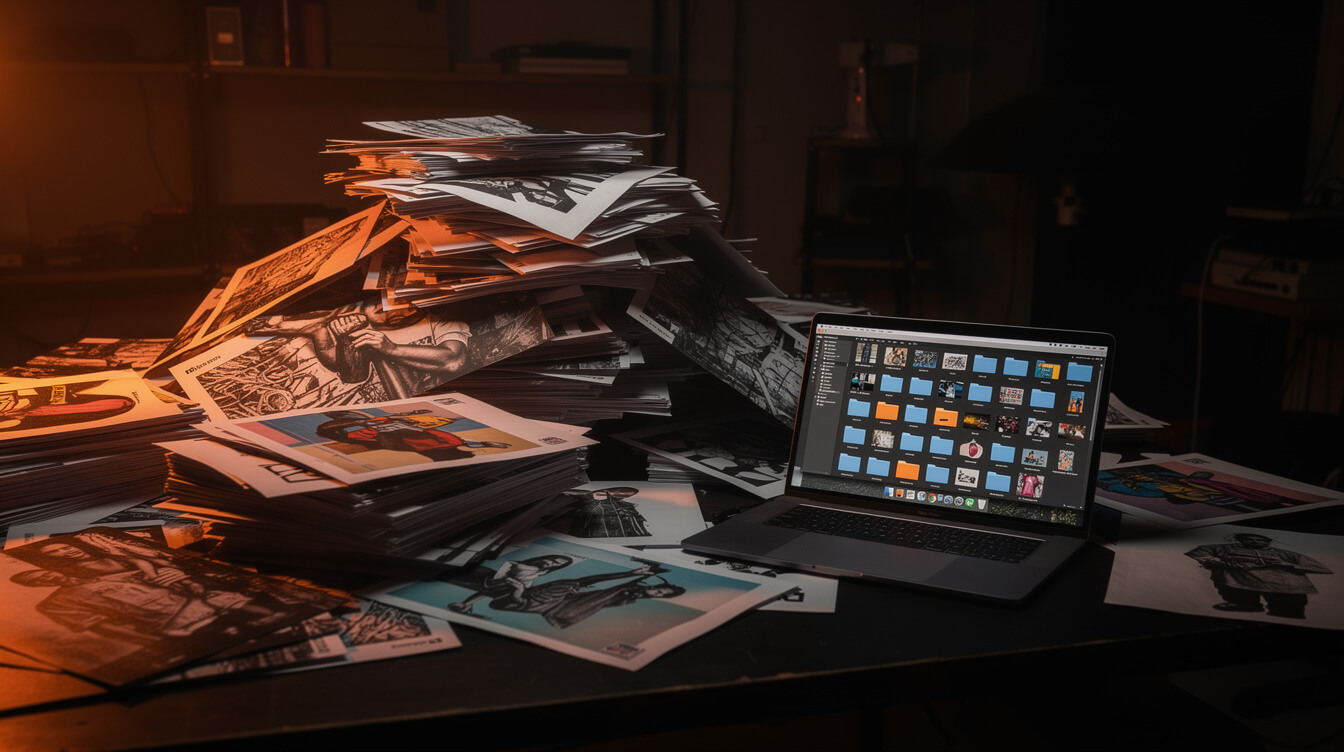
The free template workflow for a single design looks like this: open Canva, choose a template, customize the text or swap the graphic, export the file, check the resolution, upload to Printful, review the mockup, fix the issues, upload again, copy the product details into WooCommerce or Shopify, write the product description, set the pricing, publish. Call it 30 to 45 minutes per design if you are efficient.
At one design, this is fine. At five designs, it is tedious but manageable. At twenty designs, you have committed ten to fifteen hours of work to building an inventory that is still too small to generate meaningful search traffic. At fifty designs, you have committed 25 to 37 hours of manual work, and the designs are all derivatives of the same template library, which means your store is still essentially a commodity.
The specific failure points in the free template workflow at scale are worth naming:
- No batching. Every design is a fresh manual cycle. There is no mechanism to generate 20 designs in a single session and queue them for upload.
- No niche integration. The template gallery has no knowledge of your niche, your target keywords, or your market positioning. Every design choice is a manual judgment call.
- No file spec enforcement. The DPI problem, the format problem, the dimension problem: these occur per design and must be caught and fixed per design. There is no automated pipeline that enforces the spec before the file reaches Printful.
- No listing automation. Once the design is upload-ready, you still need to create the product listing: title, description, tags, pricing, category. Free templates don’t help with any of this.
POD sellers who build to 50 products using free templates consistently describe the same experience: the back half of the catalog took three times as long to build as the front half, the designs became less distinctive over time because the good templates were already used, and the manual loop had become genuinely exhausting. The templates themselves weren’t the problem. The workflow architecture was.
The question of print method adds another layer here. If you are comparing production options for your growing catalog, our post on DTG vs DTF: what print-on-demand sellers need to know covers the file requirements for each production method and why the spec differences matter when you are uploading at volume.
What AI-generated designs cost vs. what free t-shirt design templates cost (the real math)

The common objection to AI-generated designs is cost. Free templates are free. AI generation is not. That framing is correct in one dimension and misleading in every other.
Here is the actual math. A Flux 2 Pro AI image generation run, the quality tier used by the MEGA pipeline, costs approximately $0.08 per image. At 50 designs, that is $4.00 in generation costs. The image arrives at full resolution, natively sized for POD production, with the correct file format and DPI. No remediation required. No template library to search. No manual resize.
Free templates cost $0 per download. But the manual workflow costs time. If you value your time at $25 per hour, which is below most contractor rates and below what most POD sellers implicitly expect to earn from their store, then 30 minutes per design costs $12.50 per design. At 50 designs, that is $625 in time cost. Against $4 in AI generation costs.
The time cost is only part of the ledger. There is also the opportunity cost of template-based inventory: designs that are not unique, not search-differentiated, and not defensible in a crowded market. The economic argument for AI-generated designs is not just about cost per image. It is about the downstream revenue difference between unique inventory and commodity inventory.
MEGA automates the full design-to-listing pipeline: niche research, AI image generation, Printful integration, and WooCommerce product listing, all in under seven minutes per product. The cost per product is a fraction of the manual template workflow, and the output is unique inventory that no competitor can replicate by downloading the same template. You can explore what the full pipeline looks like in our post on AI t-shirt design in 2026: the full POD seller workflow from prompt to live listing.
30x the throughput. Zero Canva templates required.
MEGA generates unique, print-ready designs and live product listings in under 7 minutes. No template library. No manual resize. No DPI errors.
How POD automation handles the design-to-listing pipeline without Canva
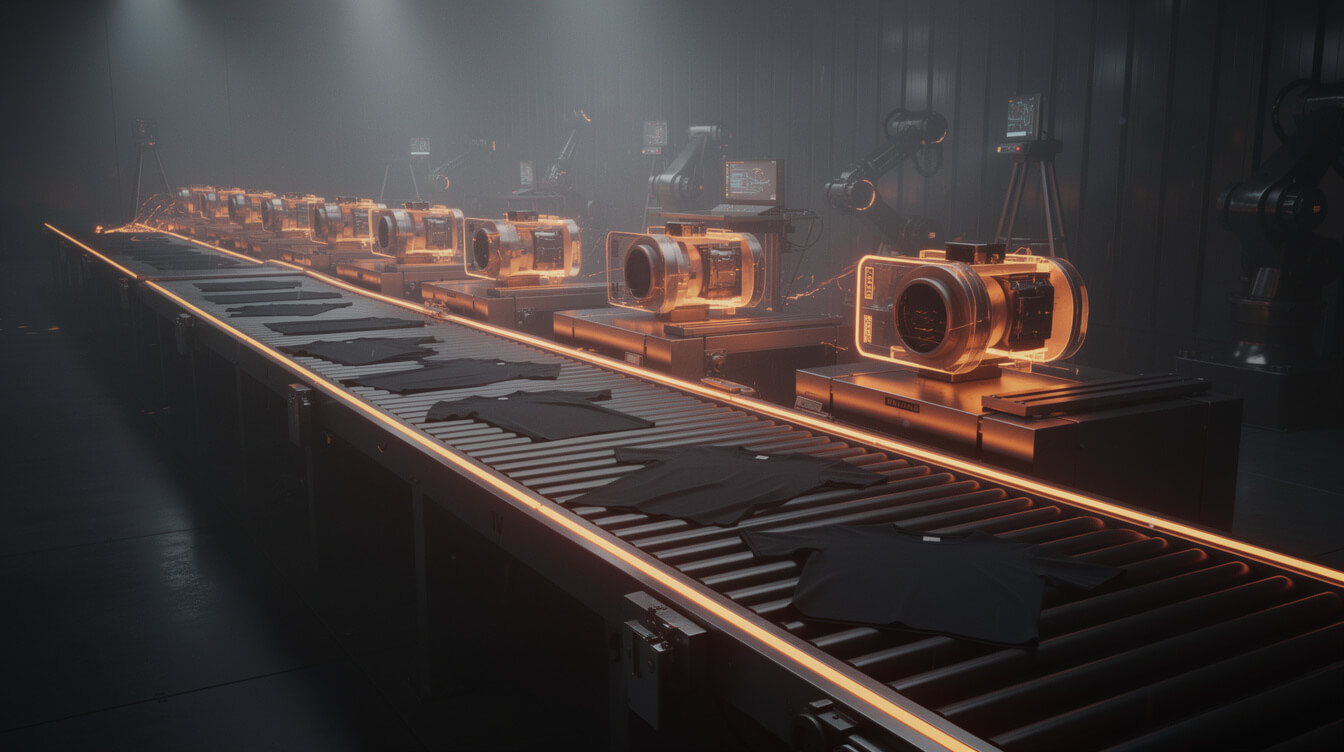
The alternative to the free template workflow is not “spend more on design.” It is a different pipeline architecture. POD automation replaces the manual cycle with a research-first, AI-generated, spec-enforced production process that runs end-to-end in under seven minutes per product.
The pipeline works as follows. A niche idea enters the system, either from keyword research, market data, or operator input. The engine pulls search volume and competition data to confirm the niche has purchase intent. It then generates a unique AI image: not a template variation, not a stock photo, but a purpose-built design created at the correct resolution, in the correct format, at the correct dimensions for Printful or Printify. The design is compressed, uploaded, and attached to a product listing with a keyword-optimized title, description, and tags. The listing goes live in WooCommerce.
The throughput difference is real. A POD seller doing the manual template workflow can realistically produce 2 to 4 products per hour, assuming no major file spec issues. The MEGA pipeline produces a product in under 7 minutes, which works out to approximately 8 to 9 products per hour. At a production session of 2 hours, that is the difference between 4 to 8 template-based products and 16 to 18 unique, search-optimized products. The 30x throughput claim is not a marketing headline. It is the ratio between a 30-second automated generation and a 15-minute manual session.
The design quality is also not a concession. Flux 2 Pro, the image model in the pipeline, generates at 2-megapixel resolution with output quality that consistently passes Printful’s production requirements without remediation. The designs are unique per generation. No two runs produce the same image.
This matters for the competitive moat argument. Each product in an automated catalog is a unique design that no competitor can reproduce. A template-based catalog can be matched by anyone with a Canva account. The distinction between those two outcomes compounds as the catalog grows.
For sellers evaluating whether their current platform supports this kind of workflow, our post on the best Shopify print-on-demand app does not fix the 1% fee underneath it covers what the platform layer actually costs and where WooCommerce provides a structural advantage for sellers building at volume.
When free templates make sense (and when they are costing you revenue)
The argument against free templates is not that they are bad tools. It is that they are the wrong tool past a certain point in the store lifecycle. Before that point, they serve a legitimate function.
When free templates make sense:
- Proof of concept for a new niche. If you are testing whether a niche has purchase intent before committing production resources, a free template gets a design live in an hour. If the niche doesn’t convert, you have lost one hour. If it converts, you invest in unique inventory.
- First 1 to 3 products. For a brand-new store, the first listings are about learning the platform, the fulfillment workflow, and the mockup review process. Free templates lower the barrier to getting those first products live.
- Non-commercial use cases. Internal team shirts, event merchandise, one-off gifts: contexts where brand differentiation doesn’t matter and uniqueness isn’t the goal. Templates are entirely appropriate here.
When free templates are actively costing you revenue:
- When you are listing product 10 or beyond. At this point the manual workflow cost has compounded beyond the value of “free.” The time investment in 10 templated products, including remediation, approaches 6 to 8 hours. That same time in an automated pipeline produces 3 to 5x the inventory.
- When you want a defensible brand. Template-based stores cannot differentiate on design. If the only thing distinguishing your store from the next one is your niche focus and your pricing, the store is brittle. A unique design catalog creates a barrier that templates cannot.
- When you are paying Shopify’s 1% override. The platform fee math only works if your margins are strong enough to absorb it. Template-based designs in a commodity market rarely generate those margins. The Shopify tax is a structural pressure that requires unique inventory to justify.
- When you have hit the DPI wall. If you have received a Printful rejection for an under-spec file, or noticed your prints look soft compared to a competitor’s, you have hit the resolution limit of the free template workflow. At that point the remediation cost of fixing each design exceeds the cost of generating a properly-specified design from the start.
Free t-shirt design templates are a starting point. They are not a scaling strategy. The sellers who build the most profitable POD catalogs tend to use templates for the first few products and then move to a production pipeline that generates unique inventory at speed. The transition is not about spending more. It is about recovering the time that the manual template loop was consuming and redirecting it toward growth.
The bottom line on free t-shirt design templates
The search for a free t-shirt design template is a reasonable first move. The templates exist, they work for early validation, and they cost nothing upfront. What they cost downstream, in time, in design uniqueness, in competitive positioning, only becomes visible once the catalog grows past a handful of products.
The file spec problem is fixable. The commodity problem is structural. The scale problem is arithmetic. None of these are arguments against using templates to test a niche. All of them are arguments for building a pipeline that generates unique, production-ready inventory once you know the niche works.
At product 20, the question is not whether free templates are good or bad. The question is whether the time you are spending on the manual template cycle is the best use of the hours available to your business. For most POD sellers, the answer becomes clear somewhere between product 15 and product 30.

Implement AI. 30x your throughput. Get a 30-min call with the founder.
Drop your details and book a free 30-minute discovery call. Personalized advice on your POD stack, your margin, and where AI fits. No pitch, no fluff.