Custom photo t-shirts for POD sellers: which providers support it, what the margins look like, and when automation wins
The search for a custom photo tshirt produces thousands of results. Every result is aimed at someone buying a single shirt for a birthday or a family reunion. None of them are written for POD sellers who want to build a photo t-shirt product line at scale. That gap is what this post fills.
Photo t-shirts work differently from standard graphic tees in a print-on-demand context. They require higher-resolution source images, they cost more to produce, and the print methods differ. If you are running on Shopify, the platform fee structure also hits photo-printed products harder than almost anything else in your catalog, because photo t-shirts tend to carry higher average order values and the 1% override compounds accordingly.
This guide covers which providers actually support photo t-shirt printing, what the margins look like compared to standard DTG, how to set up a product line in WooCommerce, and how to automate the generation process at scale.
What custom photo t-shirts actually mean in a POD context
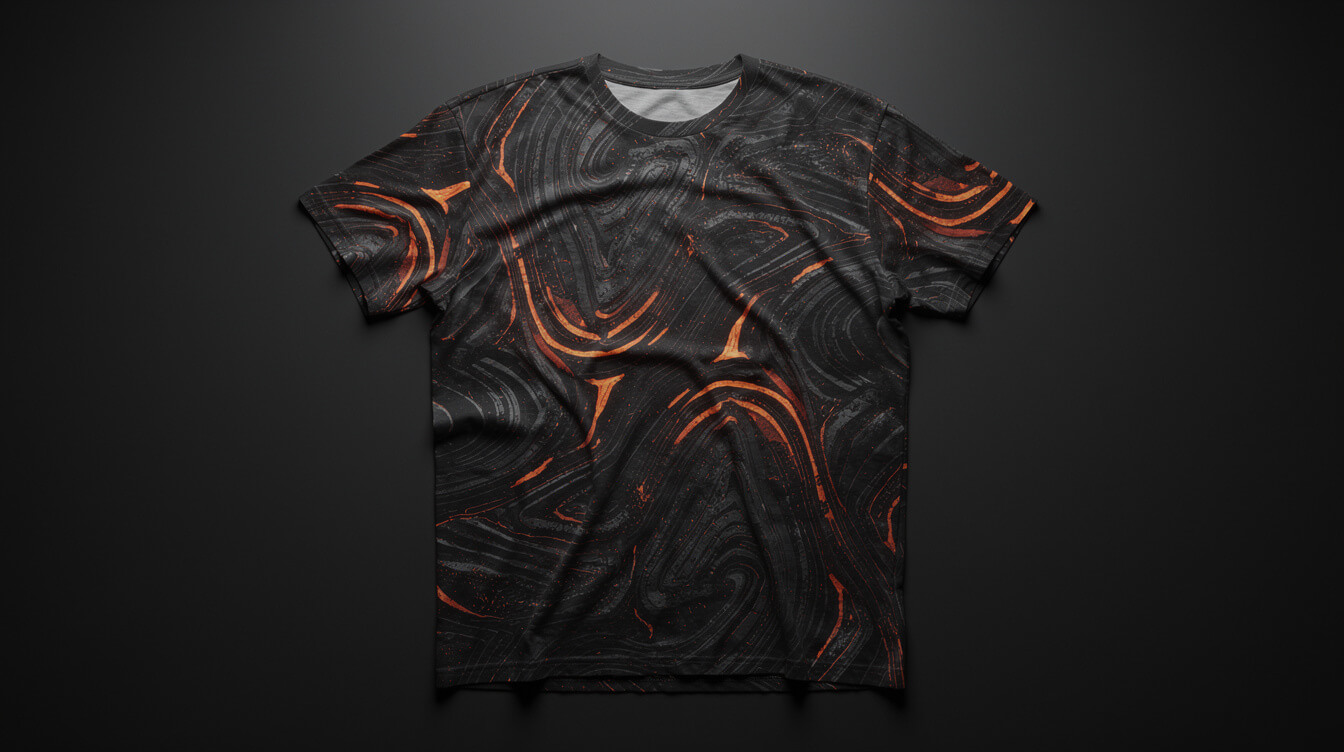
The consumer market uses “custom photo tshirt” to mean one thing: upload a photo, we print it on a shirt, done. The POD seller context is different. You are not printing one shirt for one customer. You are setting up a product that can sell hundreds of times without you touching it.
In POD, photo t-shirts fall into two distinct categories. The first is a standard graphic tee with a photo-based design, where a single image is printed on a specific area of the shirt (chest print, back print, pocket placement). This works with every major POD provider and uses standard DTG printing. The photo needs to meet the provider’s DPI requirement, typically 150 DPI at print size, but the print method itself is identical to any other graphic tee.
The second category is the all-over print shirt, where the image covers the entire garment surface, including the sides, sleeves, and collar. This is what most people picture when they search “custom photo tshirt” in a consumer context, and it is significantly more expensive to produce because it uses a cut-and-sew sublimation process rather than direct-to-garment printing.
The distinction matters because your provider options, production costs, and minimum viable margins are completely different depending on which category you are building a product line around.
Standard photo placement tees have base costs of $10 to $14 at Printful, depending on the blank. They work with every POD provider. The print quality on a well-prepared photo file is excellent. The challenge is mostly file preparation: customers uploading low-resolution phone photos to a personalized product listing will get pixelated results, and managing that expectation is part of the product design problem.
All-over print photo shirts have base costs of $24 to $38 at Printful, depending on style and print area. They require sublimation-compatible blanks (polyester blends perform best), and the image needs to be designed specifically for the cut-and-sew template, which is not a simple rectangular crop. This is a different product entirely from a standard tee, and treating it the same way is the most common margin mistake POD sellers make when entering this category.
Which POD providers support custom photo tshirt printing

Not all POD providers handle photo printing equally. Here is a breakdown of the major players and what they actually support.
Printful is the most photo-capable provider in terms of breadth. They support standard DTG photo prints on their full t-shirt catalog, and they offer all-over print sublimation on select styles including the AOP Shirt and Cut and Sew Hoodie. Printful’s print quality on photo files is consistent, and their file upload interface handles high-resolution JPEGs well. The key limitation is cost: Printful’s base prices on all-over print products are higher than most competitors. Their standard DTG tees start at around $10.95 for the Bella + Canvas 3001, which is competitive, but their all-over print base prices run $28.95 to $39.95 before you set a retail price.
For a broader view of Printful’s full product range, including which categories support photo-quality printing, that breakdown covers every major product line they carry.
Printify supports photo printing through its network of print providers, but with more variability in quality and capability than Printful. The best providers for photo printing within Printify’s network are Monster Digital, Swift POD, and Printify’s Premium provider network in the US. All-over print options are available through specific providers (SwiftPOD and Fuel are common choices), but the cut-and-sew template designs differ between providers. If you switch providers within Printify, your template files may not transfer, which is a structural risk for a photo-based product line.
The margin math for Printify t-shirt products shows why some sellers prefer Printify for standard graphic tees despite the variability: their base prices on standard DTG shirts average 8 to 12% lower than Printful’s equivalent blanks, which matters at scale. For photo products specifically, that advantage narrows because all-over print pricing is more competitive across providers.
Gooten supports photo printing on their standard t-shirt catalog at pricing slightly below Printful for comparable blanks. Their all-over print catalog is smaller than Printful or Printify’s, with fewer style options, but the print quality on standard photo placement tees is strong. Gooten’s WooCommerce API integration is also more developer-friendly than most competitors, which matters if you are automating product creation at scale.
Printcare, SPOD, and Apliiq each support photo printing in different ways, but for a WooCommerce-based seller focused on automation, they add complexity without proportionate benefits at the early stage of building a photo product line.
The margin math: photo printing costs more than standard DTG — here is by how much

The cost difference between standard DTG and all-over print photo shirts is not marginal. It is fundamental to whether the product line is worth building.
Take a standard Bella + Canvas 3001 tee with a chest photo print at Printful. Base cost: $10.95. Standard retail price for a printed graphic tee in a POD store: $24 to $28. Gross margin: $13 to $17, or roughly 54 to 62%. That is a workable margin for a standard graphic tee, assuming you have realistic expectations about organic traffic and conversion.
Now run the same math on an all-over print photo shirt. Printful’s AOP Shirt (polyester, cut-and-sew) has a base cost of $28.95. To hit a comparable 55% gross margin, you need to retail it at $64. The market will bear $55 to $75 for a well-designed all-over print shirt if the product and the store feel premium, but you are in a completely different conversion and audience segment. These are not impulse purchases.
The third cost that most margin guides skip is image preparation and quality control. Standard graphic tees at scale can use a consistent design set. Photo tees, especially personalized ones where customers upload their own photos, introduce a variable that a standard DTG product does not have: the customer’s source image may not meet your print DPI requirements. Handling this — either by refusing to print low-res files automatically, educating the customer at upload, or absorbing reprints when the quality falls short — adds an operational overhead that does not appear in a base-cost comparison.
If you are comparing photo t-shirts to screen printing alternatives, the economics change at volume. Screen printing becomes competitive around the 24-unit minimum, and for runs above 50 shirts, the per-unit cost advantage is significant. But screen printing requires design setup costs ($30 to $50 per color), minimum order commitments, and upfront inventory. For a detailed comparison of custom t-shirt screen printing vs POD, that breakdown shows where each method wins and at what quantity the crossover happens.
The practical conclusion for POD sellers: standard photo placement tees (chest or back print) are a viable product line with margins comparable to standard graphic tees. All-over print photo shirts are a premium product with higher margins in absolute dollar terms but a smaller addressable market and higher abandonment rates. Most sellers should start with placement prints and use all-over print as a premium upsell rather than a flagship product.
Setting up a custom photo tshirt product line in WooCommerce

Smash print-on-demand. Join the engine room.
One short email a week. Real numbers, real teardowns, the unfiltered economics behind every move.
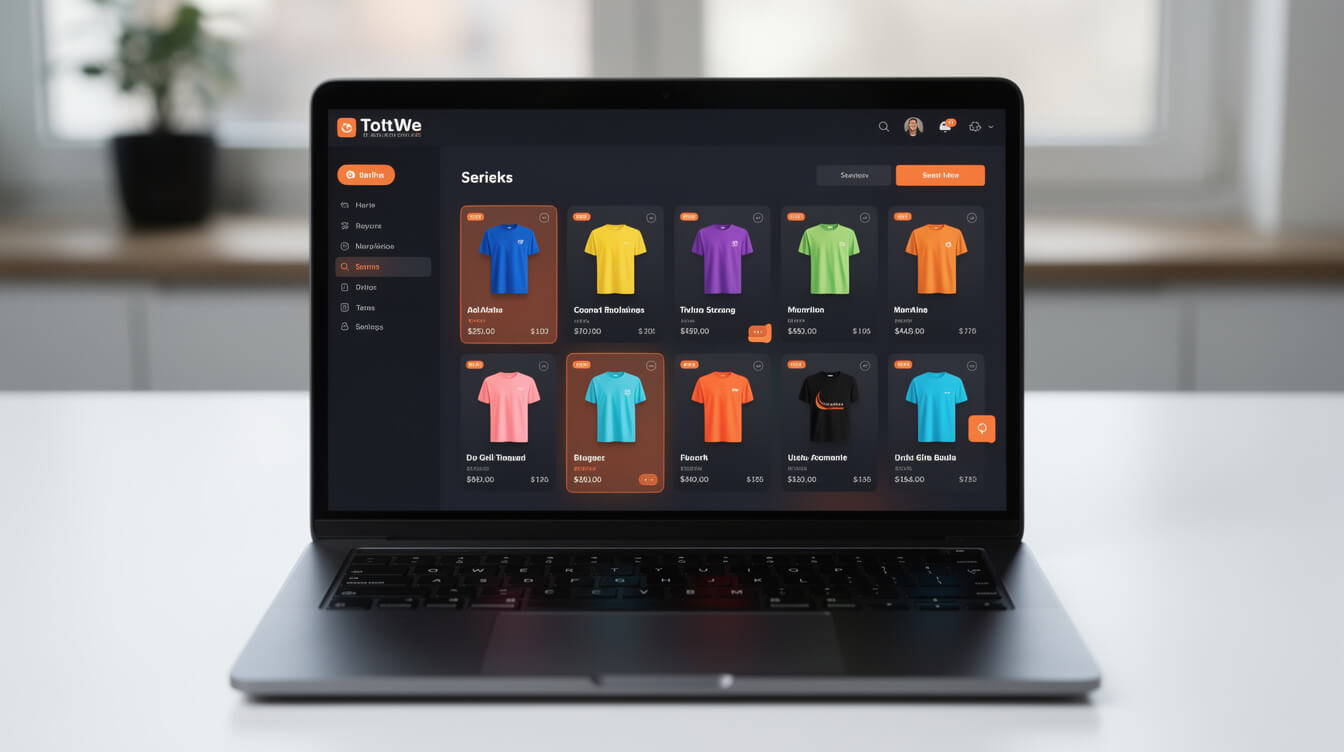
WooCommerce gives you more control over the photo t-shirt purchase experience than any hosted storefront solution. That control comes at the cost of setup complexity, but for a photo-based product line, the configuration options matter.
The core setup for a photo t-shirt product in WooCommerce with Printful involves five elements: the product page itself, the variation structure, the image upload mechanism, the Printful push settings, and the fulfillment trigger. Here is how each piece works.
Product page structure. For a photo placement tee, you will create a variable product in WooCommerce with size and color as the primary attributes. This is identical to any standard POD t-shirt product. The key difference is that you need to either (a) design the product with a fixed photo design that you upload to Printful’s mockup generator, or (b) enable a customer-upload feature using a plugin like Product Add-Ons or a custom Printful integration that accepts dynamic image input. Most sellers starting out use option (a): you create a photo-based design for the product, upload it to Printful, and the product behaves exactly like a standard graphic tee.
Variation structure. Standard size and color variations work. If you are selling personalized photo products where the customer uploads their own image, you need a more complex product configuration. WooCommerce’s native product add-ons or a plugin like WooCommerce Product Customizer handles this, but the integration with Printful for dynamic customer-provided images requires custom development or a third-party connector. This is a meaningful technical investment that most early-stage POD sellers should defer.
Printful fulfillment connection. The Printful WooCommerce plugin handles order sync automatically. When an order comes in for a photo t-shirt with a fixed design, Printful picks it up via the API, matches it to the product template you configured, and begins production. No manual intervention needed for fixed-design photo products.
If you are building a product line at any scale, the product creation step is the bottleneck. Writing product titles, generating descriptions, uploading images, configuring variants, setting retail prices, connecting to Printful, and pushing to WooCommerce for each new product in your catalog is a 20 to 40 minute task per SKU when done manually. MEGA automates this entire pipeline, from image input through to live WooCommerce product listing, and can process a photo t-shirt product in under seven minutes. That throughput difference is the operational case for automation, not a marketing claim.
For a complete walkthrough of what building a POD clothing business from scratch looks like, including the platform decision and initial product setup sequence, that guide covers the full setup path.
Why the Shopify 1% fee compounds harder on photo product sellers
If you are running on Shopify’s Basic plan and using a third-party payment processor, Shopify charges a 2% transaction fee on every sale. On the Advanced plan, that drops to 0.5%. But even at the Basic level, the fee applies to every transaction, and for a photo t-shirt seller specifically, the impact is worse than for a standard tee seller because of the AOV differential.
Here is the math. A standard graphic tee at $28 retail on Shopify Basic with Stripe processing incurs: Shopify transaction fee $0.56 (2% of $28) plus Stripe processing fee $1.11 (2.9% + $0.30). Total processing cost: $1.67, or about 6% of revenue. On a $13 gross margin product (before Printful base cost), you are left with $11.33 before ad spend, returns, or customer service costs.
Now run the same math on a $64 all-over print photo shirt. Shopify transaction fee: $1.28. Stripe: $2.16. Total processing: $3.44. That is 5.4% of revenue, but in absolute dollar terms it is more than double the standard tee’s processing cost. On a $35 gross margin product (before Printful’s $28.95 base cost), you are left with $31.56. The math still works at face value, but every percentage point of fee compounds at a higher dollar amount as AOV rises.
WooCommerce on a self-hosted server eliminates the Shopify transaction fee entirely. You pay payment gateway fees only (Stripe or Square), which run 2.9% + $0.30 per transaction, with no platform override on top. For a $10,000/month photo t-shirt store, that difference is approximately $100 to $200 per month depending on your Shopify plan, before the subscription cost differential between Shopify’s $79 to $299/month tiers and a WooCommerce server running at $20 to $50/month.
The full breakdown of Shopify transaction fees for POD sellers covers every fee tier, plan comparison, and the WooCommerce flat-cost alternative in detail. For photo product sellers specifically, the high-AOV nature of the category makes the fee comparison more consequential than it is for a standard tee store.
What photo t-shirt customers actually want
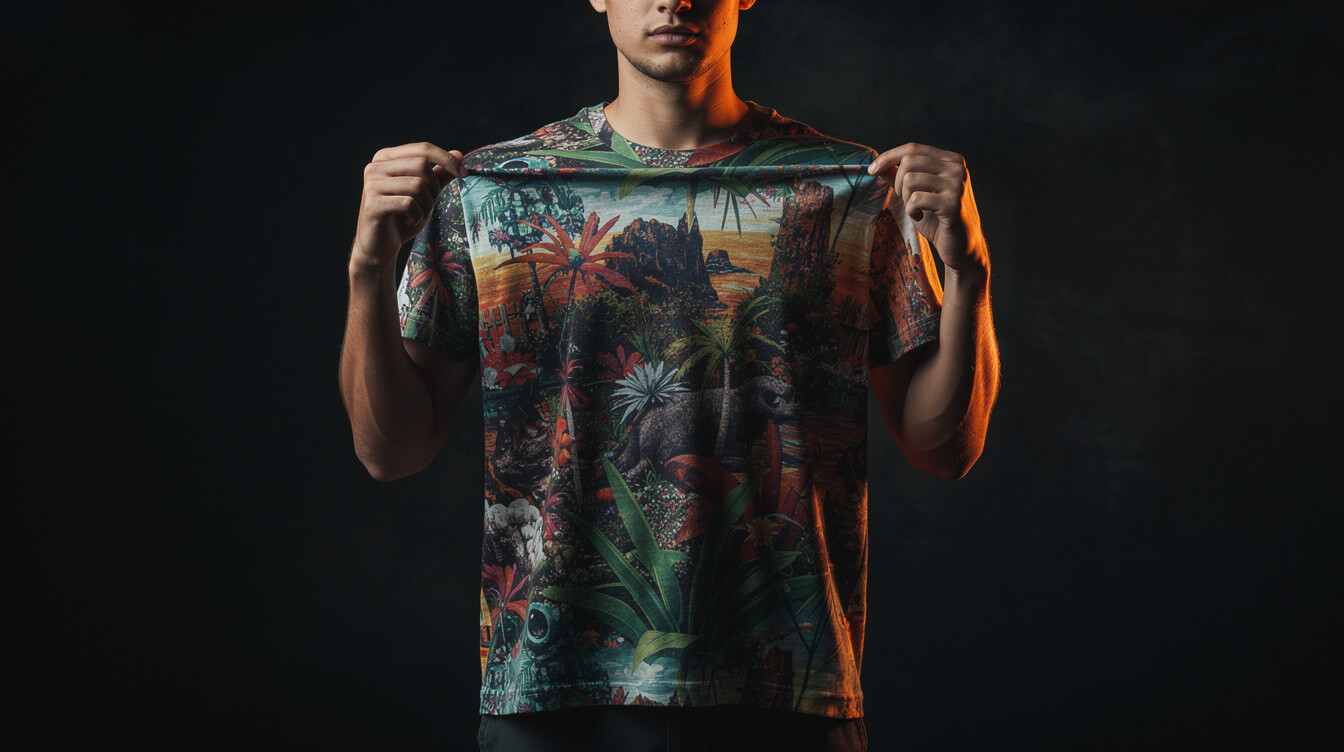
Understanding what photo t-shirt buyers actually value changes how you build and market the product. The consumer search volume for “custom photo tshirt” is driven by four distinct intent types, and each one implies different product positioning.
Gift purchasers are the largest segment. They want speed, quality assurance, and an easy upload experience. They are not comparison-shopping print methods. They want to know the shirt will arrive before the occasion and will look good in person. Your product page needs clear turnaround time messaging, a quality guarantee, and an explicit statement of the DPI requirement for best results. This last piece is what most POD sellers skip and then wonder why they get chargebacks when a pixelated image ships.
Memorial and commemorative buyers have higher willingness to pay and lower price sensitivity. They are purchasing a keepsake, not a wardrobe item. All-over print shirts in this segment can retail at $55 to $75 with strong conversion rates if the product page addresses the emotional resonance of the purchase. This segment is also where return rates are highest if the print quality does not meet expectations, so provider selection and file quality controls are more important here than anywhere else in the category.
Identity and community buyers want a shirt that represents something: a team, a fandom, an event, a group. They are often buying in small quantities. For these buyers, the primary concerns are color accuracy, print durability (machine washable is a genuine concern for all-over sublimation), and sizing consistency across an order. This segment is where Gooten’s lower base prices can give you a meaningful margin advantage over Printful, provided the print quality holds.
Fashion and streetwear buyers are the smallest but highest-value segment. They want original designs, premium materials, and a brand story. All-over print photo shirts can fit this segment if the design is treated as art rather than a utility print. This is the segment WeScalePOD was aiming at with meta ads, and it requires brand investment beyond a product listing. For most POD sellers, this segment is a stretch goal, not a starting point.
The common thread across all four segments is print quality and clear expectation-setting. Customers who know what they will get before they buy have lower return rates and higher lifetime value. Over-promising and under-delivering on print quality is the fastest way to destroy the word-of-mouth that makes photo t-shirt stores grow.
Automating custom photo tshirt generation at scale
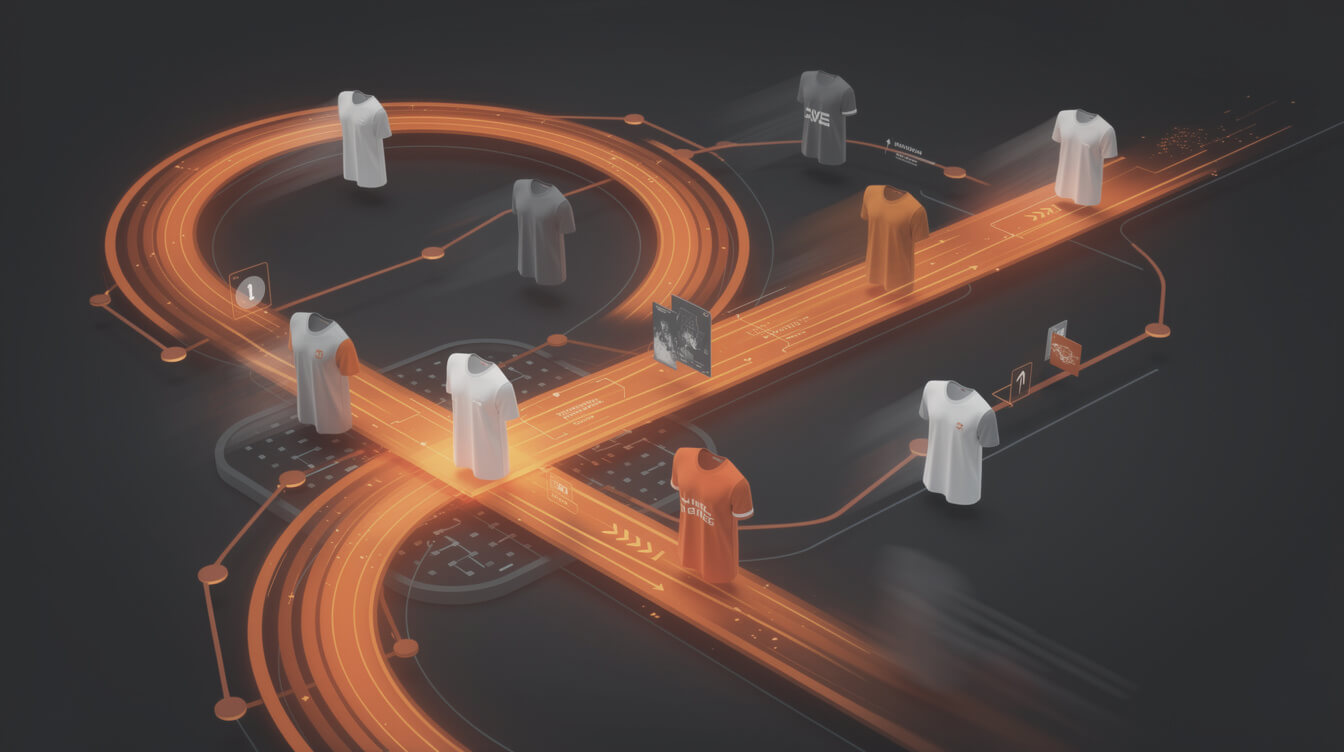
Building a catalog of photo-based t-shirt products manually is slow. Each product requires an image, a title, a description, a meta description for SEO, size and color variants, a Printful template connection, and a retail price. On average, that is 30 to 45 minutes per product when done well. For a 50-product catalog, that is 25 to 37 hours of setup time before a single sale.
Automation changes that math. The MEGA pipeline handles image generation, product title creation, SEO metadata, variant configuration, Printful template setup, and WooCommerce product publishing in under seven minutes per product. The throughput difference versus manual is approximately 30x, which is where the MEGA positioning comes from. It is not a vague claim; it is a direct comparison of setup time per product.
The practical application for a photo t-shirt seller is this: instead of manually uploading each photo design, writing each product description, and pushing each listing to WooCommerce, you feed the image and the product brief into the MEGA pipeline, and the system handles the rest. You review the output before it goes live. The human time investment drops from 30 minutes per product to 3 to 5 minutes per product for review and approval.
For sellers building a photo t-shirt line alongside standard graphic tees, the automation leverage is particularly strong because the two product types have different structural requirements. Standard tees use a consistent template that you can configure once and replicate. Photo tees require per-product image handling, metadata generation, and quality checks. Automation absorbs the variable work that makes scaling a photo line operationally difficult.
The economics of a photo t-shirt store built on WooCommerce with automated product generation look like this at scale: 200 products in the catalog, 15 to 20 new products per week, zero Shopify transaction fees, Printful fulfillment for quality consistency, and MEGA handling the creation and listing pipeline. That is a business that a single operator can run without a team.
The MEGA pipeline runs inside WooCommerce natively. There is no Shopify dependency, no per-product fee from the platform, and no manual upload workflow. Try MEGA to see the full pipeline in action on your product library.
30x your photo product throughput. Zero manual uploads.
MEGA generates, formats, and publishes photo t-shirt listings to WooCommerce in under 7 minutes per product. No Shopify fees. No Canva workflow. Your catalog, automated end to end.
Implement AI. 30x your throughput. Get a 30-min call with the founder.
Drop your details and book a free 30-minute discovery call. Personalized advice on your POD stack, your margin, and where AI fits. No pitch, no fluff.