Printify custom t-shirts: real margin math, best models, and when WooCommerce beats Shopify
If you have ever looked up the cost of Printify custom t-shirts and come back with nothing but Printify’s own marketing page, you know the problem. The platform sells you on “premium quality at low prices” without ever showing you a real margin table. This post does that work instead.
Below is an honest breakdown of what Printify custom t-shirts actually cost per unit, which models print consistently, how margin math changes depending on your platform choice, and where WooCommerce beats Shopify in hard dollar terms. There are no affiliate links here. Just the numbers.
The context matters: most searches on this topic return Printify’s own catalog pages or general-purpose POD roundups that treat all platforms as equivalent. They are not. The platform you connect to Printify changes your net margin on every single sale, and that difference compounds fast.
What Printify custom t-shirts actually cost
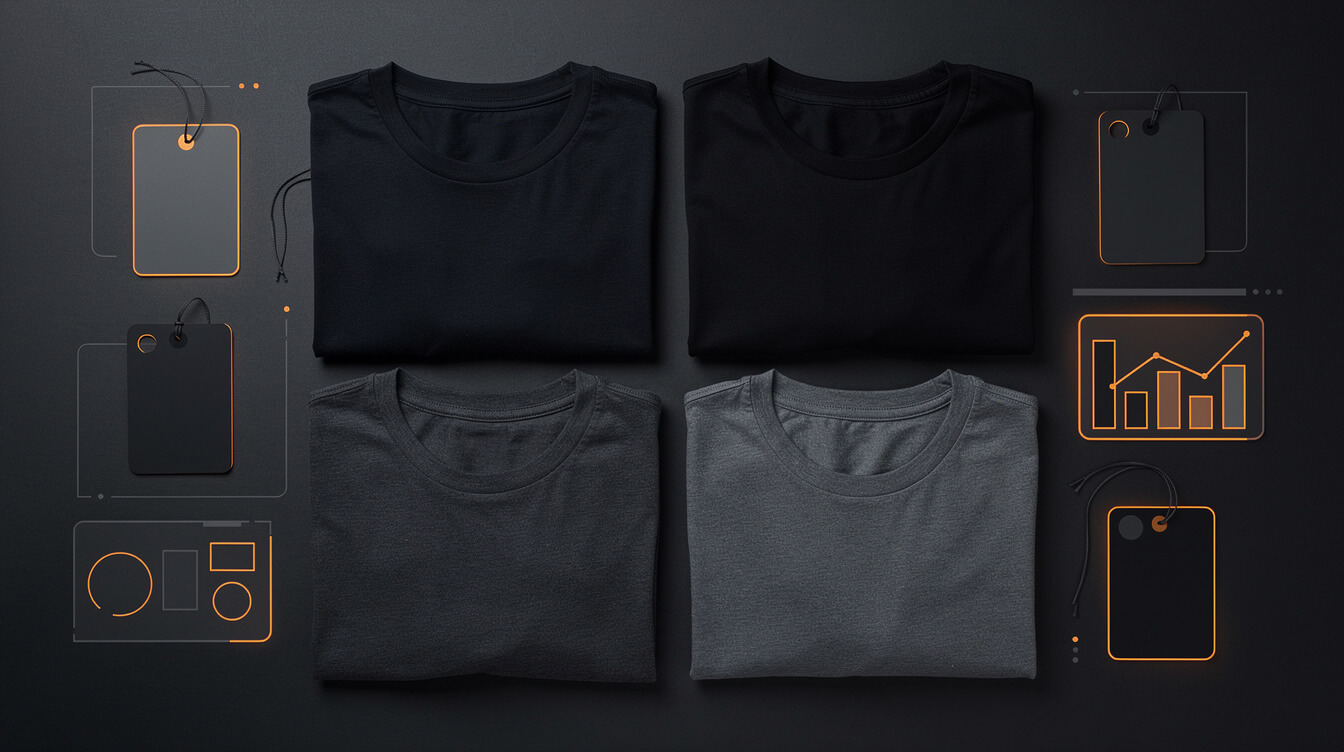
Printify lists hundreds of blank t-shirt options. Three models account for the majority of what POD sellers actually use: Bella Canvas 3001, Gildan 64000, and Comfort Colors 1717. Here is what each costs at the wholesale rate you see inside Printify before any markup.
Bella Canvas 3001
The Bella Canvas 3001 is the default recommendation across most POD communities. It drapes well, runs true to size, and holds a DTG print cleanly. On Printify, wholesale cost ranges from $9.50 to $12.00 depending on the print provider you select and which fulfillment location handles your order. Monster Digital and ArtGun tend to sit at the lower end of that range. Printify Choice providers often push toward the higher end but include quality guarantees.
At a $29.99 retail price on the Bella Canvas, you are working with roughly $18 to $20 in total landed cost before platform fees. That gives you a gross margin of 33 to 40 percent before Shopify or payment processor fees touch it.
Gildan 64000
The Gildan 64000 is the budget option. It runs $6.50 to $8.50 wholesale on Printify, depending on provider. It works for designs that do not require the soft hand of a premium blank. Custom Ink-facing buyers tend to reject Gildan as a quality signal, so use it only where price sensitivity is the primary driver. At a $19.99 retail price with Gildan and DTG, you can still clear $6 to $8 gross before platform fees.
Comfort Colors 1717
Comfort Colors 1717 is the premium play. Garment-dyed, heavier weight, and associated with boutique aesthetics. Wholesale on Printify runs $12.00 to $15.00 per unit. Not every Printify print provider carries Comfort Colors, so check availability by location before building a product line around it. The unit economics only work at retail prices of $34.99 and above. Below that, you are trading margin for brand positioning.
What those prices do not include
The wholesale costs above are base garment prices. They do not include printing, shipping, or platform fees. A print fee of $3.00 to $5.00 is added for DTG per print location. Shipping from Printify to a US customer runs $4.00 to $5.50 for the first item. You are looking at $17 to $24 in total landed cost before you collect a single dollar from a customer.
Add a second print location (back print, for example) and that cost rises by another $2.50 to $4.00. Every additional embellishment is additive. The total landed cost is what should inform your pricing, not just the garment wholesale rate that Printify displays at the top of its product page.
Which Printify t-shirt models print consistently
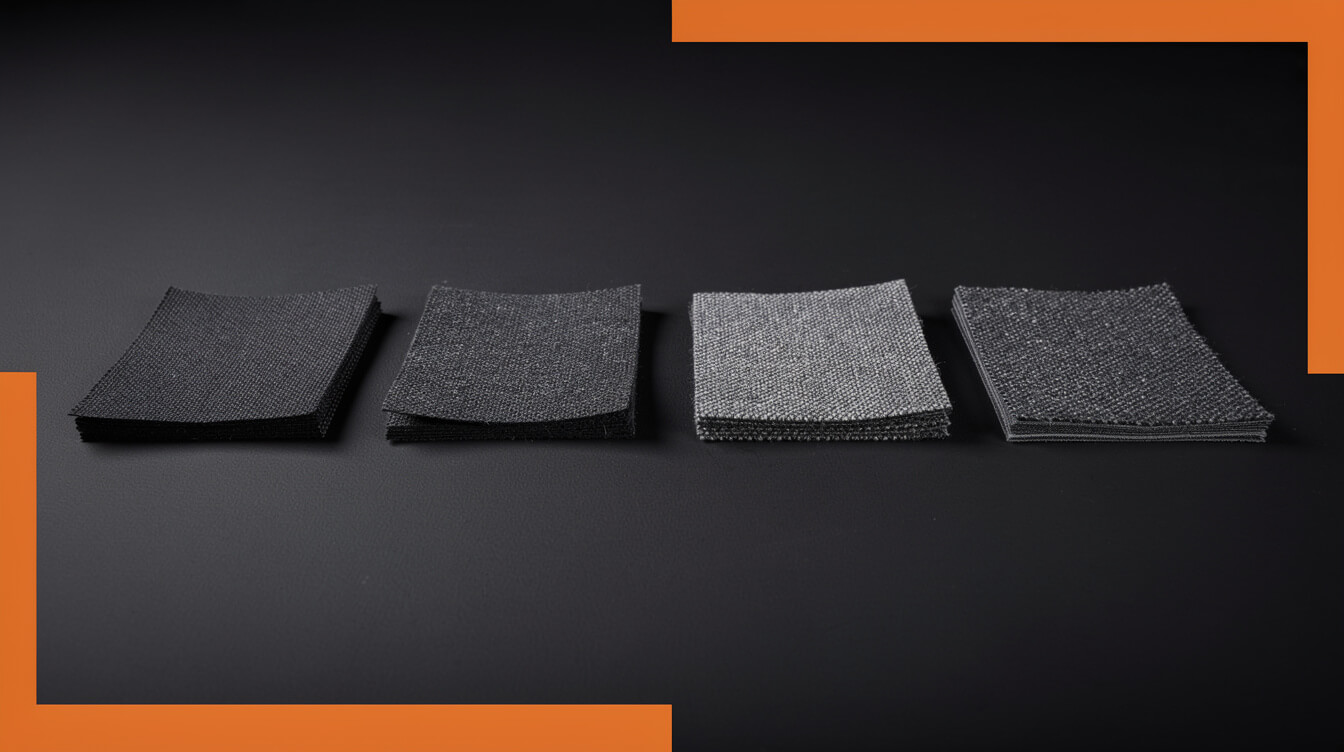
Print quality on Printify is not a product decision. It is a print provider decision. Printify is a marketplace of fulfillment partners, not a single factory. The Bella Canvas 3001 printed by Monster Digital will not look identical to the same shirt printed by Textildruck Europa or Print Clever. Understanding this distinction matters before you build a brand around any single model.
Print providers worth knowing
Monster Digital (US): Consistently strong DTG quality on Bella Canvas. Fast turnaround at 2 to 3 business days. One of the most-recommended providers in POD communities for US-based sellers running premium-priced designs.
ArtGun (US): Good print quality on a narrower product range. Competitive on Bella Canvas pricing. Less consistent anecdotal feedback than Monster Digital for complex multi-color prints, but solid for simple designs at scale.
Textildruck Europa (EU): The go-to for European fulfillment. Print quality is reliable on standard blanks. Relevant if your customer base is EU-heavy and you want to avoid international shipping delays and customs complications.
Printify Choice providers: Printify’s internal recommendation engine routes to providers that meet their minimum quality threshold and often carry satisfaction guarantees. Good default if you are not yet tracking provider-specific return and reprint data for your catalog.
The model-provider pairing rule
Not every print provider stocks every blank. Before finalizing a t-shirt product line, verify which providers can fulfill your selected model. If you build around Comfort Colors 1717 and your preferred provider drops the model, your whole catalog breaks. DTG print quality also varies by fabric type, so run a sample order before scaling any new model to hundreds of listings. This is the one step the manual workflow earns its keep.
The practical rule: select your preferred print provider first, then build your product catalog around the blanks that provider stocks reliably. Do not start with the blank and hope the provider selection works out.
Real margin math: wholesale cost vs retail price vs net after platform fees
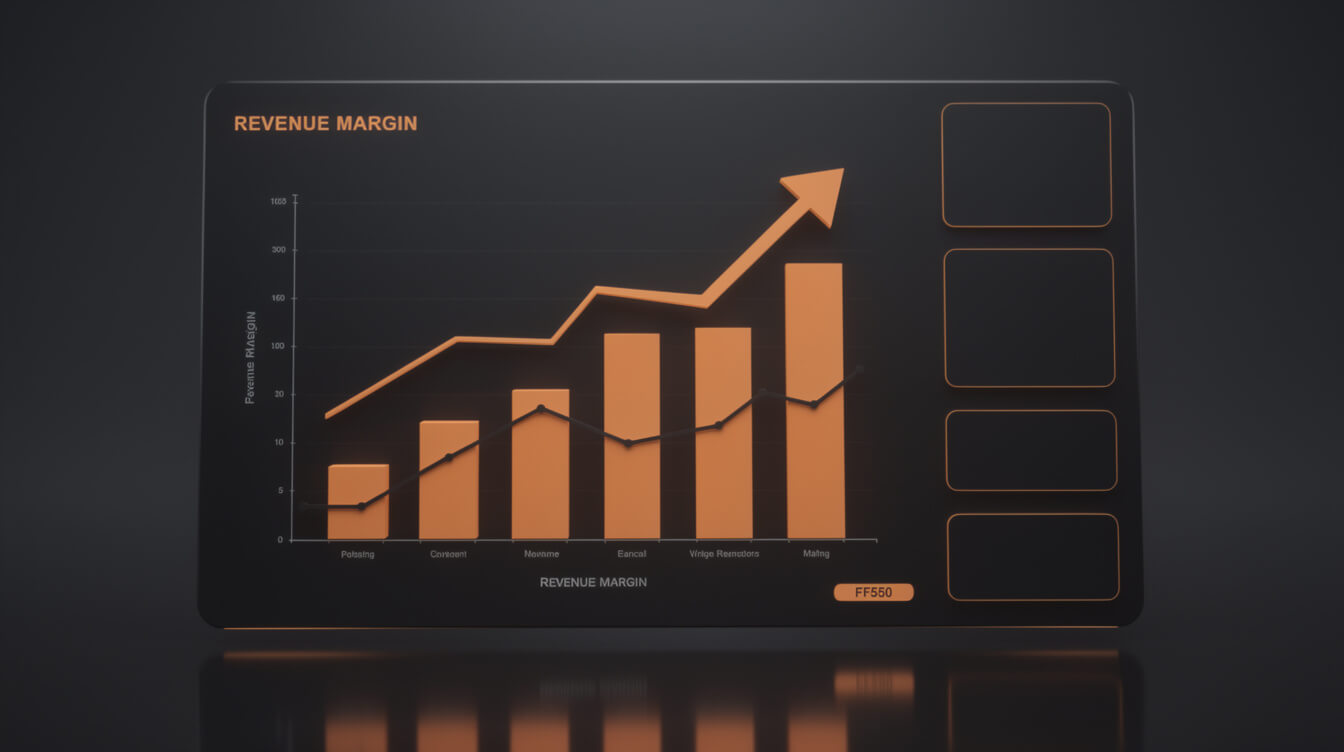
Here is the number Printify does not put on its homepage: your actual net margin after all deductions. Let us run the math for a Bella Canvas 3001 at a $29.99 retail price, which is a common midpoint for premium POD tees.
Full cost stack on a $29.99 Bella Canvas 3001
Retail price: $29.99
Garment wholesale: $10.50
DTG print fee (front only): $4.00
Shipping (first item, US): $4.95
Total Printify cost: $19.45
Gross before platform fees: $10.54 (35.1%)
Now apply your platform fee:
Shopify Basic with third-party payment processor: 2% transaction fee = $0.60 + Shopify Payments processing at 2.9% + $0.30 = $1.17. Total deductions: $1.77. Net after platform: $8.77 per shirt.
Shopify 1% override note: If you are on Shopify Basic and use a processor other than Shopify Payments, that 2% fee applies. Switch to Shopify Payments and it drops to 0%, but now you are locked into Shopify’s payment processing exclusively. That 1% override on a $10,000/month revenue store costs $100/month before any other fees. On Shopify’s standard plans, those fees do not disappear. They compound.
WooCommerce (self-hosted with Stripe): No platform override fee. Stripe processing at 2.9% + $0.30 = $1.17. Net after platform: $9.37 per shirt.
That $0.60 difference per shirt. At 200 shirts/month: $120/month. At 500 shirts/month: $300/month. At scale, WooCommerce’s zero platform override changes the economics in a way you cannot ignore.
Printify Premium plan impact
Printify Premium costs $29.99/month and unlocks 20% discounts on all products. On the Bella Canvas 3001, that brings the garment cost from ~$10.50 down to ~$8.40. At 50 shirts/month, the plan pays for itself. At 200 shirts/month, you save $420/month in garment costs while paying $30 for the plan. The math is straightforward. If you are above 50 units/month, upgrade. The DTG vs DTF comparison is also worth running at this stage, because print method affects your per-unit economics independently of the Printify plan tier.
Printify on Shopify vs Printify on WooCommerce: what the integration difference costs you

Smash print-on-demand. Join the engine room.
One short email a week. Real numbers, real teardowns, the unfiltered economics behind every move.
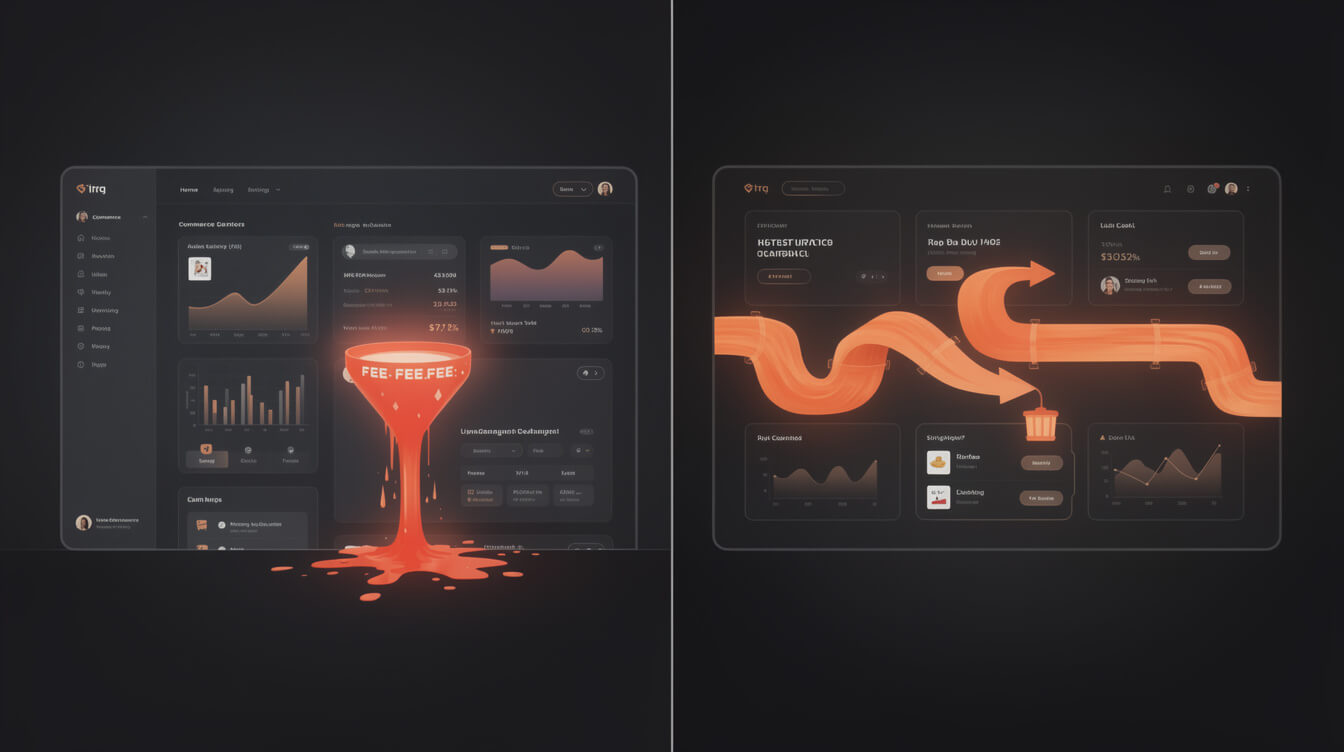
Printify integrates with both Shopify and WooCommerce. The technical setup is similar: install the plugin or app, authenticate, and Printify pushes products and pulls orders automatically. The financial setup is not similar.
Shopify integration costs
The Printify app on Shopify is free to install. The costs come from Shopify’s platform structure itself:
- Basic plan: $39/month + 2% transaction fee if not using Shopify Payments
- Shopify plan: $105/month + 1% transaction fee
- Advanced plan: $399/month + 0.5% transaction fee
The transaction fee applies to every order processed through a third-party payment processor. It is a floor cost on your business that does not exist at all in WooCommerce. A store doing $5,000/month on Basic plan with a third-party processor pays $100/month in transaction fees alone, on top of the $39 plan fee. None of that money touches Printify or your customers. It goes to Shopify.
WooCommerce integration costs
The Printify WooCommerce plugin is free. WooCommerce itself is free and open source. Your costs are:
- Hosting: $5 to $25/month depending on traffic volume
- Payment processing: Standard Stripe or PayPal rates (2.9% + $0.30), no platform override
- Domain: ~$15/year
- SSL: Usually included with hosting
No transaction override. No scaling fees as revenue grows. Your hosting cost does not increase proportionally with revenue the way Shopify’s plan tiers do. A store doing $5,000/month on WooCommerce with managed hosting pays roughly $20/month in platform costs, compared to $139+/month on Shopify Basic with transaction fees.
The 12-month cost comparison
Run it over 12 months at $5,000/month revenue using a third-party processor:
Shopify Basic: ($39 + $100 transaction fee) x 12 = $1,668/year in platform fees
WooCommerce: $20 hosting x 12 = $240/year in platform costs
The $1,428 annual gap does not include Shopify app fees (which add up fast), storage overages, or the margin compression on every individual transaction. WooCommerce’s full cost structure is worth reading in detail if you are considering the switch. The numbers favor ownership of your store infrastructure at nearly every revenue level above $1,000/month.
No minimum orders: the truth about economics at low and high volume
Printify’s no-minimum model is genuinely useful for early-stage sellers. You do not commit inventory. You do not pre-purchase 50 units of a design to unlock a price break. One sale, one shirt, one fulfillment. That flexibility has real value when you are testing designs and do not want capital tied up in stock that may not move.
Where no-minimum works well
Design validation: List a new design, run a small ad campaign or organic social post, and see if it converts before investing more. The unit economics on a single shirt are worse than bulk, but the risk is zero inventory write-offs.
Long-tail niches: A niche t-shirt design for competitive disc golfers in a specific region is not going to sell 500 units. It might sell 8 per month. No-minimum fulfillment makes those 8 units profitable without carrying costs. The economics only work because you are running hundreds of niche designs simultaneously, not because any single design has volume.
Where no-minimum hurts
At scale, Printify’s per-unit price is fixed. You cannot negotiate volume pricing the way a screen printer would. A screen printer quoting 288 units of Gildan 64000 with a 4-color front print might land at $6.50/shirt all-in. Printify’s equivalent landed cost (garment plus print plus shipping) runs $14 to $17 per unit on the same blank.
If you know you will sell 300 or more units of a single design in a 60-day window, bulk screen printing beats POD on unit economics for that specific SKU. The POD advantage is in speed to market, zero inventory risk, and the ability to run unlimited design variants simultaneously. Those are real advantages for the long-tail catalog model. Just know where your break-even with bulk sits for your specific volume and price point before committing to either approach for high-performers.
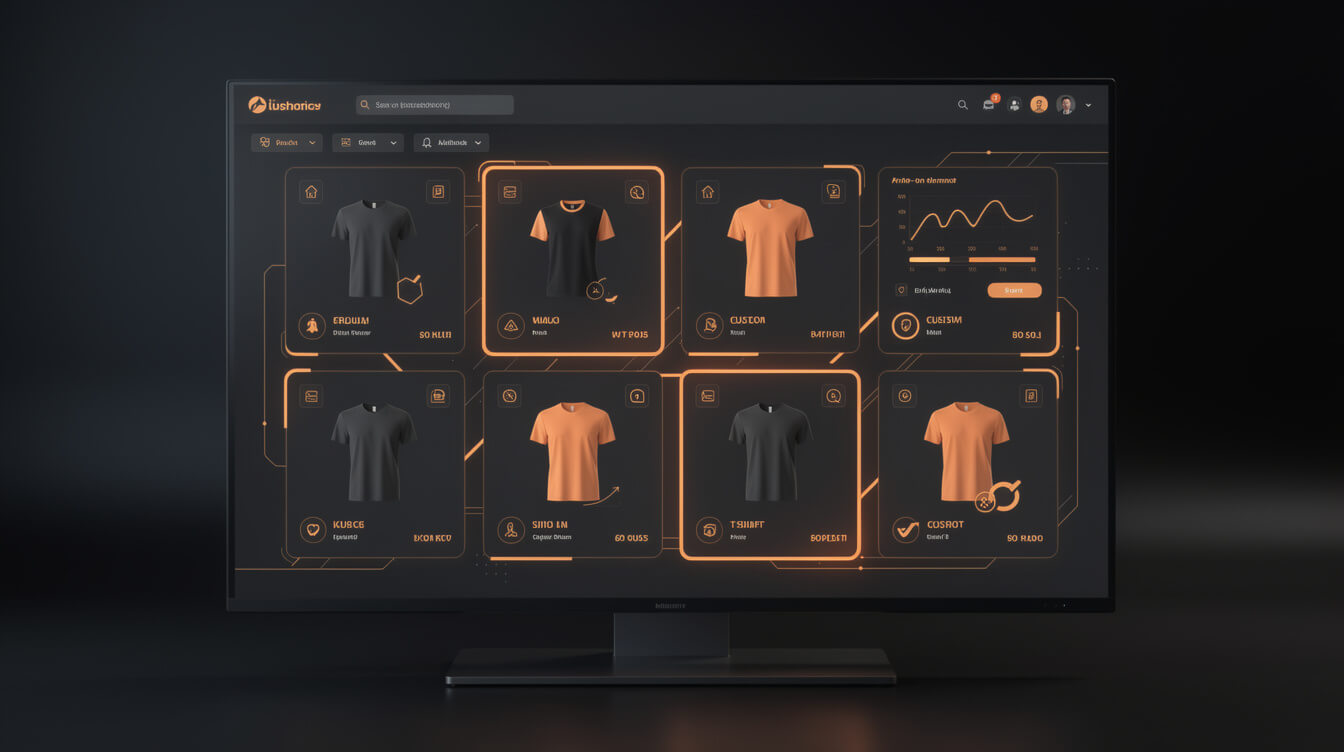
List 100 Printify products in under 7 minutes
MEGA automates the full pipeline: niche research, AI design generation, Printify product creation, and WooCommerce listing. What takes 40 manual hours takes under 7 minutes end-to-end.
When Printify t-shirts are the right move (and when to switch fulfillment stacks)
Printify makes sense in specific conditions. It is not the right answer for every POD seller at every stage, and recognizing the boundaries is more useful than a blanket recommendation.
Printify is the right move when
- You are testing a new niche and want zero inventory risk on design validation
- You need print provider flexibility across US and EU without managing separate supplier relationships
- Your catalog is wide, not deep: many designs across multiple niches rather than high-volume reorders of a single SKU
- You want a native WooCommerce integration that syncs automatically without custom webhook development
- You are building an owned store on WooCommerce and want to avoid Shopify’s compounding transaction fees
When to look elsewhere or supplement
- High-volume single design: If one design is moving 300 or more units per month, negotiate directly with a bulk fulfillment partner for that SKU. Keep Printify for the rest of the catalog.
- Embroidery-heavy catalog: Printify’s embroidery provider network is narrower than Printful’s. For brands where embroidery is a core product category, Printful has more options.
- International fulfillment priority: If 40 percent or more of your sales are EU, verify that Printify’s EU providers match your quality bar before committing the catalog.
The Canva-and-meta-ads approach to POD typically does not reach this stage of analysis, because it stays in the one-design-one-niche lane. The wall in that workflow is not the design tool. It is the inability to test at scale because each new design requires the same manual hours as the first. When every new product costs you 45 minutes of setup time, you never build the wide catalog that makes the Printify no-minimum model work.
How to list Printify custom t-shirts at scale without manual product setup
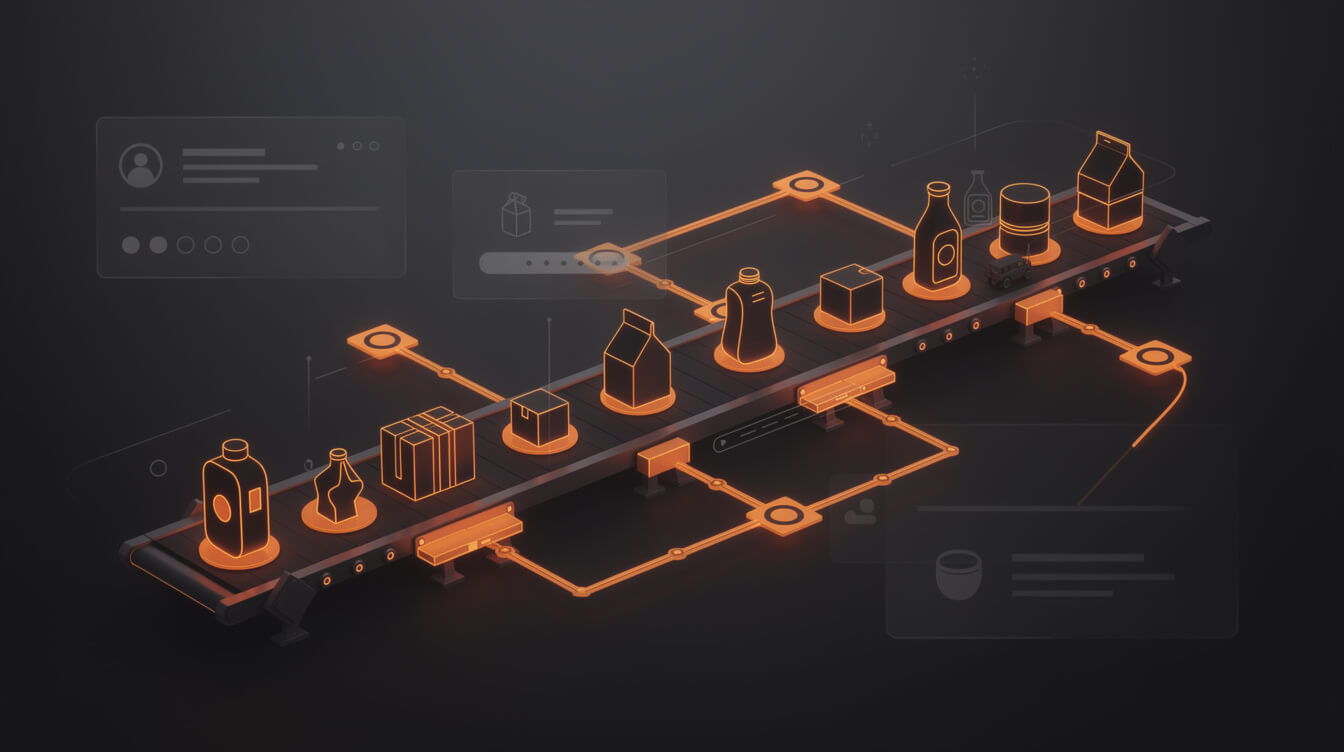
Manual product setup is the bottleneck most Printify sellers hit at 20 to 30 products. Each new product requires: design upload, print provider selection, product description, title, pricing, mockup selection, SEO fields, and WooCommerce or Shopify sync. That is a 25 to 45 minute task per SKU done through the Printify dashboard by hand.
At 100 products, that is 40-plus hours of setup time. At 500 products, the manual workflow is not a strategy. It is a bottleneck with a ceiling.
What automation changes in the Printify workflow
An automated product generation pipeline handles the repetitive parts: design creation from a niche prompt, mockup generation, title writing, SEO meta fields, and Printify API product creation. WooCommerce’s REST API is built to handle bulk product creation at this scale in a way that Shopify’s rate limits do not accommodate as cleanly. The owned-store model gives you API access without the platform’s governance layer sitting on top of it.
The throughput argument for POD automation
The economics of print-on-demand improve with catalog depth. More unique designs means more search surface area. More search surface area means more organic discovery across long-tail queries that paid ads cannot reach cost-effectively. Printify’s no-minimum model was built for this kind of catalog depth, but it only pays off if you can actually fill the catalog without burning 6 hours on design work per product.
A store with 500 unique products across 20 niches captures search traffic that a 10-product store cannot touch, regardless of the ad spend behind it. The throughput gap between manual and automated listing is the real competitive advantage in POD today, and it compounds over every month you maintain it.
MEGA automates this pipeline end-to-end: niche input, AI design generation, Printify product creation via API, and WooCommerce listing with optimized titles and descriptions. Try MEGA to see what the full product generation workflow looks like.
Frequently asked questions about Printify custom t-shirts
How long does Printify take to fulfill a custom t-shirt?
Printify production time is 2 to 7 business days depending on the print provider. Monster Digital typically processes in 2 to 3 days. Shipping adds 2 to 5 days for standard US delivery. Total time to the customer: 4 to 12 business days. Expedited shipping options are available but add $3 to $8 per order.
Can you use Printify for WooCommerce without Shopify?
Yes. Printify has a native WooCommerce plugin that handles product sync, order routing, and tracking automatically. No Shopify account is required. Many sellers run Printify exclusively on WooCommerce to avoid Shopify’s transaction fees and platform overhead. How Printify’s order routing works is worth understanding before you set up either integration.
Does Printify have a quality guarantee?
Printify offers a Merchant Protection program that covers reprints or refunds for quality issues: misprints, damaged goods, and wrong items. The program does not cover buyer’s remorse or sizing issues. Claims must be submitted within 30 days with photo evidence of the defect.
What is the difference between Printify’s free and Premium plans?
Printify’s free plan gives you access to all print providers with no monthly fee. Premium at $29.99/month unlocks 20% discounts on all products. The break-even is roughly 50 shirts per month on Bella Canvas pricing, depending on the specific provider. Above that threshold, Premium pays for itself in the first 50 orders of each billing cycle.
Can Printify t-shirts be white-labeled?
Printify supports custom branding on packing slips and, on select providers, inside label printing. You can remove Printify branding from packaging materials. Full private-label inside tags require providers that offer branded labeling as an add-on service, at an additional cost of $0.75 to $2.00 per unit depending on the provider.
The bottom line on Printify custom t-shirts
Printify custom t-shirts are a functional, scalable POD option when you understand the actual cost structure. The platform’s strength is print provider flexibility, no-minimum fulfillment, and a wide blank catalog. Its weakness is that per-unit economics at scale require a platform that does not compound your costs with transaction overrides.
The numbers are clear: WooCommerce removes the Shopify 1% platform override and scales hosting cost independently of revenue. At $3,000/month revenue the difference is $84/month. At $10,000/month it is $240 or more per month. Over a 12-month period, that gap funds meaningful additional catalog development or marketing spend.
If you are running Printify on Shopify today and have not run this math for your specific revenue and plan tier, run it now. The results tend to be more uncomfortable than expected, and the longer you stay on the wrong platform, the more those compounding fees have already cost you.

Implement AI. 30x your throughput. Get a 30-min call with the founder.
Drop your details and book a free 30-minute discovery call. Personalized advice on your POD stack, your margin, and where AI fits. No pitch, no fluff.