The Printify catalog in 2026: 1,300 products, which ones actually make money, and why your platform matters more than product count
The Printify catalog lists over 1,300 products across 30 categories. That number sounds like an advantage when you first see it. After a few months of selling, most print-on-demand sellers discover it creates a different problem: decision paralysis about which products are worth listing, which margins hold up, and why the platform running your store matters more than the product count ever will.
This guide answers all three questions with real numbers. We cover what is actually in the Printify catalog, which product categories produce the best margins, the fee math that most Shopify-based sellers skip, how to search the catalog intelligently, which print providers to use for which products, and why WooCommerce changes the economics of every item in the catalog.
What the Printify catalog actually contains (and why 1,300 products is both an asset and a trap)

Printify’s catalog covers apparel, accessories, home decor, wall art, drinkware, pet products, baby items, stationery, tech accessories, and more. The 1,300 product count includes every variant across all print providers. A single product like a classic unisex t-shirt might appear 12 times from 12 different suppliers.
This distinction matters. When you search “t-shirt” in the Printify catalog, you are not choosing from 12 distinct products. You are choosing from 12 sourcing options for the same basic product category. The real catalog is closer to 200 to 250 unique product types. Still a wide selection, but not the overwhelming variety the headline number implies.
The asset side: 1,300 options means volume-scale automation is possible. If you want to build a store with print-on-demand products across multiple niches, the catalog has enough depth to support it. There is no artificial ceiling on what you can list.
The trap side: most sellers waste hours browsing categories without a margin filter. They pick products that look interesting, list them, and discover later that the economics do not work. The catalog has great products and poor products sitting side by side with no cost-warning labels attached. A beautiful all-over print tote and a low-margin generic throw pillow occupy the same visual grid.
The right approach: filter by base cost first. Check the print provider options for each product. Calculate your margin at a competitive retail price. Then decide whether to list it. The catalog is a database, not a storefront. Treat it like one.
If you are new to how Printify’s platform works as a whole, our guide on how Printify works covers the end-to-end workflow from account setup to order fulfillment before you dive into catalog specifics.
The 5 best-margin product categories in the Printify catalog in 2026
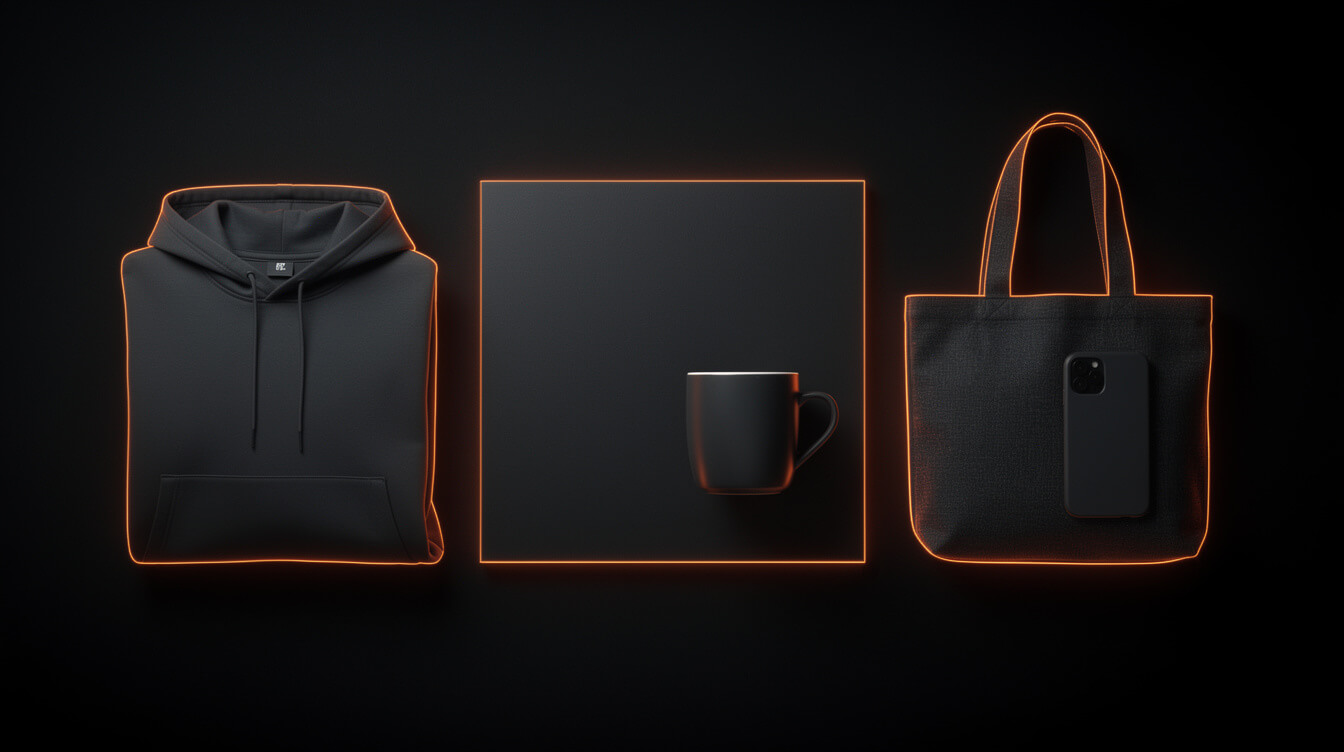
Not all product categories produce the same margins. Here are the five categories that consistently work for POD sellers using the Printify catalog.
1. All-over print apparel
AOP hoodies and shirts cost more upfront, typically $25 to $35 base cost, but they command retail prices of $55 to $85. Margin range: $20 to $50 per item. The premium positioning reduces price competition. Fewer sellers target this segment because the design work is harder. That difficulty is your advantage.
2. Canvas wall art and prints
Canvas prints from Printify’s suppliers have base costs of $15 to $30 for a 12×16 canvas. Retail prices of $45 to $75 are standard and accepted in the market. Low weight means low shipping cost. High perceived value means buyers are less price-sensitive. Gift occasions drive consistent reorders.
3. Mugs (standard 11oz and 15oz)
The $4 to $6 base cost on an 11oz mug with a $16 to $22 retail price produces margins around $10 to $16 per unit. Low risk for new stores. Easy design transfer. The catch: heavy competition means you need sharp niche targeting to move volume at a useful pace.
4. Tote bags
Standard canvas totes run $7 to $12 base cost and retail at $25 to $35. Margins of $15 to $25 per unit on a product with low return rates (no sizing issues) and broad appeal across gift and lifestyle niches. They also photograph well, which matters for social media ads.
5. Phone cases
Base costs of $8 to $12 for modern phone models. Retail at $25 to $35. High reorder potential from existing customers who upgrade phones. The Printify catalog covers most current iPhone and Samsung models. Print quality from top providers is consistent enough to build a review track record.
What these five categories share: controllable base cost, a clear retail price anchor in the market, and product types where design quality drives the purchase decision rather than pure price comparison.
The margin math most Printify sellers never run (with the Shopify fee included)

Here is the calculation that changes how most Printify sellers think about their cost structure. Run it once and you will not forget it.
Scenario: a seller running a Printify-fed store on Shopify Basic, selling canvas prints at $50 retail.
- Canvas print base cost (12×16, Print Logistic): $18.00
- Shipping to US customer: $6.50
- Shopify transaction fee (1% of $50 on Shopify Basic): $0.50
- Shopify payment processing (2.9% + $0.30): $1.75
- Total deductions: $26.75
- Net margin: $23.25 (46.5%)
That looks workable. Now run the same math at $10,000 monthly revenue.
At $10,000 per month on Shopify Basic:
- Shopify subscription: $39/month
- Transaction fees (1%): $100/month
- Payment processing (average 3.2% all-in): $320/month
- Apps (POD integration, reviews, SEO): $80 to $150/month
- Total platform overhead: $539 to $609/month
That is $539 to $609 every month before you factor in cost of goods. Annualized: $6,468 to $7,308.
The Shopify 1% transaction fee alone costs $1,200 per year at that revenue level. Not a major operational cost on its own, but it stacks with everything else. Our full breakdown of Shopify transaction fees for POD sellers shows exactly how this compounds across different revenue tiers.
Now run the same store on WooCommerce with the same Printify integration:
- WooCommerce hosting (SiteGround or similar): $30/month
- WooCommerce extensions (print integration, payments): $0 to $50/month
- Payment processing (Stripe, same 2.9% + $0.30): $320/month
- Total platform overhead: $350 to $400/month
Annual saving over Shopify: roughly $2,000 to $3,500. No transaction fee. No per-sale override. The difference is pure margin that goes back into your business.
This is the calculation Printify’s own documentation does not show you. Platform marketing focuses on integration ease, not the compounding cost of the platform tax. For the full WooCommerce cost picture, our analysis of WooCommerce pricing for POD stores in 2026 runs the numbers at each revenue level.
How to search the Printify catalog to find products your competitors are not selling

Smash print-on-demand. Join the engine room.
One short email a week. Real numbers, real teardowns, the unfiltered economics behind every move.
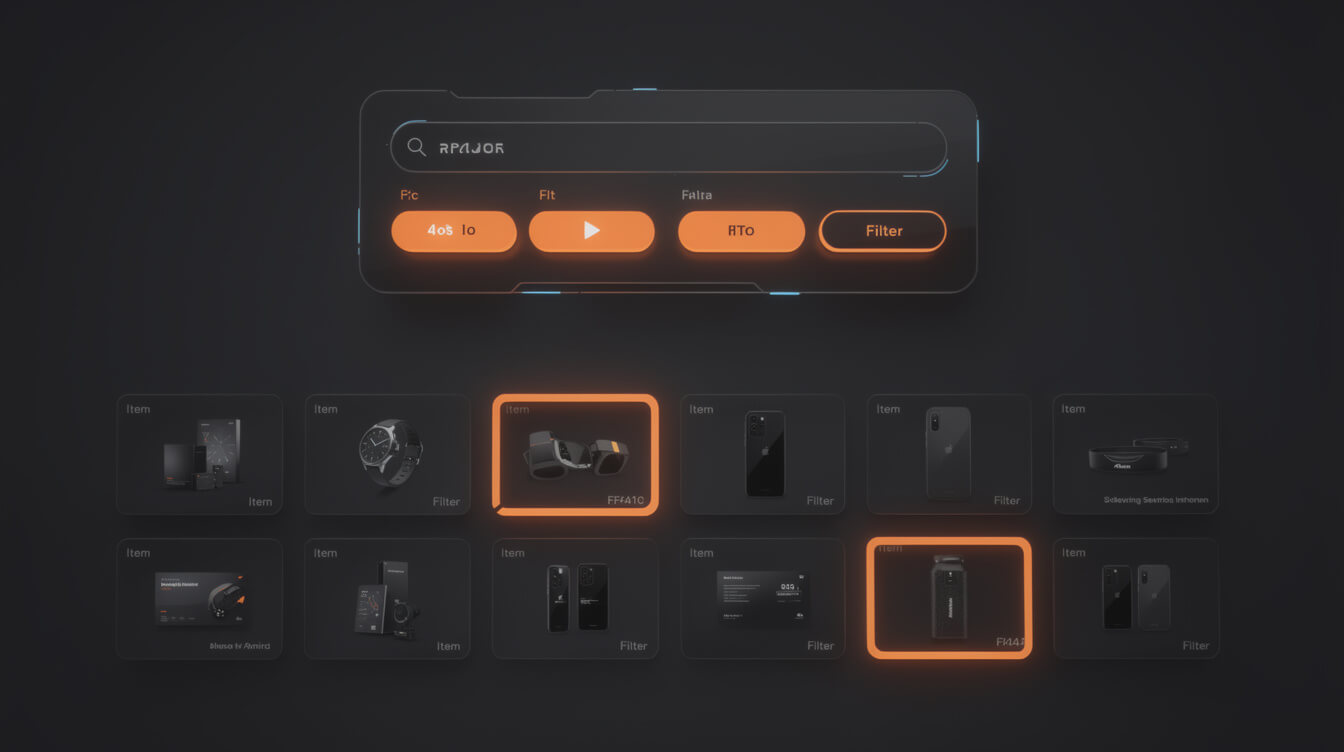
The default Printify catalog view sorts by popularity. That means the front page shows you the same products every other seller is already listing. To find less-competed options, you need to filter differently.
By niche fit first, then by provider
Rather than browsing categories, start with a specific niche. If you are building a hiking gear store, search “neck gaiter,” “fanny pack,” and “adventure hat” before you look at standard apparel. These sub-categories have fewer sellers and accept niche-specific designs more naturally than a basic t-shirt does.
By print provider quality tier
Not all Printify suppliers produce equal quality for each product type. Monster Digital and Printify Express consistently rank highest in community feedback for apparel. For mugs, Printify has its own in-house facility. For canvas art, Print Logistic handles large volumes reliably. Checking the specific provider before selecting a product saves returns later.
By base cost relative to market pricing
Use the Printify catalog cost view to compare base prices within a category. Lower-cost items let you undercut market pricing while maintaining margin. Higher-cost items signal premium positioning opportunities where fewer price-sensitive buyers compete.
The catalog search gap most sellers miss
Most sellers browse the Printify catalog visually. The sellers earning the best margins treat it as a database: filter by cost, cross-reference with competition data (how many Etsy or Amazon listings exist for this product at this price?), and list only products where the math clears $15 or more in net margin at a competitive retail price. That filter alone eliminates about 60% of the catalog from serious consideration, which is exactly the point.
For WooCommerce-based stores, the plugin infrastructure for Printify integration is worth evaluating before you build a large catalog. Our review of WooCommerce dropshipping plugins for POD sellers covers which integrations actually hold up at scale.
Run the Printify catalog at 30x speed
MEGA automates the full Printify catalog pipeline: niche selection, image generation, product sizing, listing copy, and WooCommerce publishing. One niche input, fully built store output, under 7 minutes per product.
Printify print providers: which supplier for which product (and why it matters more than the product)

This is the most underused knowledge in the Printify ecosystem. The same product listed with two different providers can have a $5 to $8 cost difference, a three-day shipping difference, and a noticeable print quality difference. The provider decision is a business decision, not a technical one.
T-shirts and apparel: Monster Digital vs. Printify Express
Monster Digital is fast at 2 to 5 days production and covers most of the continental US. Printify Express is slightly faster but costs more. For sellers focused on review quality and reorder rates, Monster Digital produces consistent print results for standard apparel. Use Printify Express when speed is the primary requirement and margin compression is acceptable.
Mugs: Printify in-house manufacturing
Printify’s own manufacturing facility handles mugs. In-house control means consistent print quality, standard 2 to 3 day production, and the lowest base cost in the mug category. Use this for any mug product unless you have a specific geographic reason to source elsewhere.
Canvas wall art: JPY vs. Print Logistic
JPY has broader product variety in the canvas category. Print Logistic handles higher volumes with consistent turnaround on standard sizes. For wall art sellers doing significant volume, Print Logistic’s consistency pays off. For catalog diversity, JPY offers more size options and finishes.
Phone cases: Customcat
Customcat offers some of the lowest base prices on phone cases across major current models. Their integration with Printify is clean, and production times are competitive. The trade-off is less design flexibility compared to premium-tier providers.
The $800/month gap hiding in your supplier selection
Two sellers can list the same Printify catalog product. One uses a premium provider at $22 base cost. The other uses a budget provider at $14 base cost. At the same $45 retail price, that is an $8 margin gap per sale. At 100 sales per month, that is $800 per month in additional margin from a supplier decision alone. Most sellers never make this optimization. They pick the product, accept the default provider, and move on.
WooCommerce vs Shopify for running a Printify-fed store: the platform tax

The Printify catalog works with both Shopify and WooCommerce. The integration quality is comparable. The economics are not.
Shopify’s cost structure at scale
Shopify Basic starts at $39 per month. The 1% transaction fee applies to every sale unless you use Shopify Payments, and Shopify Payments availability varies by country. For sellers outside supported regions, that 1% applies to every order.
At $5,000 per month revenue: $50 in transaction fees. At $10,000: $100. At $50,000: $500 per month, or $6,000 per year, from a fee that does nothing except exist as a platform tax.
The app ecosystem adds more. The average POD seller uses 3 to 5 paid apps: print-on-demand integration, reviews, SEO, email capture, and analytics. That is $60 to $150 per month in recurring app fees before ad spend. Our analysis of the best Shopify print-on-demand apps shows that integration costs alone can approach $100/month for a fully featured stack.
WooCommerce’s actual cost structure
WooCommerce itself is free. You pay for hosting ($25 to $50 per month for a properly configured store), Stripe or PayPal processing (2.9% + $0.30, same as Shopify Payments), and any premium plugins you choose.
No transaction fee. No per-sale override. No platform tax on revenue you earned.
The trade-off is setup complexity. WooCommerce requires more technical configuration than Shopify’s drag-and-drop builder. If you are not technical, the initial setup cost is real, whether that is a developer day or four to six hours of your own time.
But the breakeven is fast. At $3,000 per month Shopify revenue, you pay roughly $30 to $60 in transaction fees alone. That covers a year of better hosting on WooCommerce. The math only improves as revenue scales.
The Printify integration on WooCommerce
Printify’s WooCommerce integration works through their official plugin. It syncs products, pricing, variants, and orders automatically. The sync runs on a 15 to 30 minute delay in most cases, which is not a problem for standard POD store operations. Orders process through Printify’s fulfillment network regardless of which platform you use.
For established POD sellers generating $5,000 or more monthly, WooCommerce’s flat-cost structure is the structurally better choice. The only argument for Shopify at scale is if you specifically need features that exist only in Shopify’s ecosystem (POS, Shopify Markets, Shopify Capital) and those features justify the ongoing platform overhead.
How MEGA uses the Printify catalog to generate listings in under 7 minutes

The Printify catalog’s depth creates a scale opportunity that manual workflows cannot capture. The standard manual process for a single product listing looks like this: browse the catalog, select a product, open Canva, build a design, export at the right dimensions, upload to Printify, write a title, write a description, set a price, add tags, set up SEO metadata, push to your store. That takes 45 minutes to an hour per product on a good day. At that rate, building a 50-product store takes 40 or more hours of work.
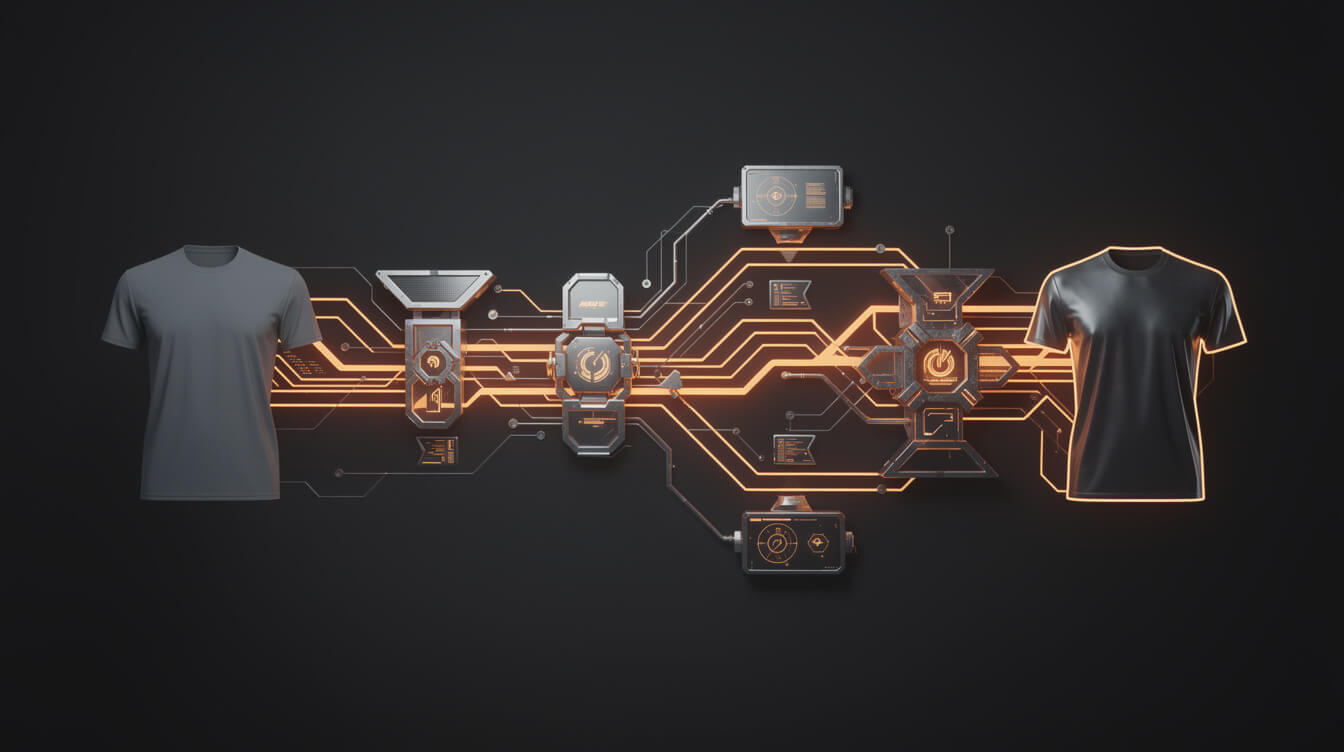
MEGA’s pipeline compresses this. A niche idea goes in. The system handles Printify catalog selection (filtering by category, margin target, and provider quality), generates product-ready images via Replicate at the correct dimensions for each product template, writes title copy and meta descriptions, assigns tags, and pushes the finished listing to WooCommerce with Printify integration active, all in under 7 minutes per product.
At that throughput, a 50-product store build takes less than 6 hours of compute time. The operator reviews and approves. The Canva workflow that takes an afternoon for one product takes 7 minutes here. That is the 30x throughput difference you see in the headline, and it is not a marketing claim. It is the math of removing the manual steps from a repeatable process.
This is not about replacing design judgment. MEGA still needs a niche direction and design aesthetic from the operator. What the automation removes is the mechanical repetition: the exports, the resizing for each product variant, the copy generation, the metadata entry, the listing duplication across color and size variants. Those steps are exactly the ones that make POD feel like a full-time job rather than a business.
If you are currently building your store manually and the volume ceiling feels real, the Printify catalog’s depth is what makes a different approach possible. More SKUs mean more automation leverage, not more manual work, once the pipeline is in place.
You can start with MEGA at mega.management to see how the pipeline handles your first niche input.
Frequently asked questions about the Printify catalog
How many products are in the Printify catalog?
Printify lists over 1,300 products, but this includes the same product type across multiple print providers. The number of unique product types is closer to 200 to 250. The larger number reflects supplier options, not unique product designs.
Which Printify products have the best margins?
All-over print apparel, canvas wall art, standard mugs, tote bags, and phone cases consistently produce the best margins when priced competitively. All-over print items carry the highest per-unit margin but require more design investment. Mugs and tote bags offer lower margins per unit but higher volume potential in gift and lifestyle niches.
Does Printify charge a monthly fee?
Printify has a free tier and a paid Printify Premium tier at $29 per month. Premium gives you 20% discounts on base product costs, which at meaningful volume pays for itself quickly. At $10,000 monthly revenue with 40% COGS, the 20% base cost reduction saves roughly $800 per month, far exceeding the $29 subscription cost.
Can I use Printify with WooCommerce?
Yes. Printify has an official WooCommerce plugin that syncs products, variants, pricing, and orders. The integration handles fulfillment automatically once orders come in. The main difference between using Printify with WooCommerce versus Shopify is the platform cost: WooCommerce has no per-sale transaction fee, which changes the unit economics at scale.
How do I find less competitive products in the Printify catalog?
Search by niche-specific sub-categories rather than broad category browsing. Filter by base cost to identify products with margin headroom at competitive retail prices. Check each product’s available print providers and choose the one with the best cost-to-quality ratio for your volume tier. The most valuable catalog research involves cross-referencing Printify base costs with actual market pricing on Etsy or Amazon before deciding what to list.

Implement AI. 30x your throughput. Get a 30-min call with the founder.
Drop your details and book a free 30-minute discovery call. Personalized advice on your POD stack, your margin, and where AI fits. No pitch, no fluff.